Alienware Area-51 Desktop (AMD X3D) — First Look Preview
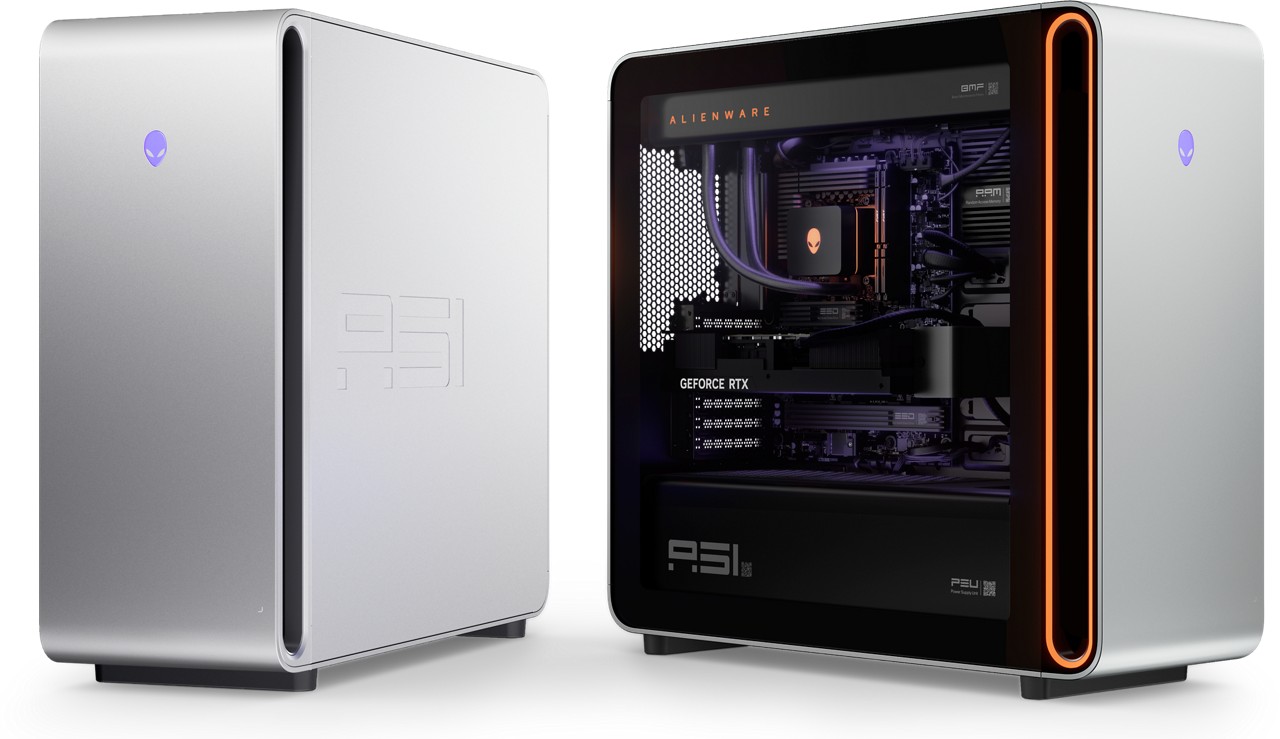
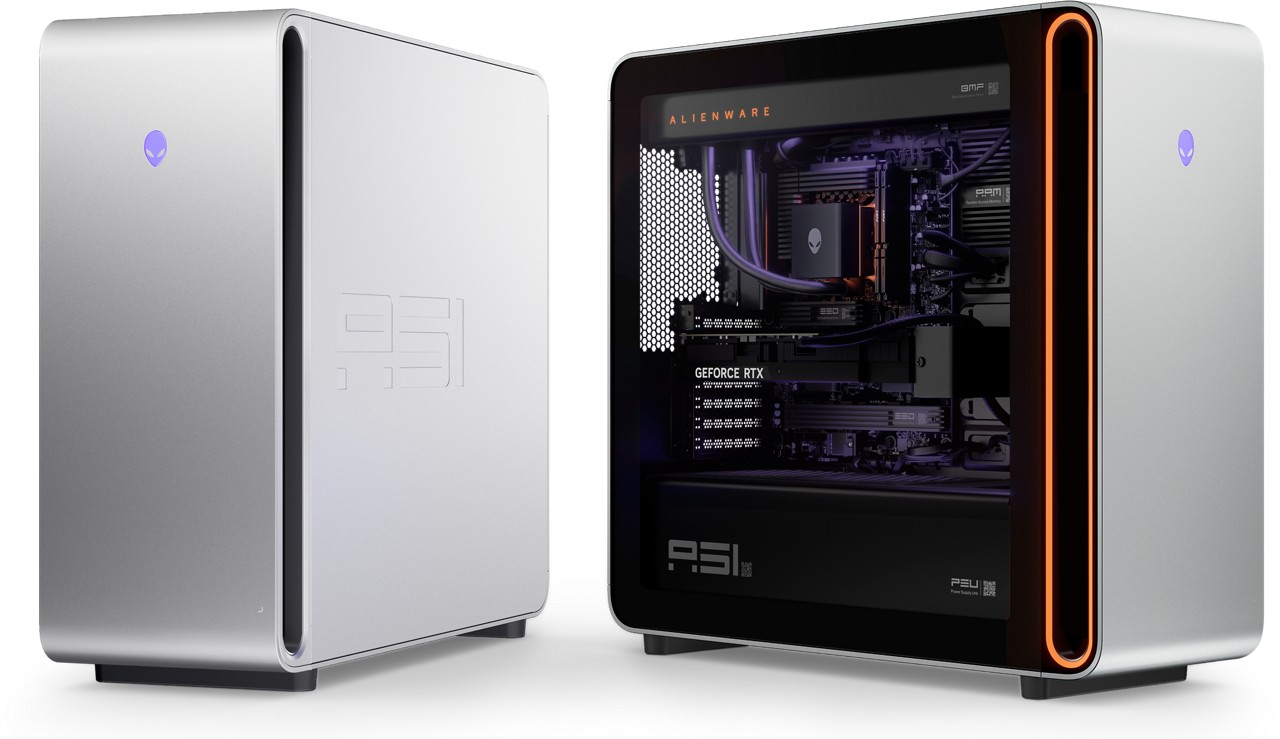
Alienware is bringing back the Area-51 name with a full-size tower built around a simple idea: stop choking the components, and let high-end parts breathe. This new model is also available with AMD Ryzen 9000-series + X3D options, pairing modern gaming CPUs with GPU support that goes all the way up to flagship-class cards.
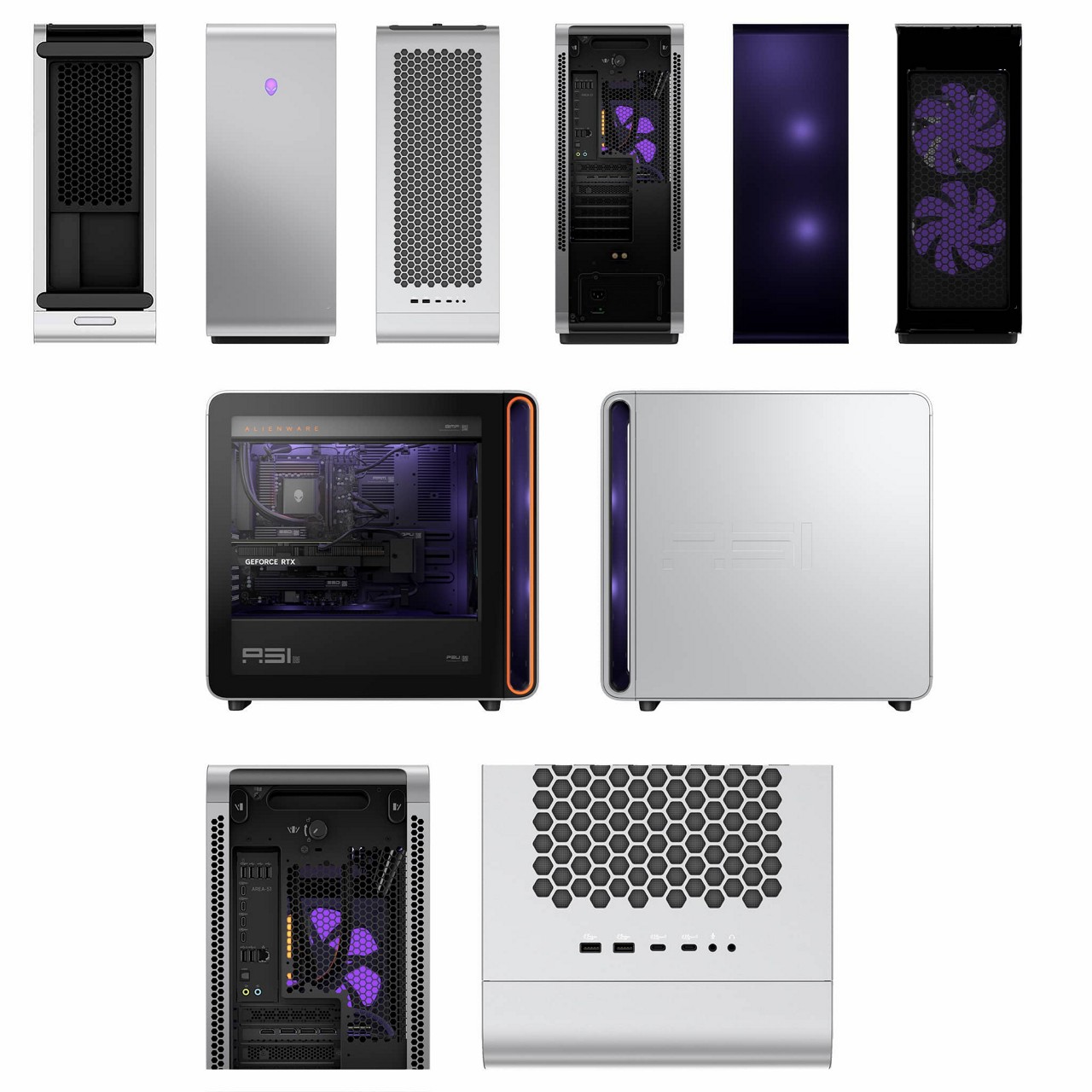
The big idea: Positive Pressure Airflow (and why gamers should care)
Most prebuilt gaming towers fail in the same way: they look cool, but under load the fans ramp hard, temps climb, and performance gets inconsistent.
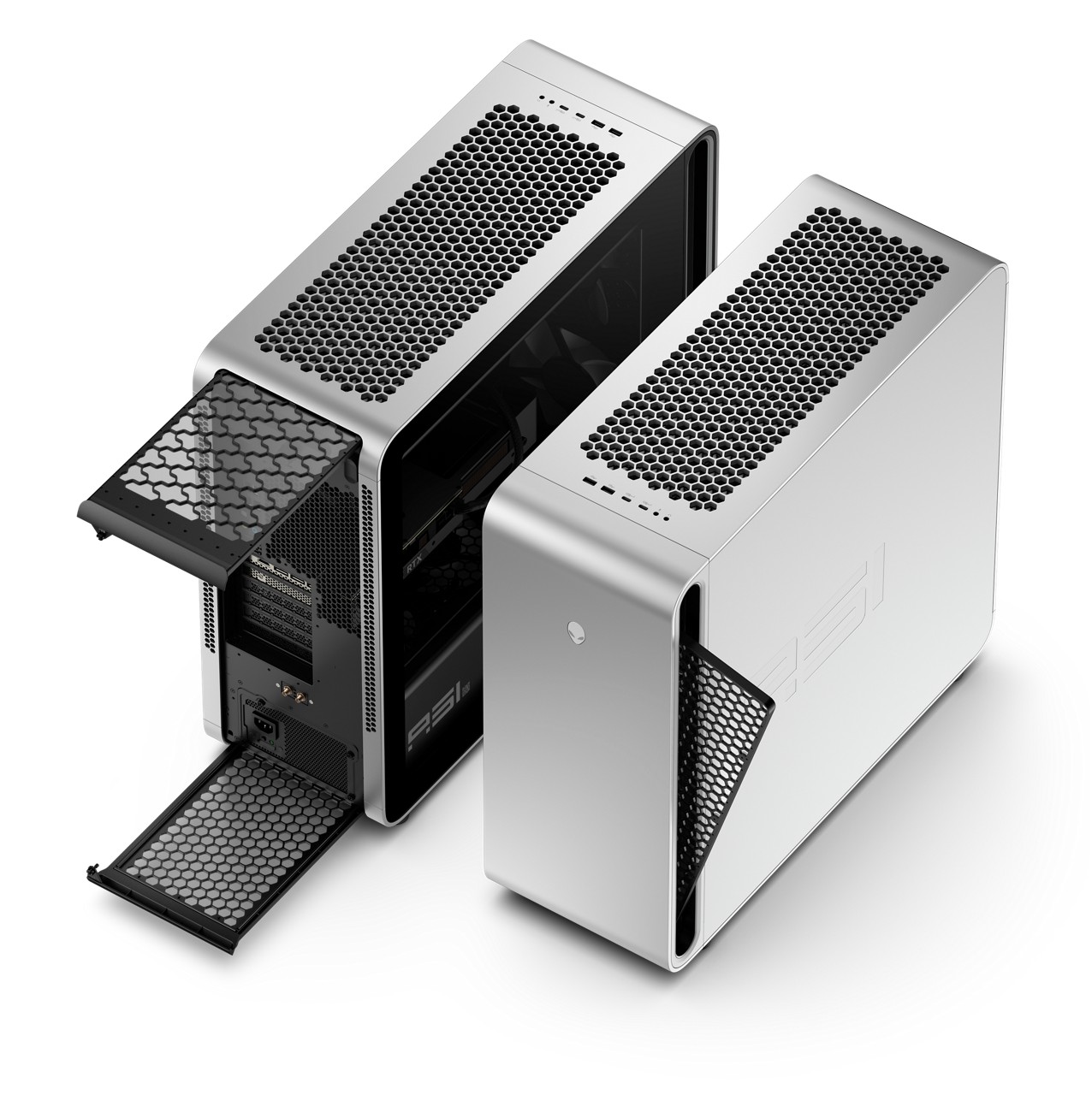
Alienware’s answer here is Positive Pressure Airflow — all fans push air inward, and heat exits through a passive rear outlet. The claim: the new chassis can run cooler and quieter while moving more air, which is exactly what you want for sustained gaming sessions and long render workloads.
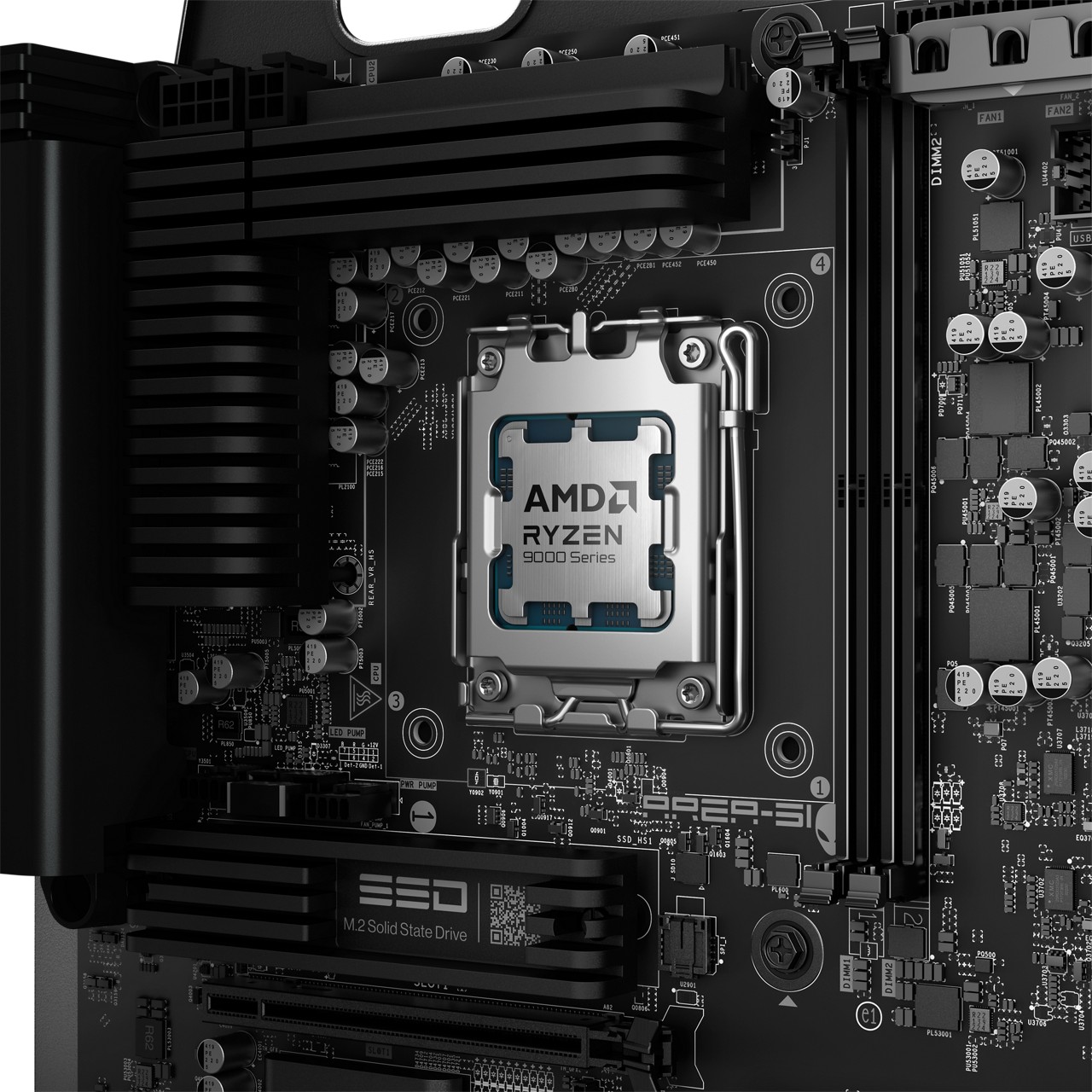
CPU options: Ryzen 9000 + X3D for high-FPS gaming
If you play competitive shooters, CPU-limited esports titles, or you just want the smoothest high-refresh experience, X3D chips are often the “cheat code” for 1080p/1440p high-FPS gaming.
On the spec sheet, Alienware lists:
- Ryzen 7 9700X
- Ryzen 7 9800X3D
- Ryzen 9 9950X3D
That range covers everything from “fast and sensible” to “top-tier gaming + creation.”
GPU headroom: built for today’s giant cards
Alienware is leaning into modern GPU reality: big cards, big power, big cooling needs.
Highlights:
- GPU support up to 450mm long and 4-slot wide (with retention/holder hardware)
- Up to 600W graphics power headroom
- NVIDIA options listed include RTX 5070 / 5070 Ti / 5080 / 5090
Translation: this case is designed for real flagship builds, not just midrange configs dressed up with RGB.
Cooling options: 240mm or 360mm now, 420mm later (potentially)
Alienware calls out 240mm and 360mm liquid cooling configurations, with an interesting note that a 420mm off-the-shelf heat exchanger may be possible post-purchase. If that holds up in real-world compatibility, it’s a nice nod to enthusiasts who like to tweak and upgrade.
Motherboard + storage: modern platform, PCIe Gen5, lots of NVMe
On the AMD spec sheet, Alienware lists an industry-standard ATX motherboard with an AMD AM5 socket and AMD X870E chipset, plus PCIe Gen5 support.
Storage options include:
- 1TB / 2TB NVMe M.2 PCIe Gen5 SSD
- 4TB NVMe M.2 PCIe Gen4 SSD
- Multi-drive configurations up to 12TB (non-RAID)

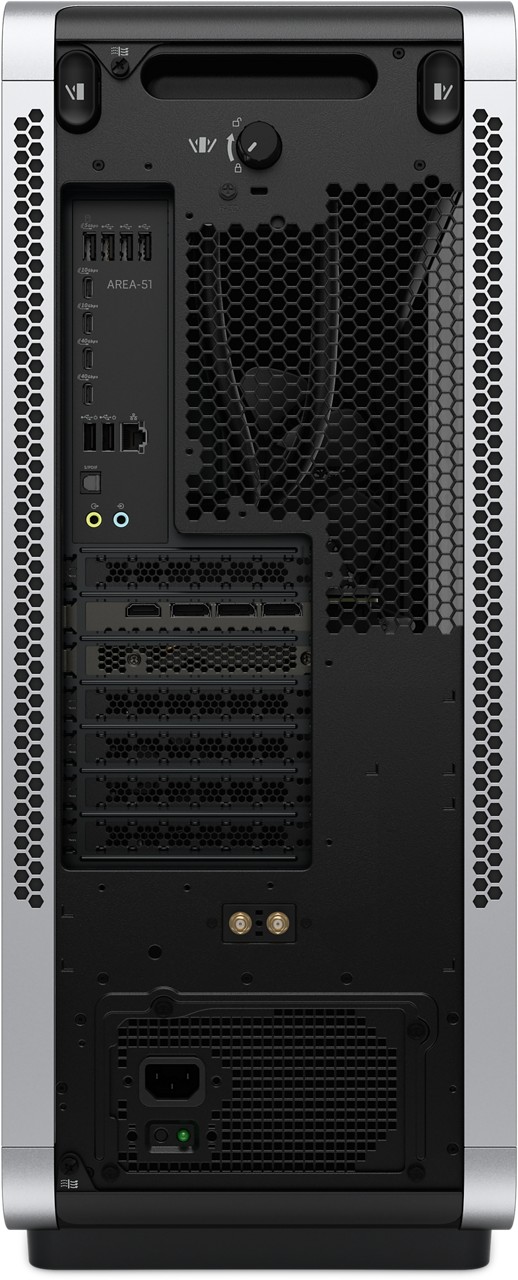
Ports & connectivity: USB4 + 2.5GbE + Wi-Fi 7
For a modern gaming setup, the I/O matters (VR headset, capture card, external SSDs, audio gear). This build includes:
- 2.5Gb Ethernet
- Wi-Fi 7 + Bluetooth 5.4
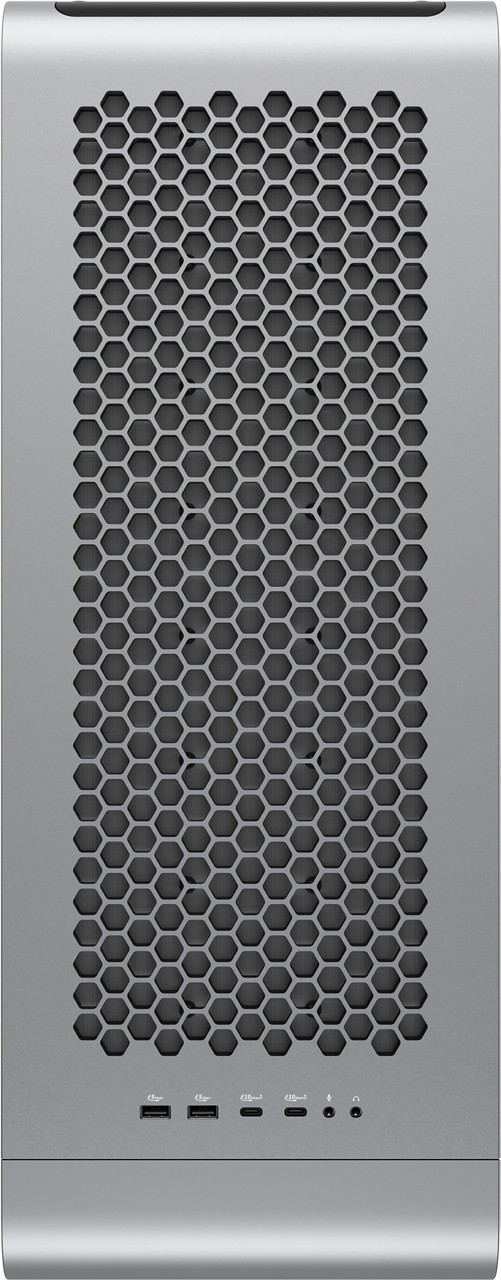
- Rear I/O with USB4 Type-C ports (plus additional USB-A / USB-C)
- Optical SPDIF out
Build quality touches: filters, cable management, and upgrade friendliness
A couple details in the info sheets stand out because they’re the difference between “pretty prebuilt” and “actually livable prebuilt”:
- Removable fan filters on top, bottom, and front faces (huge for keeping temps stable over time)
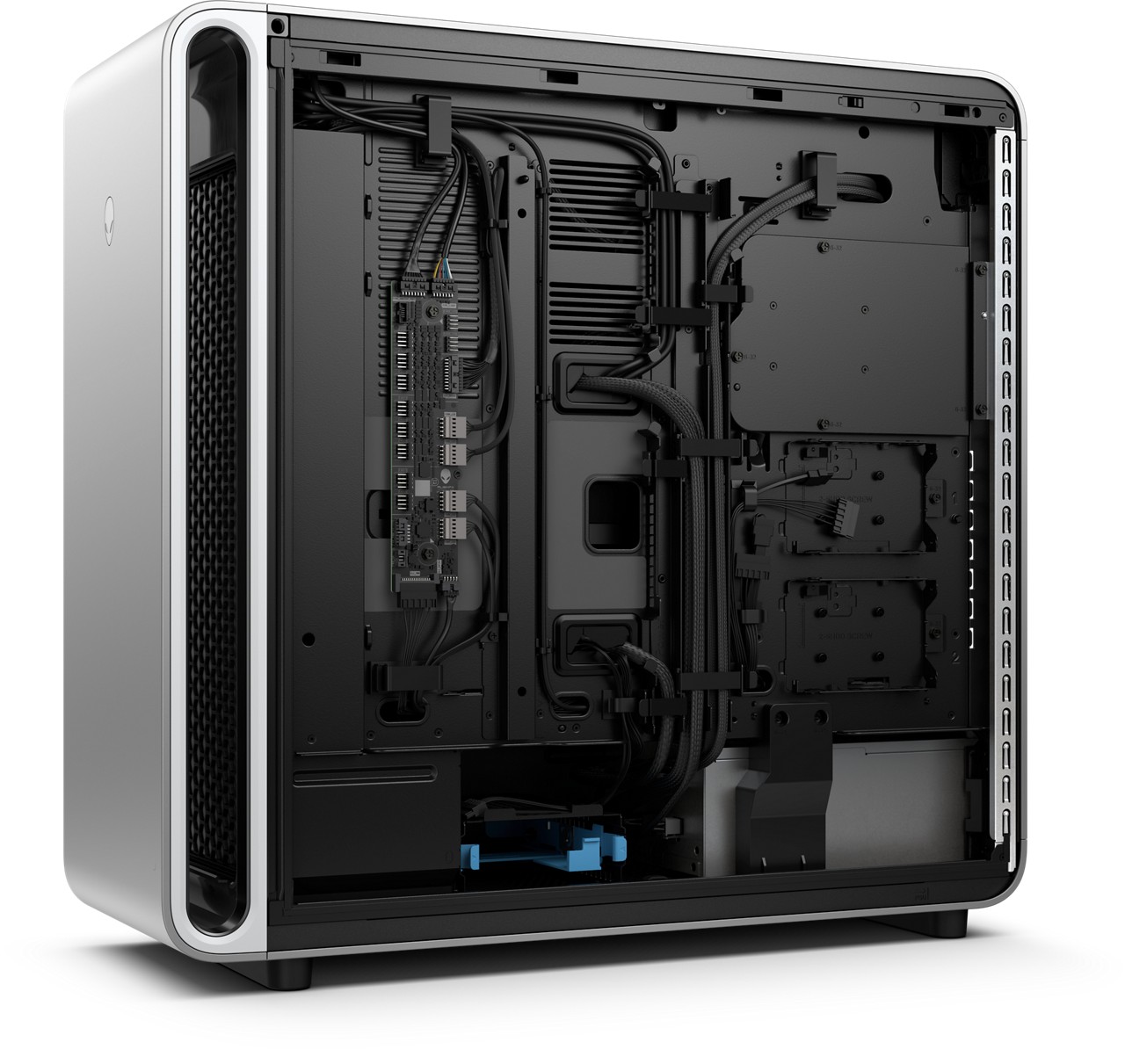
- Extra drive caddies and internal organization designed for expansion
- QR codes inside the chassis that link to upgrade/maintenance video guides (nice for first-time tinkerers)
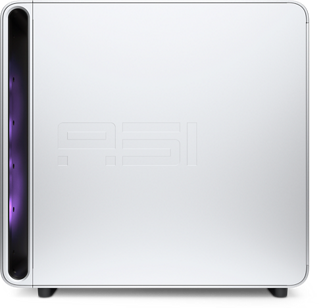
Size and weight: this is a real full tower
If you’re coming from a compact prebuilt, note the scale here. The chassis is listed around:
- 22.4 in tall, 24.0 in long, 9.1 in wide
- Up to 76.1 lbs max weight
- Around 80.5 L volume
In other words: make sure you’ve got the desk/floor space — and airflow clearance.
What we’ll test when we get hands-on
This is a preview, so the real story will be what happens under sustained load. The big items we’ll be watching:
- CPU/GPU temps after 30–60 minutes of gaming
- Noise (idle vs load)
- Whether the airflow design keeps GPU hotspot temps under control
- Upgrade/repair access (how easy is it to swap GPU, add storage, clean filters)
- Any prebuilt “gotchas” (fan curves, BIOS limits, RAM behavior)
Early take
On paper, this is one of the more compelling “enthusiast-friendly” Alienware towers we’ve seen in a while: modern AMD CPU options, serious GPU headroom, USB4 + 2.5GbE + Wi-Fi 7, and a chassis airflow strategy that’s at least aiming at the right problem.