Barco Coronis Fusion MDCC-6530 Review – The 6MP Multimodality Powerhouse for Clinical Diagnostics
By Eli Nolan | Published July 27, 2026
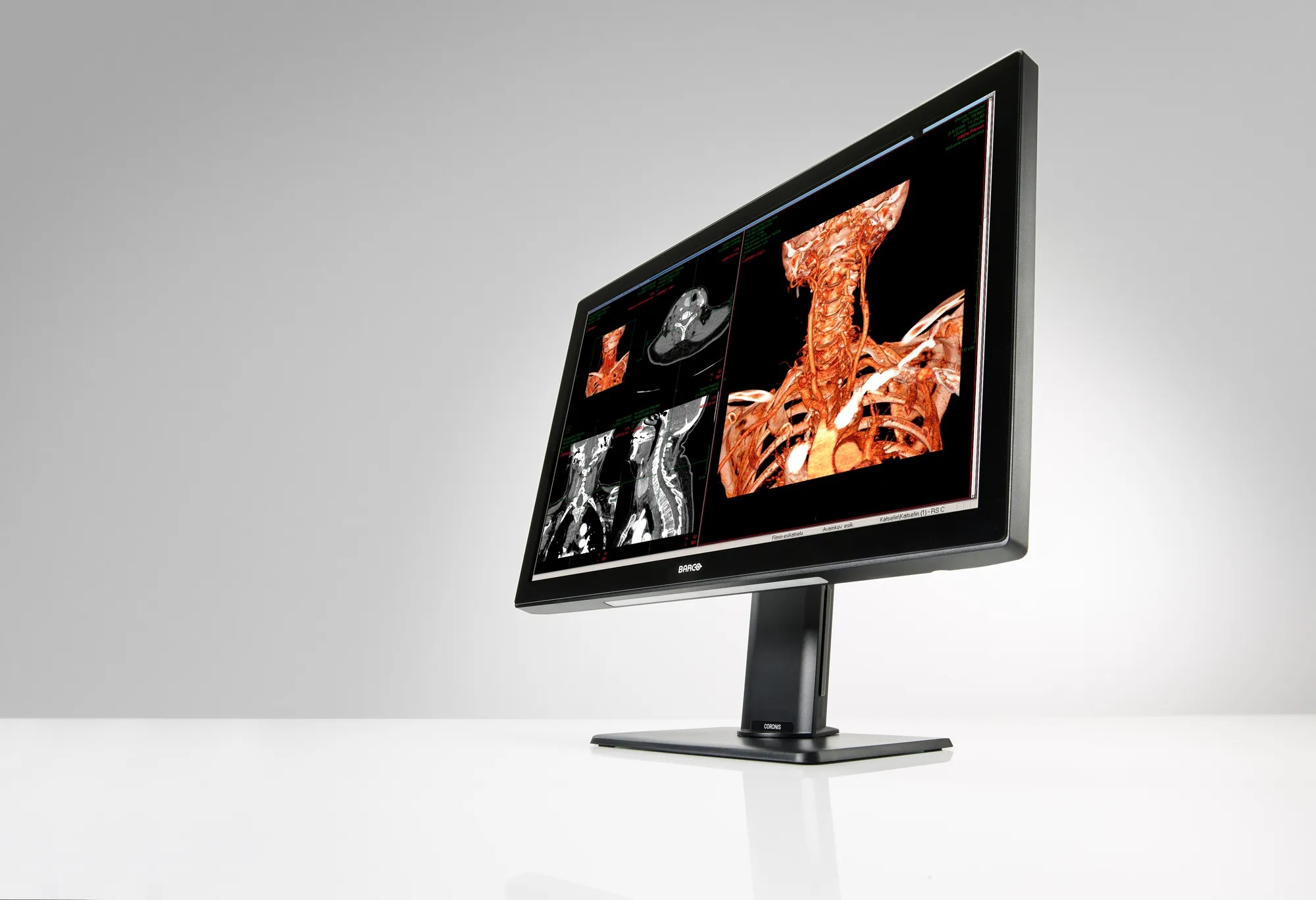
Consumer 4K and 5K monitors offer great pixel density, but they fall short when patient outcomes rely on exact grayscale calibration and regulatory compliance. Enter the Barco Coronis Fusion MDCC-6530. It replaces traditional dual-screen 3MP setups with a single, seamless 30.4-inch 6MP canvas, eliminating the bezel gap and streamlining PACS (Picture Archiving and Communication System) workflows. While the MDCC-6530 is a top-tier choice for radiology, if you are outfitting a broader clinical space, check out our complete Buying Guide for Best Monitors for X-Ray and Medical Use.
Quick Take
- Seamless 6MP Canvas: Replaces traditional dual 3MP displays, eliminating bezel gaps.
- DICOM Compliance: Automated calibration via the built-in I-Guard photometer.
- Multimodality Support: Perfect for viewing high-contrast MRIs and intricate orthopedic X-rays simultaneously.
If you are looking for official specifications or to download brochures, visit Barco's Official Product Page.
Core Specifications
At its core, the MDCC-6530 is built around a 30.4-inch TFT active matrix IPS panel, which provides exceptional viewing angles and color consistency.
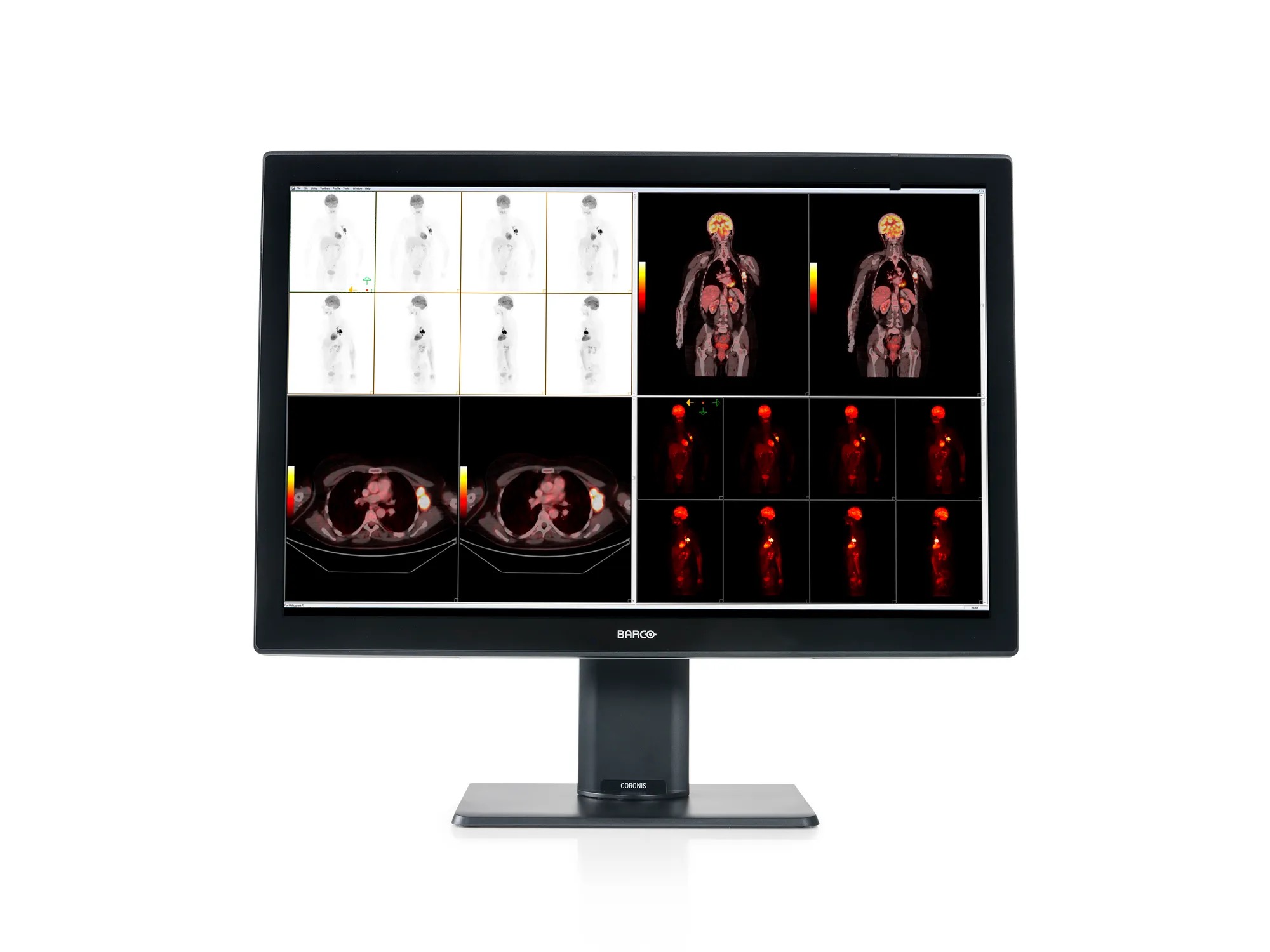
- Resolution: 6 Megapixels (3280 x 2048) — it can be configured logically as a seamless dual 3MP workspace, perfectly matching legacy PACS software expectations.
- Brightness & Contrast: It has a maximum brightness of 1050 cd/m², but is locked to a consistent 600 cd/m² for DICOM compliance. Combined with a deep 2000:1 contrast ratio, it ensures deep blacks and bright whites without crushing subtle grays.
- Color & Bit Depth: A 30-bit lookup table (LUT) ensures flawless color and grayscale rendering, a necessity when diagnosing subtle tissue anomalies.
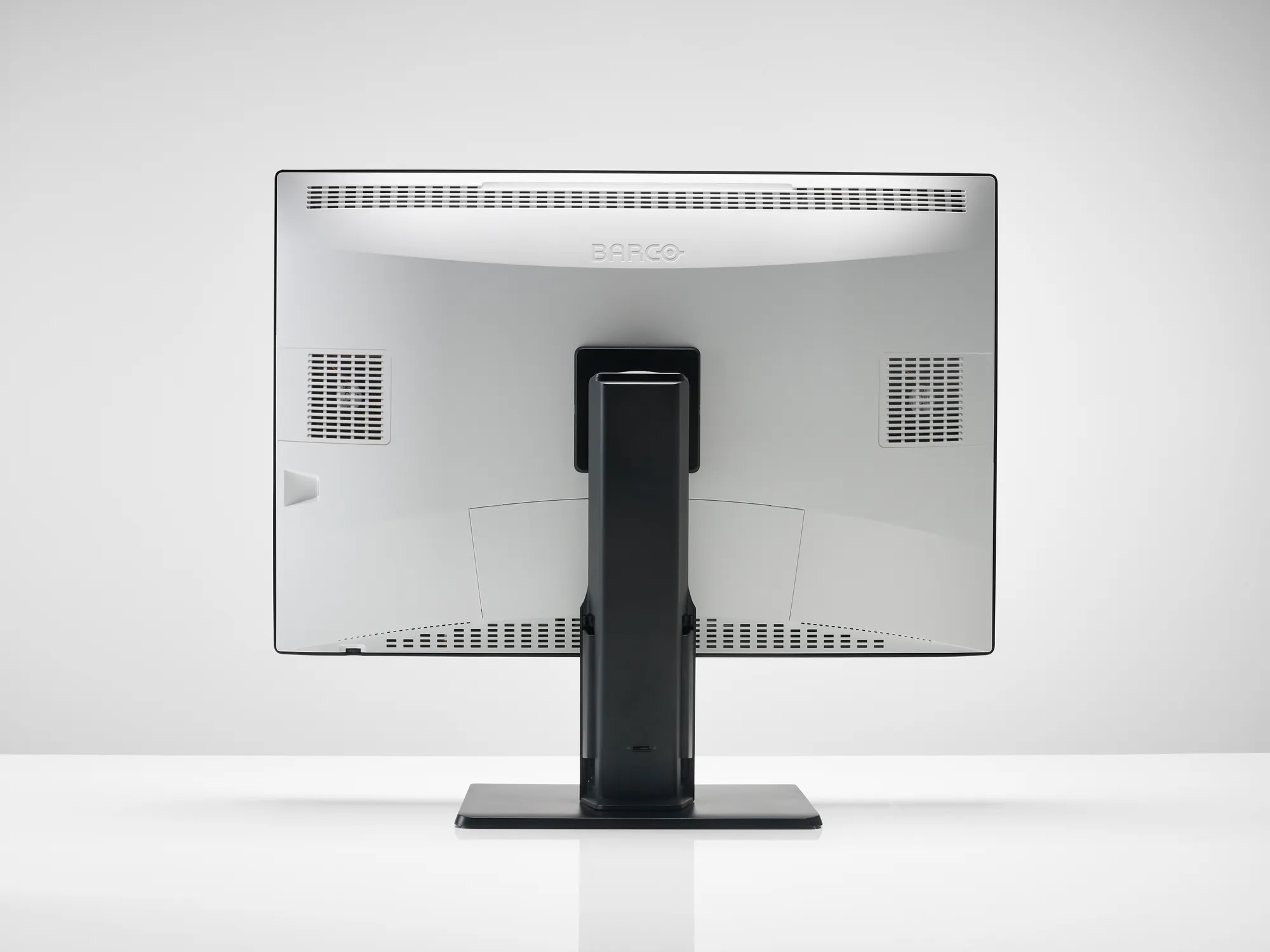
- Connectivity: The monitor features 2x DisplayPort 1.2, a DisplayPort output for MST (Multi-Stream Transport) daisy-chaining, and an integrated USB 2.0 hub.
Compared to premium productivity hubs like the Dell UltraSharp U5226KW, the Barco is highly specialized—lacking modern conveniences like Thunderbolt 4 PD but making up for it in raw, calibrated diagnostic accuracy.
Clinical Accuracy & Built-In Calibration
In diagnostic imaging, compliance and calibration are paramount. The MDCC-6530 utilizes I-Guard Technology, a built-in front-of-screen photometer that constantly monitors and automatically adjusts the display to maintain DICOM GSDF (Grayscale Standard Display Function) PS3.14 calibration without manual intervention.
Furthermore, standard LCDs often suffer from backlight bleed or dim edges. Barco solves this with Uniform Luminance Technology (ULT), which ensures 100% edge-to-edge brightness. A scan viewed in the far corner of the screen is just as accurate and bright as one viewed dead center. For hospital IT administrators, Barco’s QAWeb Enterprise is a cloud-based software that handles automated quality assurance and compliance reporting across the entire network, significantly reducing maintenance overhead.
Workflow Enhancements for Physicians
The real magic happens when the MDCC-6530 is integrated into a daily workflow.
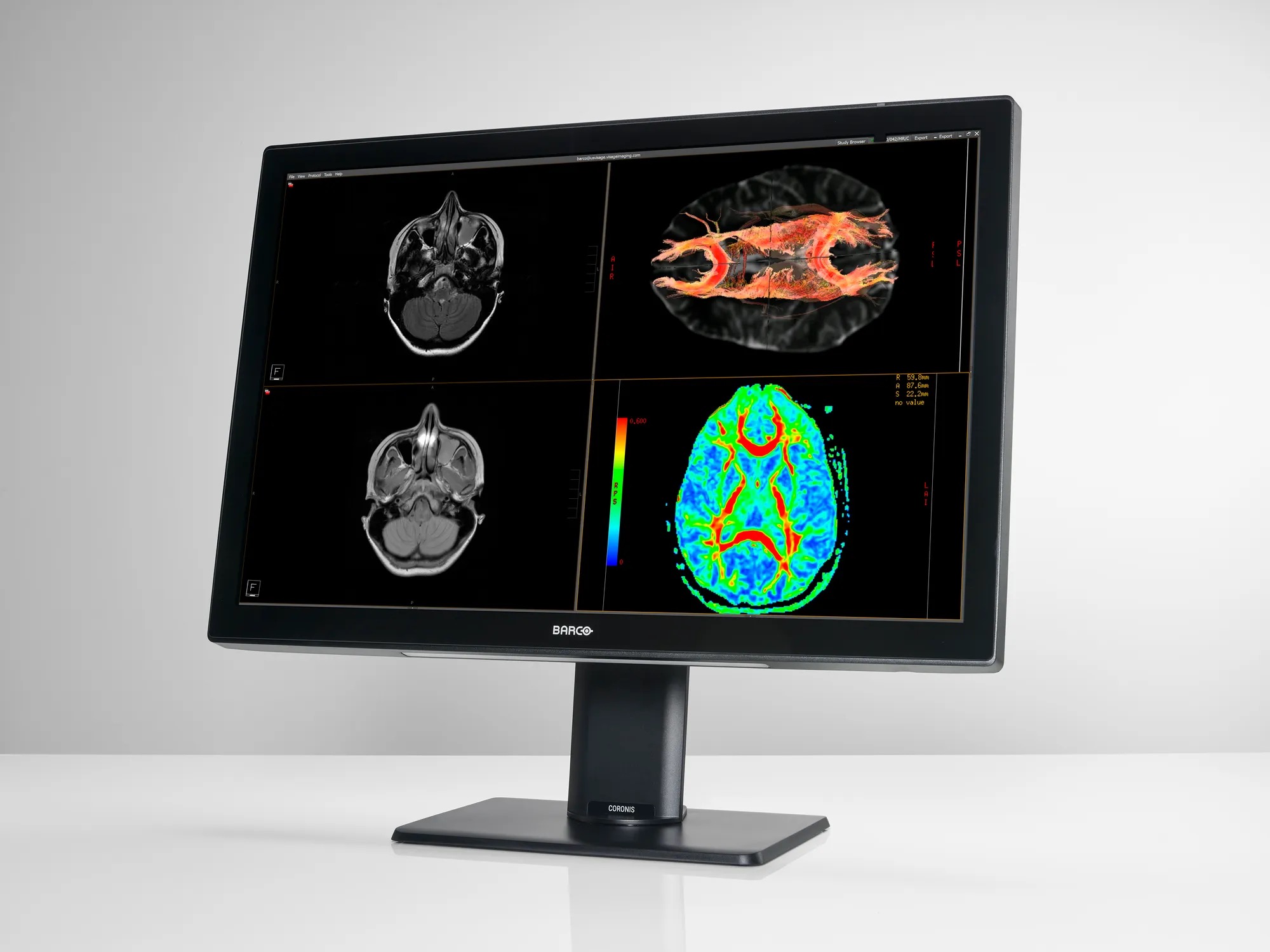
- Multimodality Mastery: Radiologists can view high-contrast MRIs next to intricate orthopedic X-rays, mammograms, or surgical planning scans on the exact same screen without any color or grayscale shifting.
- SpotView: This unique feature allows the user to temporarily boost the luminance in a specific "region of interest" while dimming the surrounding area. It is perfect for highlighting subtle fractures, microcalcifications, or tissue anomalies that might otherwise blend into the background.
- Ergonomics & Eye Strain: Diagnostic reading sessions can last for hours. The monitor includes an anti-reflective glass cover and Barco's "SoftGlow" ambient wall and task lighting, which intelligently illuminates the desk and wall behind the monitor to reduce eye fatigue in dark reading rooms.
Setup & Hardware Integration
It is crucial to note that the MDCC-6530 is FDA-cleared (MDR Class IIa) for General Radiology. This regulatory clearance separates true diagnostic equipment from high-end consumer displays.
To unlock the full potential of features like SteadyColor calibration and intuitive workflow tools, the monitor is typically paired with Barco’s proprietary PCIe graphics display controllers (such as the MXRT-8700). This closed-loop system ensures that the graphics card and the monitor are speaking the exact same language for pixel-perfect rendering.
Pros & Cons
Pros:
- Flawless, automated DICOM calibration via I-Guard.
- Eliminates the center bezel gap of dual 3MP setups, streamlining workflow.
- SpotView dramatically enhances localized contrast for tough diagnoses.
- Uniform Luminance Technology provides perfect edge-to-edge brightness.
Cons:
- Significant price premium over high-end prosumer displays.
- Refresh rate and response times (18ms) are strictly tuned for static imaging, not video or motion.
- Requires proprietary Barco MXRT graphics cards for full feature unlock.
Final Verdict / Editor’s Take
The Barco Coronis Fusion MDCC-6530 is undeniably overkill for standard productivity, coding, or casual use. However, for medical professionals where diagnostic confidence is non-negotiable, it is the absolute gold standard. It reclaims valuable desk space, reduces eye strain during marathon reading sessions, and guarantees that the image on the screen is a perfect, regulatory-compliant representation of the patient's scan. When patient outcomes are on the line, the MDCC-6530 delivers unparalleled peace of mind.
Gallery
About the Author

Eli Nolan
Eli Nolan is a seasoned tech enthusiast and gaming monitor specialist. With years of experience testing the latest display technologies, Eli provides deep insights into performance, color accuracy, and value. When not benchmarking monitors, he can be found exploring the latest open-world RPGs or fine-tuning his workstation setup.