Best Gaming Monitor for RTX 4070 (2026 Edition)
Best Gaming Monitor for RTX 4070 (2026 Edition)
The RTX 4070 is one of those GPUs that just makes sense. It’s fast enough that games feel smooth. It’s efficient enough that you don’t need a space-heater case. And it’s popular enough that if you’re reading this, you’re probably trying to answer the exact same question thousands of other people ask after they install the card:
“What monitor actually makes this thing shine?”
Because here’s the not-so-fun reality: you can absolutely “waste” a great GPU with a mediocre monitor. Not in a dramatic way—more in the subtle, nagging way where your games work, but they don’t feel as crisp as you expected. Motion looks a little smeary. Fine detail looks soft. You’re running high FPS, but your screen doesn’t feel high-performance. And if you’re spending real money on an RTX 4070 build, you deserve better than “good enough.”
This guide is long on purpose. We’re going to talk like MonitorNerds talks: what matters in the real world, what’s worth paying for, what’s marketing noise, and which monitors consistently deliver the “yep, this feels premium” experience with an RTX 4070.
The RTX 4070 Sweet Spot: 1440p (QHD)
Let’s be direct: the RTX 4070 is a 1440p GPU. That’s not an insult. That’s a compliment. 1440p is where you get the best mix of sharpness and speed, and it’s where the 4070 feels like it has headroom instead of constantly negotiating.
At 1440p, the 4070 can push high frame rates in competitive titles, and still keep modern AAA games looking great without requiring you to lean on upscaling as a crutch. And that matters because smoothness is not just “peak FPS.” Smoothness is consistency. Smoothness is how stable frame pacing feels when you’re panning the camera, or when a fight gets chaotic, or when a game decides to be less optimized than you’d like.
At 4K, you can still have a good time—but the RTX 4070 has to work much harder, and you start living in tradeoff land: lower FPS, more frequent DLSS dependence, and fewer moments where a high-refresh 4K monitor is actually being used the way you imagined it would be used when you bought it.
So if you want the setup that feels right day-to-day, build around 1440p.
The “Best Monitor” Formula for RTX 4070 Owners
If you want an RTX 4070 monitor that feels instantly better than what you had before, it usually comes down to this combination:
- Resolution: 2560×1440 (QHD)
- Refresh rate: 165Hz minimum, 240Hz ideal
- Panel type: Fast IPS for the best all-around experience
- VRR: G-SYNC Compatible / Adaptive Sync (so dips don’t feel gross)
Here’s the important nuance: high refresh rate only matters if motion stays clean. A monitor can say “240Hz” on the box and still look blurry if the response behavior and overdrive tuning are mediocre. That’s why we recommend specific monitors below—not just “a 1440p 240Hz monitor.”
Quick Picks
If you just want the best choices and you’ll read the details later, here’s the cheat sheet:
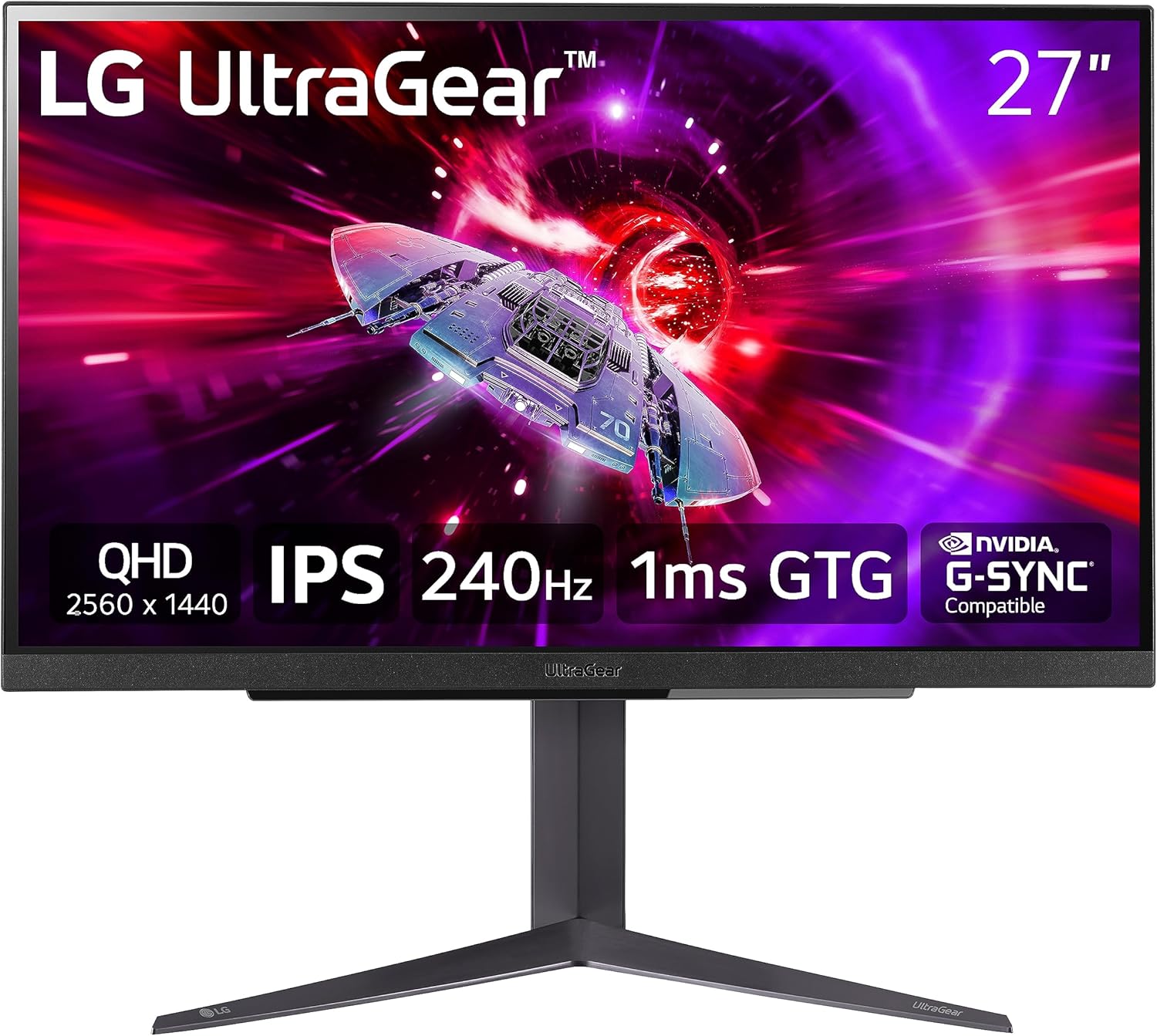
- Best Overall (1440p 240Hz): LG 27GR83Q-B
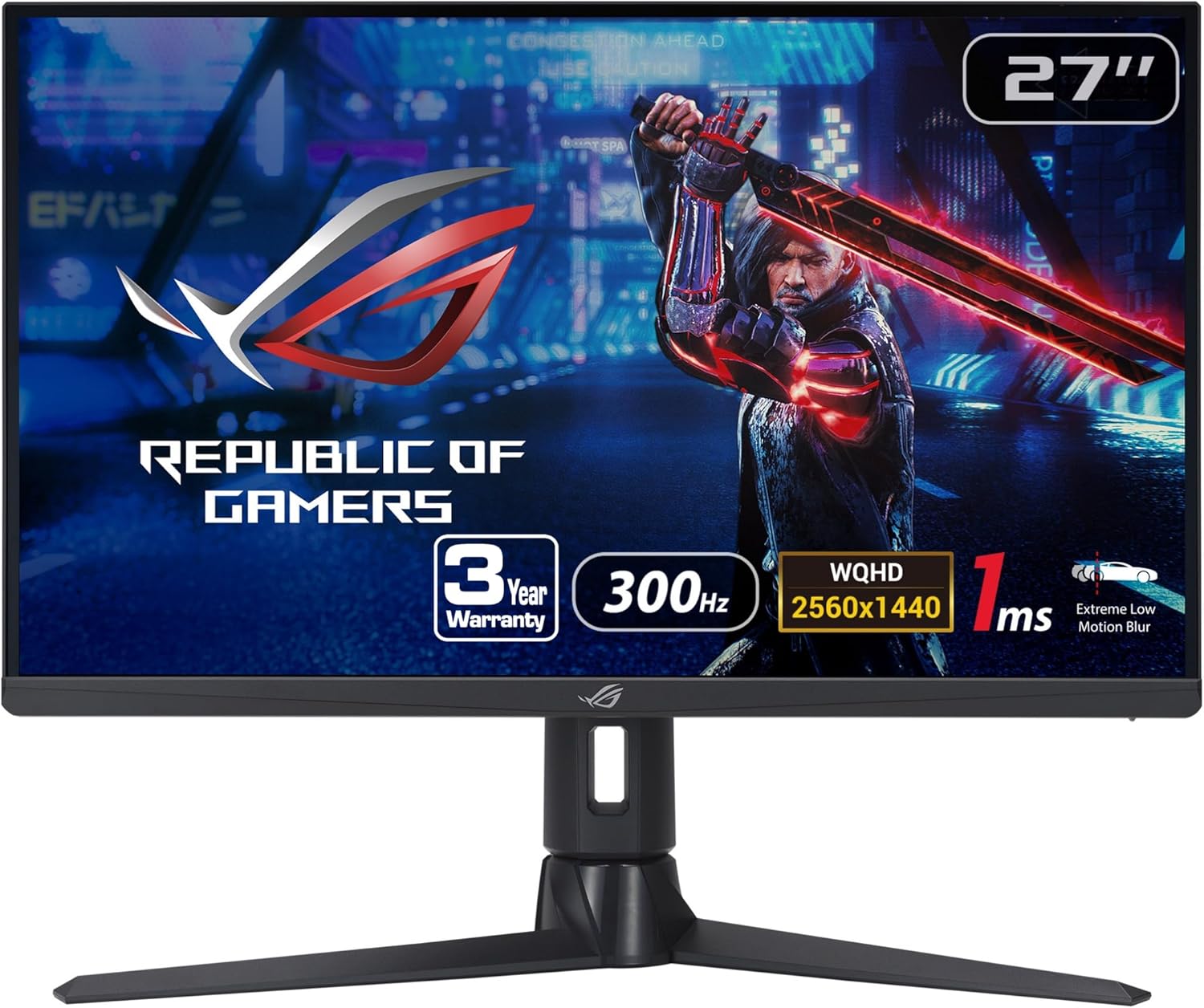
- Best Competitive FPS (1440p 300Hz): ASUS ROG Strix XG27AQMR
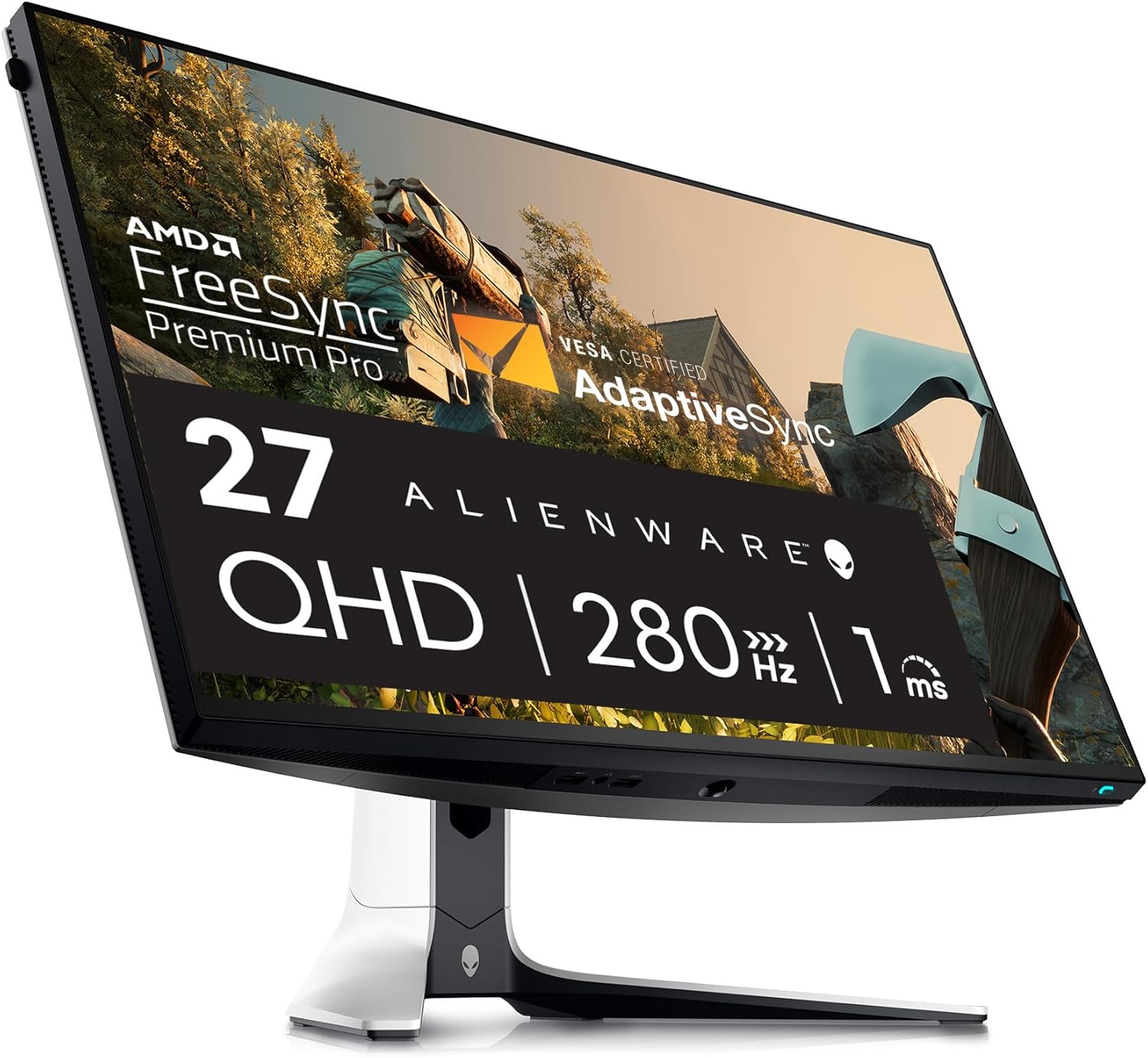
- Best Premium “Do Everything” Pick: Alienware AW2723DF
-
Best Budget 1440p Value: Dell G2724D (165Hz)
-
Best “Great Color + Gaming” Value: MSI MAG274QRF-QD / MSI MAG274QRF-QD E2
-
Best Ultrawide Immersion: LG 34GP83A-B (3440×1440)
Now let’s actually talk through what these mean and why they’re here.
Best Overall Monitor for RTX 4070 (2026)
LG 27GR83Q-B — 27" 1440p 240Hz IPS
If you want the “I made the right choice” monitor for an RTX 4070, this is the category: 27-inch, 1440p, 240Hz, Fast IPS. It’s the sweet spot where the GPU can actually flex, the image stays sharp, and the whole system feels fast without forcing you into the more expensive and compromise-heavy world of 4K high refresh.
The reason we like a 240Hz 1440p monitor for the RTX 4070 isn’t because you’ll sit at 240 FPS in every game (you won’t). It’s because everything feels more responsive—even when you’re “only” at 160–200 FPS. The motion is smoother, input latency tends to be lower, and with VRR enabled, frame-rate dips don’t turn into visual jitter. For competitive shooters, it’s a noticeable advantage. For everything else, it’s a quality-of-life improvement you feel every time you move the mouse.
The LG 27GR83Q-B is a standout in this zone because it hits the key points that matter to real people: fast motion behavior, sharp 1440p clarity, and a refresh rate that the RTX 4070 can actually take advantage of in the games where refresh rate matters most.
Amazon: LG 27GR83Q-B
Best Competitive FPS Monitor for RTX 4070
ASUS ROG Strix XG27AQMR — 27" 1440p 300Hz Fast IPS
If your main games are Valorant, CS2, Overwatch, Apex, or Fortnite, you’re not buying a monitor for “pretty.” You’re buying a monitor for clarity in motion and low latency. That’s where a 300Hz panel can be genuinely meaningful—if your system can feed it, and if the monitor stays clean enough at speed to make that refresh rate usable.
This is where the RTX 4070 actually does surprisingly well. With the right settings, competitive titles can run at very high FPS at 1440p. And when your FPS is high, a 300Hz monitor can feel like it’s giving you extra information: enemies stay readable during quick pans, tracking feels steadier, and the screen feels more “connected” to your inputs.
The ASUS ROG Strix XG27AQMR is a hardcore pick for players who want that competitive feel. It’s not the cheapest route to a good experience—but if you care about responsiveness more than anything, this is one of the most direct upgrades you can make.
Amazon: ASUS ROG Strix XG27AQMR
Best Premium All-Around 1440p Gaming Pick
Alienware AW2723DF — 27" 1440p High Refresh IPS
The Alienware AW2723DF is for people who want a monitor that feels like a finished product. Not just fast on paper, but premium in how it looks, feels, and behaves. If you play a mix of games—some competitive, some single-player—and you want something that holds up for years without making you second-guess your choice, this one belongs on your shortlist.
A good way to think about it is this: plenty of monitors are “good at one thing.” The AW2723DF is the kind of monitor that just works well across the board. Motion is fast enough to satisfy FPS players, 1440p resolution is sharp, and you’re not locked into the compromises that come with chasing 4K at this GPU tier.
If you’re building a clean RTX 4070 setup and you want the monitor to feel like a centerpiece—this is one of the safest premium picks.
Amazon: Alienware AW2723DF
Best Budget Monitor for RTX 4070
Dell G2724D — 27" 1440p 165Hz IPS
Let’s be honest: not everybody wants to pay 240Hz money. And you don’t have to. A good 1440p 165Hz IPS monitor can still pair beautifully with an RTX 4070, because the resolution is right, the refresh rate is high enough to feel smooth, and you’re not forcing the GPU into an awkward role.
This is one of those categories where the RTX 4070 still feels “premium,” because 1440p is where the clarity upgrade happens. Going from 1080p to 1440p is the kind of jump you notice immediately—text looks cleaner, edges look sharper, and the overall image looks more refined. Add 165Hz, and gameplay feels modern without demanding top-dollar.
The Dell G2724D is a popular value pick because it lands in that sweet spot of “actually good” rather than “cheap and weird.” It’s the kind of monitor you buy when you want the RTX 4070 experience, but you want to be smart about the budget.
Amazon: Dell G2724D
Best “Color + Gaming” Value Picks
MSI MAG274QRF-QD (and MSI MAG274QRF-QD E2)
If you want a monitor that feels great for gaming and makes colors pop for general use—photos, video, anything where you care about vibrancy—MSI’s MAG274QRF-QD line is worth considering. These monitors have a reputation for being strong all-arounders: fast enough to game, sharp at 1440p, and generally the kind of panel people enjoy looking at for long sessions.
This is a very MonitorNerds-style recommendation because it’s not just about refresh rate. It’s about the full experience. A monitor can be fast but look bland. A monitor can have great color but feel sluggish. This line tends to hit a satisfying middle ground where games look rich and movement still feels responsive.
If you’re the kind of user who games at night and works during the day, or you just like your display to look “alive,” this is one of the better value lanes at 1440p.
Amazon (QD classic): MSI MAG274QRF-QD
Amazon (QD E2): MSI MAG274QRF-QD E2
Best Ultrawide Monitor for RTX 4070
LG 34GP83A-B — 34" 3440×1440 Ultrawide IPS
Ultrawide is the temptation. And it’s tempting for a reason: when you play a racing game, a big open-world RPG, or anything cinematic on a 34-inch 3440×1440 monitor, it feels like you upgraded the entire vibe of your setup. It’s not just “bigger.” It’s more immersive, more enveloping, and honestly more fun for certain genres.
The RTX 4070 can handle 3440×1440 well, but this is where expectations matter. Ultrawide demands more GPU power than standard 1440p, so you’re choosing immersion over maximum FPS. That’s a good trade for a lot of people—especially if you’re not living in competitive shooters all day. It just means you shouldn’t buy ultrawide expecting the same frame rates you’d get on a standard 27-inch 1440p panel.
If your gaming life includes story games, RPGs, sims, or you just love the “wow” factor, this is a strong pairing with the RTX 4070.
Amazon: LG 34GP83A-B
What to Avoid with an RTX 4070 (Common Regret Purchases)
4K high refresh monitors are the biggest mismatch we see. They look amazing in the idea phase, and sometimes they’re great for certain people—but for the average RTX 4070 owner, they turn into constant performance bargaining. You end up paying for a refresh rate you can’t consistently reach, and you end up leaning on upscaling more than you expected.
Cheap “240Hz” VA monitors are another frequent disappointment. Some VA panels are totally fine. But when VA is bad, it’s really bad: dark smearing, blurry transitions, and a general “why does motion look worse than it should?” vibe. On a GPU like the RTX 4070—where you actually can push high FPS—that smear becomes more noticeable, not less.
1080p monitors only make sense if you’re purely esports-focused and you value frame rate above all else. Otherwise, you’re leaving one of the biggest visible upgrades on the table. The RTX 4070 was born for 1440p. Let it live there.
Final Verdict (MonitorNerds Style)
If you want the RTX 4070 to feel like the smart purchase it is, don’t overthink the monitor. Build around where the card is happiest: 1440p. Then pick your lane based on the experience you want.
If you want the best all-around pairing, get a 1440p 240Hz Fast IPS monitor like the LG 27GR83Q-B and you’re basically done. It’s the setup that feels fast in shooters, clean in motion, sharp in daily use, and satisfying in almost everything you play.
If you’re a competitive FPS grinder, go higher refresh and optimize for clarity—something like the ASUS XG27AQMR is an “I’m serious” monitor.
If you want a premium do-everything display that feels like a flagship product, the Alienware AW2723DF is a great pick.
If you want strong value without feeling cheap, the Dell G2724D is the budget lane we’d actually trust.
And if you want immersion, ultrawide is real—just accept the FPS tradeoff and enjoy the experience.
As an Amazon Associate, MonitorNerds may earn from qualifying purchases.