Best Gaming Monitor for RTX 4090 (2026 Edition)
Best Gaming Monitor for RTX 4090 (2026 Edition)
The RTX 4090 is the GPU that breaks the usual monitor advice.
Most GPUs force you into a “pick two” situation: resolution, refresh rate, settings. The 4090 is the one card that lets you live in the high-end categories without constantly bargaining. It can push high FPS at 4K. It can make ultrawide feel smooth and confident. It can make “240Hz” stop being a spec-sheet fantasy and start being something you experience in real games.
Which means your monitor choice matters more, not less.
Because once you’re spending RTX 4090 money, the limiting factor is usually not the GPU. It’s the display. A mediocre monitor can make a 4090 feel strangely ordinary. A great monitor makes it feel borderline ridiculous.
This guide is built around one simple idea: pick an approach that matches how you actually play, then buy a monitor that is a great version of that approach. No weird compromises. No “HDR” that looks like someone turned the contrast slider up and called it a day. No buying a monster GPU and then staring at a screen that can’t keep up.
The Three RTX 4090 Approaches
The Flagship Approach
This is the “I want the best overall experience” path: 4K + high refresh + OLED. It’s the most balanced endgame because it gives you the sharpness of 4K, the smoothness of high refresh, and the contrast and motion clarity of OLED. If you play a mix of games, this approach tends to produce the most “no regrets” setups.
The Competitive Approach
This is the “speed and clarity in motion above all else” path: 1440p + 360Hz. This is still the most direct way to make shooters feel unfairly smooth and readable. You’re choosing responsiveness and motion clarity as the priority.
The Immersion Approach
This is the “make gaming feel like an experience” path: ultrawide OLED. Racing, sims, open worlds, RPGs—this is where you stop thinking about specs and start grinning because your desk feels like a cockpit.
All three are valid. The key is being honest about your gaming life, not your shopping-cart fantasy.
OLED With an RTX 4090
OLED is the display tech that makes people sound dramatic. And they’re not wrong.
When you go from IPS to OLED, the first thing you notice is contrast. Blacks are actually black. Dark scenes don’t look gray. Highlights pop more because the baseline is truly off. And because OLED pixels switch extremely fast, motion often looks cleaner than many LCD monitors even at the same refresh rate.
OLED is not a free lunch, though. Two practical considerations matter:
- Burn-in risk is mostly a “static UI all day” concern. Most gamers are fine, especially with modern protection features, but if your monitor is also your work screen with lots of static elements, it’s worth being mindful.
- Text clarity can vary by panel type and your own sensitivity. Most people adapt quickly, but if you’re extremely text-focused, it’s something to consider.
For a 4090 build that’s primarily gaming-focused, OLED is one of the most satisfying upgrades you can make because it finally lets the display match the GPU’s “premium” level.
Best Dual-Mode Monitor for RTX 4090
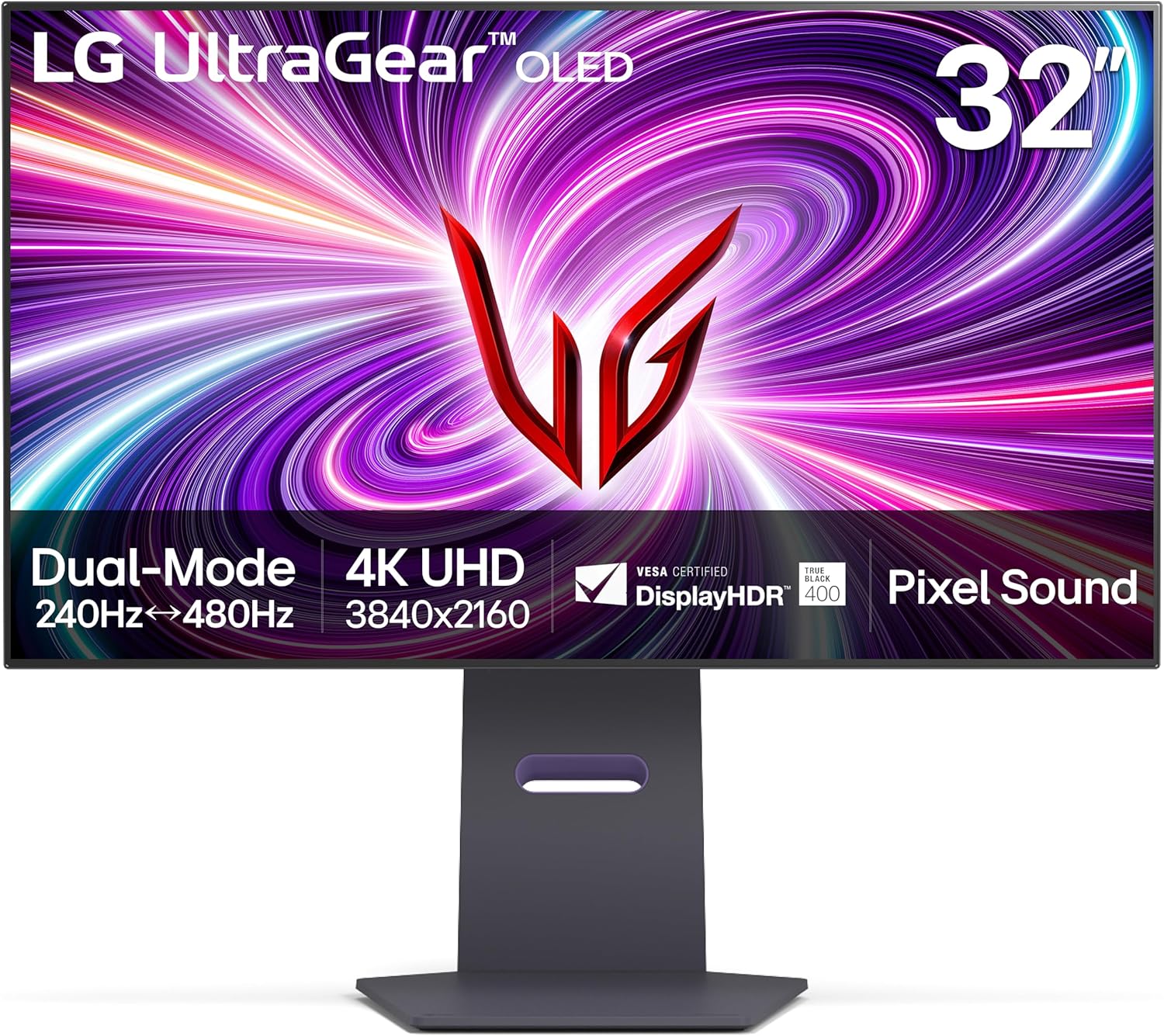
LG 32GS95UE
There’s a very specific kind of 4090 owner who wants one monitor that can be both premium and sweaty. You want 4K high refresh for “normal life,” but you also want the option to go full degenerate speed mode for competitive sessions.
That’s why dual-mode monitors exist, and the 4090 is the perfect GPU to justify them.
A great example is the LG 32GS95UE, which can run 4K at high refresh and also offer a 1080p 480Hz mode for maximum speed. If you want the Amazon listing, it’s here: https://geni.us/ihCVw30.
This is a very “I refuse to choose one lifestyle” monitor. It’s also the kind of purchase that makes sense specifically because you own a 4090. With a weaker GPU, dual-mode is a gimmick. With a 4090, it’s a very real “two monitors in one” experience.
Best Overall Monitor for RTX 4090
MSI MPG 321URX QD-OLED
If you want the single best “flagship approach” monitor pairing for the RTX 4090, the cleanest answer in 2026 is 32-inch 4K at 240Hz on QD-OLED.
This is the category where the 4090 stops feeling like a GPU and starts feeling like a cheat code. You get the sharpness of 4K, the smoothness of 240Hz, and OLED contrast that makes dark scenes look deep instead of gray. It’s premium in the way you notice constantly—lighting, shadows, texture detail, and motion all look better in a way that sticks.
A standout in this class is the MSI MPG 321URX QD-OLED, and you can see it on Amazon here: https://geni.us/JAxYiYr
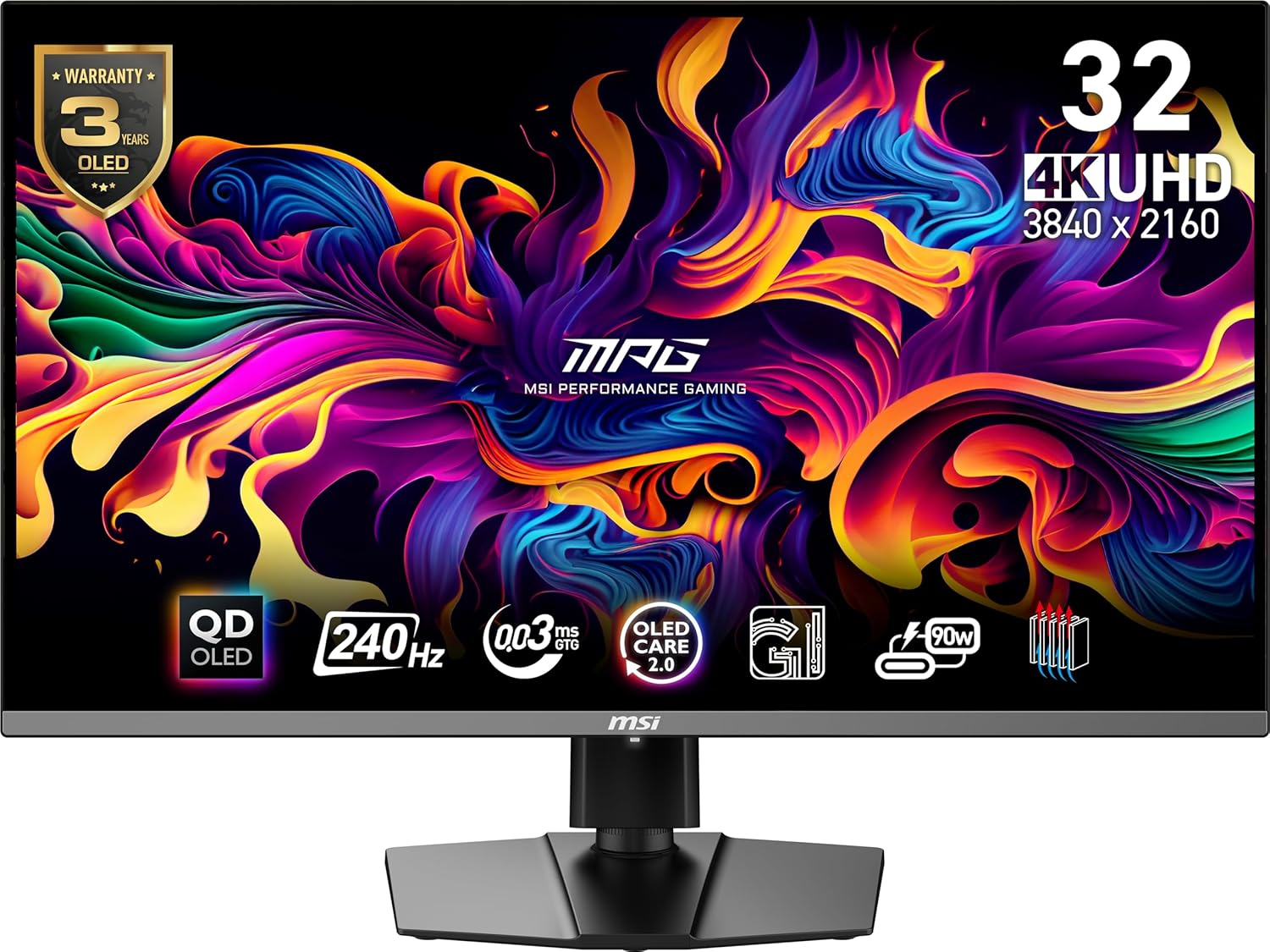
. This is the kind of monitor that makes you re-evaluate games you thought you knew, because suddenly the image has depth and punch that typical IPS panels just don’t have.
If you want a similarly high-end alternative with a more “ROG flagship” vibe, the ASUS ROG Swift PG32UCDM is another 32-inch 4K 240Hz QD-OLED option, listed on Amazon here: https://geni.us/BUqmu
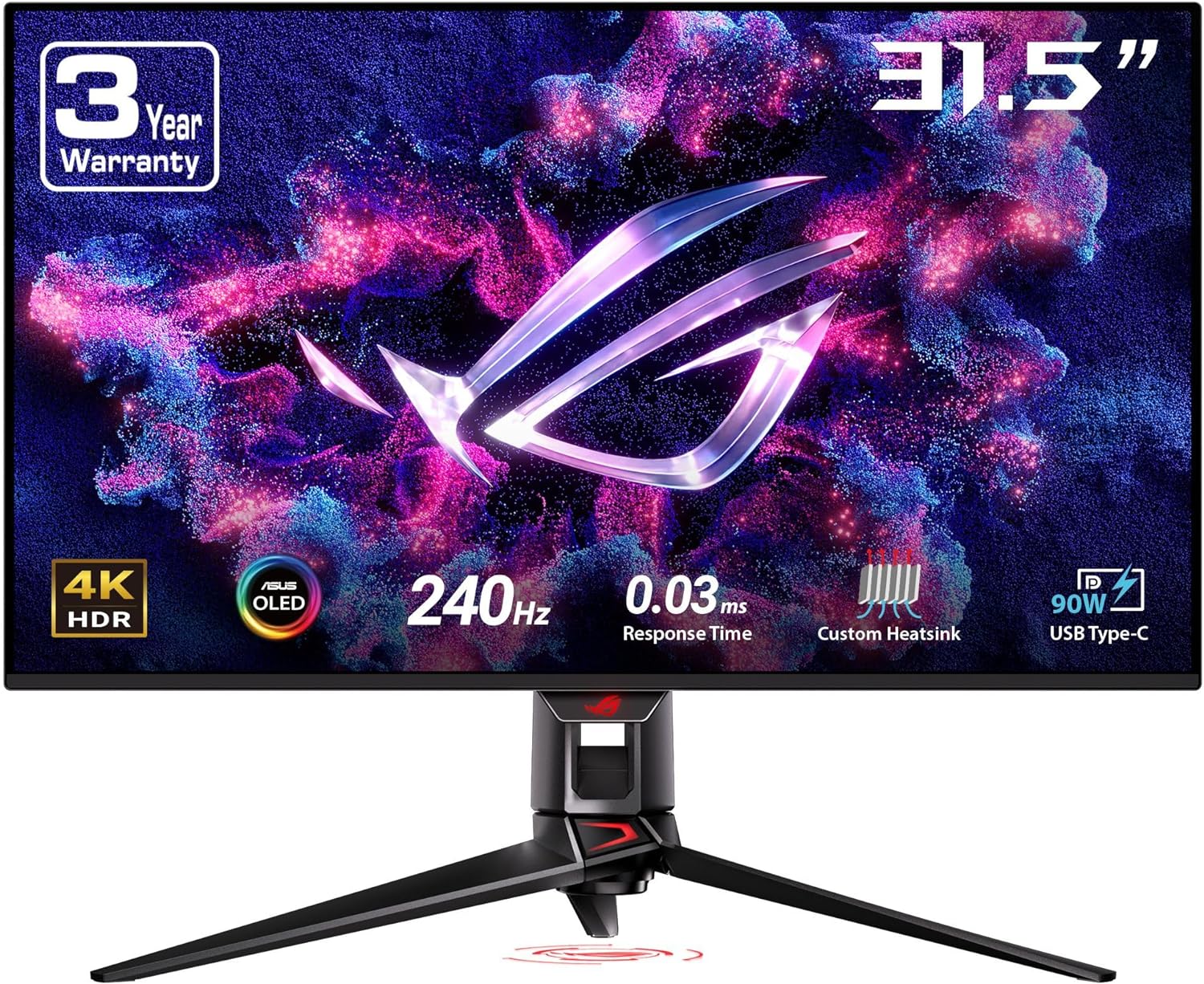
.
This is the monitor class that most 4090 owners end up happiest with because it doesn’t force you into a single identity. Competitive shooters feel fast. Single-player games look unreal. Everything feels expensive.
Best Competitive Monitor for RTX 4090
ASUS ROG Swift PG27AQN
If competitive shooters are your main hobby, the competitive approach is still simple: 1440p at 360Hz. This is where motion becomes more readable, tracking feels steadier, and the screen feels directly connected to your inputs.
The 4090 can feed this category with headroom, which matters because high refresh is only satisfying when your system can actually live there.
A well-known IPS option is the ASUS ROG Swift PG27AQN, and you can see it on Amazon here: https://geni.us/HdfBQ. If your priority is responsiveness and clarity in motion, this is the kind of monitor that makes even familiar shooters feel sharper and more controlled.
Best Competitive OLED Monitor for RTX 4090
Alienware AW2725DF
If you want competitive speed but you also want OLED contrast and OLED motion behavior, the competitive approach can be upgraded into something that feels both fast and premium.
That’s where 1440p 360Hz QD-OLED monitors come in. They give you the speed that competitive players want, but also that OLED “depth” in dark scenes and the kind of pixel response that can make motion look cleaner even at the same refresh.
A strong choice is the Alienware AW2725DF, and you can see it on Amazon here: https://geni.us/8hAmi.
This is the “I want unfair motion clarity and I also want the game to look amazing” competitive pick.
Best Ultrawide OLED Monitor for RTX 4090
Samsung Odyssey OLED G9
If you want immersion, ultrawide is the move. It’s not subtle. It’s not a minor upgrade. It’s a completely different experience. And the RTX 4090 is one of the few GPUs that makes ultrawide feel both immersive and smooth without constantly begging for mercy.
A famous “big statement” option is the Samsung Odyssey OLED G9, which you can view on Amazon here: https://geni.us/IDOuqOz.
This is the monitor for people who love racing, sims, open worlds, and any game where field of view and immersion matter. It also doubles as a productivity monster if you like having a huge canvas.
The key thing to understand is that you’re driving a lot of pixels. The 4090 makes it far easier to keep frame rate high, but the point of this monitor is immersion first. When it’s dialed in, it feels like your desk turned into a cockpit.
Best Big Immersive OLED Alternative
LG 45GR95QE
If 49-inch ultrawide feels too extreme, there’s a category that a lot of people end up loving: big 45-inch OLED ultrawide. It’s huge and immersive, but it fits more setups and feels more “monitor-shaped” than a super-ultrawide.
A common pick here is the LG 45GR95QE, and you can see it on Amazon here: https://geni.us/yuEHcah.
This is an immersion-first screen. You’re choosing vibe and size and presence. It’s the kind of monitor that makes games feel like an event.
Best Mini-LED Alternative for RTX 4090
Samsung Odyssey Neo G8
OLED is the king of contrast, but Mini-LED can be the calmer choice if you want bright HDR highlights and you’re nervous about static UI concerns. Mini-LED is also a good fit if you like your HDR to feel intense and bright.
A popular Mini-LED gaming option is the Samsung Odyssey Neo G8, and you can see it on Amazon here: https://geni.us/9nWLJYE.
This is the “bright HDR punch” lane. It’s not the same as OLED blacks, but for certain games and certain rooms, Mini-LED can look very impressive.
What to Avoid With a 4090 Build
The most painful 4090 mistake is buying a monitor that “has the specs” but doesn’t deliver the experience.
- Cheap high-refresh VA panels can still look smeary in dark transitions. With a 4090 pushing high FPS, that smear becomes more noticeable, not less.
- “HDR” labels on edge-lit panels are usually marketing. If HDR matters, go OLED or Mini-LED. Otherwise, ignore HDR and focus on motion + SDR quality.
- Buying 4K 240Hz and then refusing to use sensible settings. The 4090 is powerful, but modern games can be heavy. Use DLSS when it helps. Enjoy the smoothness.
MonitorNerds Verdict
If you want the best overall monitor pairing for the RTX 4090, the flagship approach wins: 32-inch 4K 240Hz QD-OLED. It’s the category that best matches what the 4090 is capable of, and it delivers premium image quality and premium smoothness at the same time. The MSI MPG 321URX QD-OLED is a clean best-overall pick, and you can see it on Amazon here: https://geni.us/JAxYiYr.
If you want one monitor that can be premium most of the time and insanely fast some of the time, the dual-mode approach is the most “4090 owner” move. The LG 32GS95UE is built for that, and it’s on Amazon here: https://geni.us/ihCVw30.
If you’re competitive-first, 1440p 360Hz still rules. The ASUS PG27AQN is a strong IPS option, listed on Amazon here: https://geni.us/HdfBQ. If you want that same speed with OLED contrast, the Alienware AW2725DF is a premium option, and it’s on Amazon here: https://geni.us/8hAmi.
And if you want immersion as the main course, ultrawide OLED is the lane that turns your desk into a cockpit. The Samsung Odyssey OLED G9 is the iconic pick, and it’s on Amazon here: https://geni.us/IDOuqOz.
As an Amazon Associate, MonitorNerds may earn from qualifying purchases.