Acer Nitro XV272U F3 Review (27-inch, 1440p, 300Hz IPS)
If you want max motion clarity without dropping to 1080p, the Acer Nitro XV272U F3 is one of the simplest “specs-that-make-sense” options: 27 inches, 2560×1440, and up to 300Hz.
It’s built for competitive FPS players who can actually push high frame rates, but it’s also a very livable everyday monitor thanks to IPS viewing angles, solid sRGB coverage, and a fully adjustable stand.
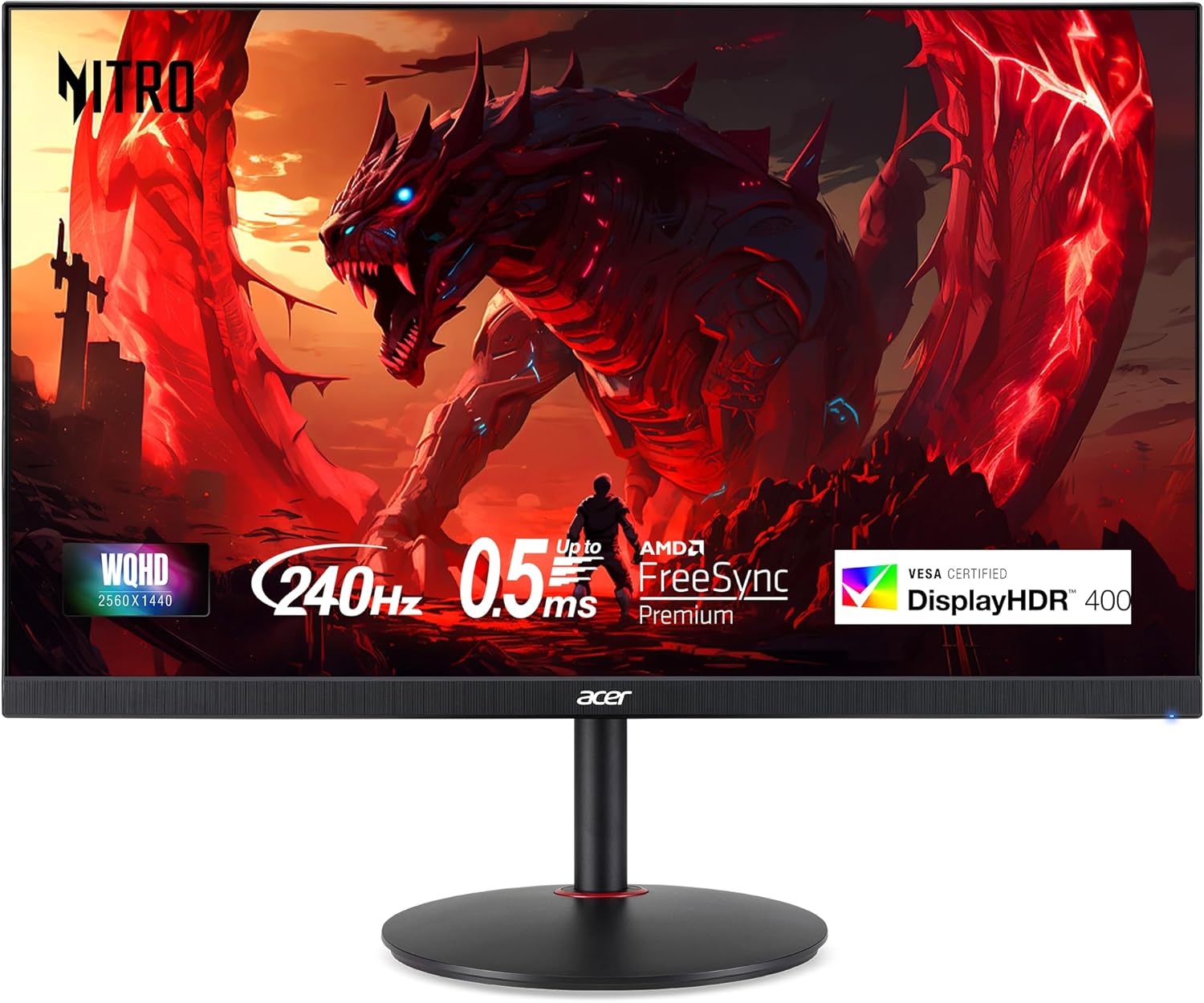
Quick specs
| Spec | Acer Nitro XV272U F3 |
|---|---|
| Size / Resolution | 27-inch / 2560×1440 (WQHD) |
| Panel type | IPS |
| Refresh rate | Up to 300Hz |
| Claimed response time | Up to 0.5ms (min.) |
| VRR | AMD FreeSync Premium |
| HDR | VESA DisplayHDR 400 |
| Brightness | 400 nits (rated) |
| Color | 99% sRGB (rated) |
| Ports | 2× HDMI 2.1, 1× DisplayPort 1.4, audio out / headphone |
| Ergonomics | Height, tilt, swivel, pivot; 100×100 VESA |
The big selling point: 1440p at 300Hz
Most people understand the “1440p sweet spot.” The interesting part here is 300Hz:
- Lower perceived blur (especially in fast pans / flick shots).
- Smoother tracking in games like Valorant, CS2, Overwatch 2, Apex, and Fortnite.
- Lower latency when your PC can actually feed it (high FPS + properly tuned settings).
The catch: 1440p at very high FPS is GPU-hungry. If you’re not regularly above ~200 FPS in your main game, a great 240Hz 1440p panel can feel very similar in practice.
Our rule of thumb
- If you play mostly esports titles and you’ve got the hardware to push it, 300Hz can be worth it.
- If you play mostly AAA single-player, you’re often better served by better HDR/contrast (mini-LED/OLED) than chasing 300Hz.
Motion clarity & response time (real-world expectations)
Acer advertises “up to 0.5ms,” but that number is typically tied to aggressive overdrive / strobing-style modes and isn’t representative of every setting you’d actually want to use day-to-day.
What matters more:
- Does it stay clean at high refresh rates with minimal overshoot?
- Does it look decent below max refresh (for games that sit at 120–180 FPS)?
- Is VRR behavior stable without weird flicker?
Practical tip: once you get it, test a few overdrive levels (or Acer’s response-time modes) at your actual FPS range. The “fastest” mode isn’t always the best-looking.
HDR 400: what it is (and what it isn’t)
DisplayHDR 400 usually means:
- No local dimming
- IPS-level contrast
- “HDR support” mainly for compatibility, not true HDR punch
You’ll still get HDR signal support and some extra brightness, but if your goal is dramatic highlights + deep blacks, you’ll want mini-LED with local dimming or OLED.
Color & everyday use
A rated 99% sRGB IPS panel is a good match for:
- Windows/macOS general use
- Web content and YouTube
- Light photo work where sRGB accuracy matters more than wide-gamut coverage
This is not a “creator-first” monitor (no factory-calibrated wide gamut focus, no USB‑C hub, etc.), but for a gaming-first screen it should look clean and natural when set up correctly.
Stand, build, and ergonomics
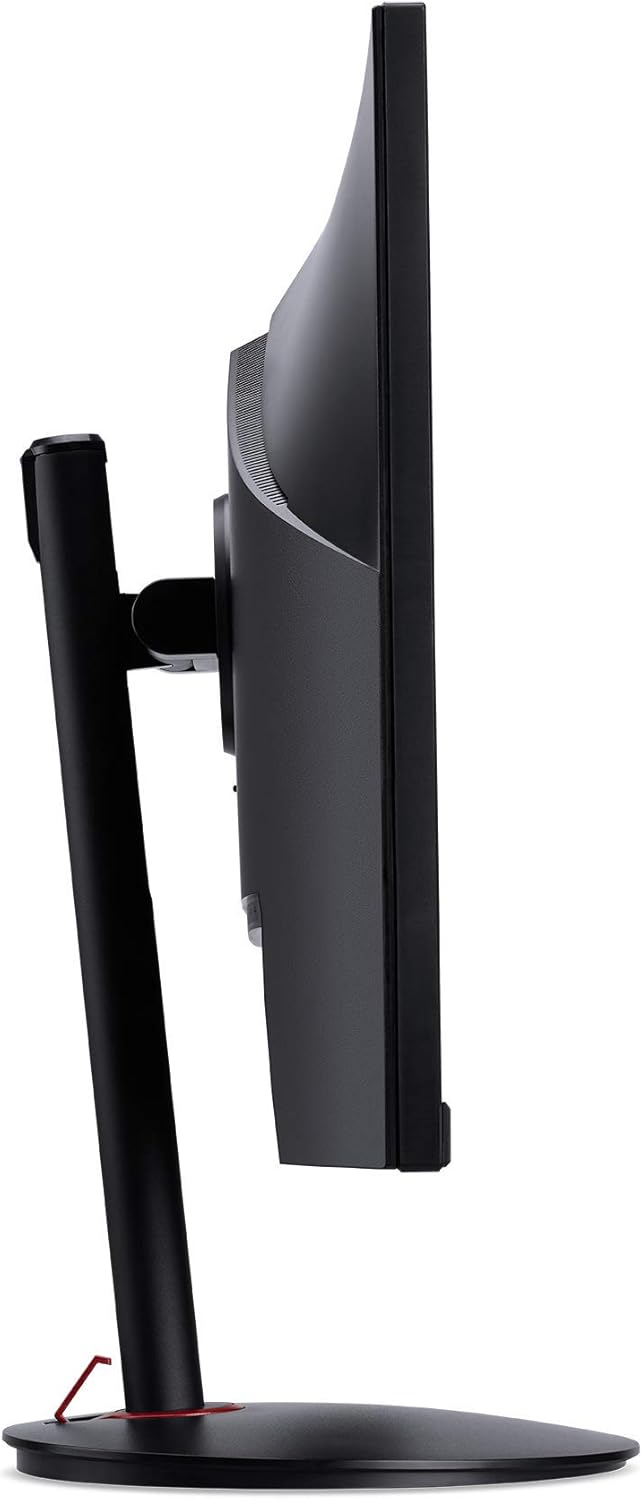
Acer includes an ErgoStand-style base with real adjustability:
- Height adjustment for proper eye level
- Tilt for comfort
- Swivel for desk positioning
- Pivot for portrait mode
- 100×100 VESA support if you’d rather arm-mount it
If you game and work at the same desk, a fully adjustable stand is a bigger quality-of-life win than most people expect.
Ports and compatibility
This is a “simple but correct” port selection:
- 2× HDMI 2.1
- 1× DisplayPort 1.4
For PC gaming, DisplayPort is the no-drama pick for reaching the highest refresh rates (and avoiding any weird GPU/driver limitations). HDMI 2.1 is great to have if you’re also plugging in a console or a second device.
Who should buy the XV272U F3
Buy it if you are:
- A competitive PC gamer who wants 1440p clarity without giving up ultra-high refresh
- Upgrading from 144Hz/165Hz and you want an obvious smoothness jump
- Looking for a value 300Hz option when it’s priced aggressively
Who should skip it
Skip it if you:
- Care most about HDR / cinematic contrast (look at OLED or mini‑LED)
- Want USB‑C docking for a laptop setup
- Mostly play slower games where you’ll sit at 80–140 FPS (you won’t use 300Hz often)
Recommended settings (fast setup)
These get you 90% of the way there:
- Use DisplayPort for your PC if possible.
- In Windows: set 2560×1440 @ 300Hz (Settings → System → Display → Advanced display).
- Turn on FreeSync / VRR in your GPU control panel.
- Start with a middle response-time / overdrive mode, then adjust based on blur vs. overshoot.
- SDR brightness: aim for a comfortable level (often much lower than “max”).
Bottom line
The Acer Nitro XV272U F3 is a straightforward play: 1440p IPS + 300Hz + FreeSync Premium, with HDMI 2.1 and a proper adjustable stand.
If you’re the kind of player who lives in esports titles and already tunes settings for high FPS, this monitor makes a lot of sense—especially when it’s priced closer to the best 240Hz 1440p options than to OLED.