Dell S2725QS Review – Affordable 4K 120Hz Monitor for Gaming and Productivity
By Eli Nolan | Published January 12, 2026
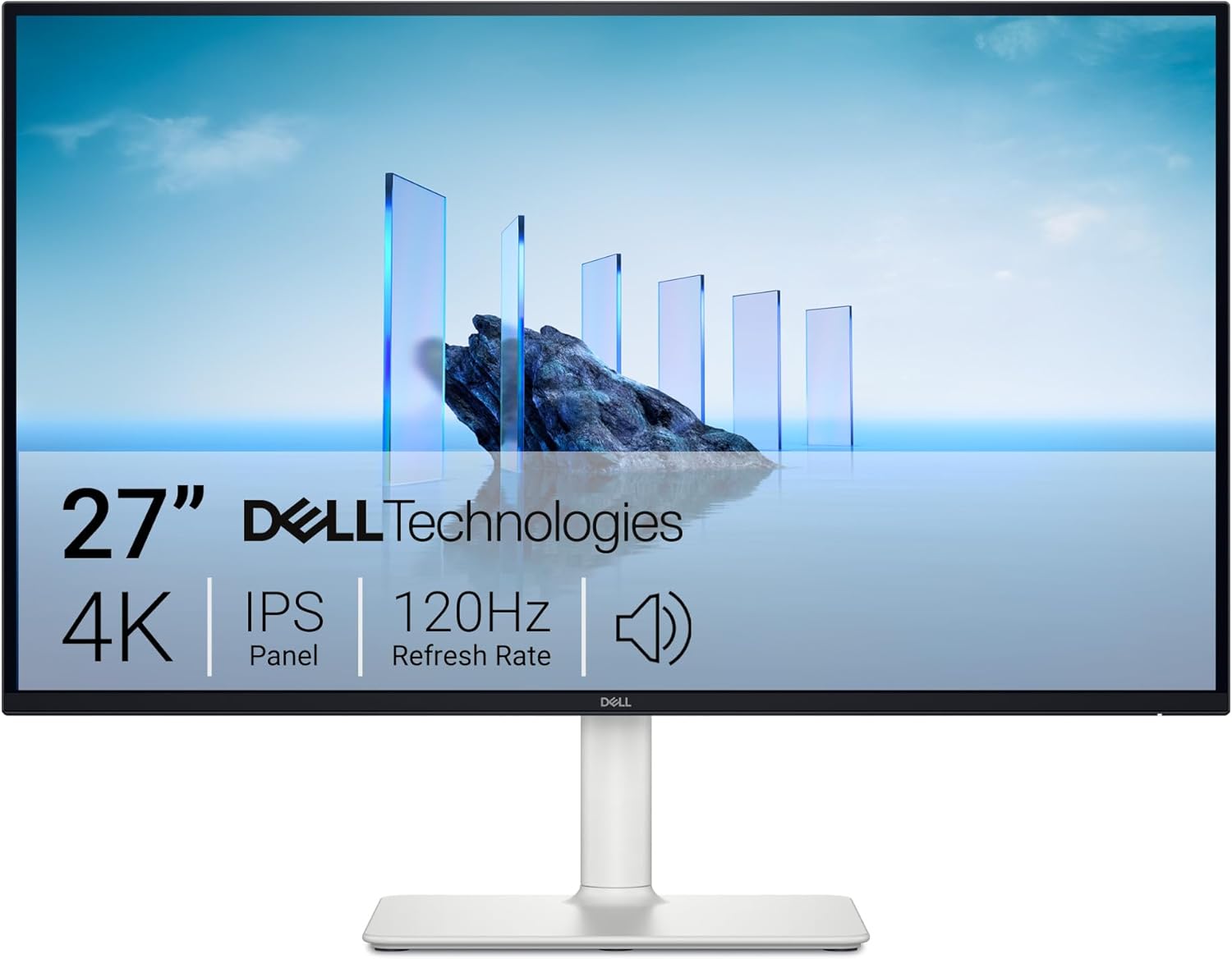
The Dell S2725QS shakes the market with its jaw-dropping low price and performance numbers. It’s a 4K 120Hz monitor that’s suitable for gaming and productivity, but it’s priced below $300 at the time of review. Let’s take a closer look at whether it’s a top performer or if there are too many penalties to help it get its low price.
Gallery
Dell S2725QS Specifications
- Screen Size: 27 Inches
- Resolution: 3840 x 2160 4K UHD
- Aspect Ratio: 16:9
- Panel Technology: In-Plane Switching (IPS)
- Refresh Rate: 120Hz
- Response Time: 5ms (Fast)
- Contrast Ratio: 1500:1 (Static)
- Brightness: 350 cd/m²
- Built-in Speakers: Yes (2 x 5 Watts)
- Stand: Height, Tilt, Swivel, Pivot – Yes
- VESA Compatibility: Yes (100 x 100)
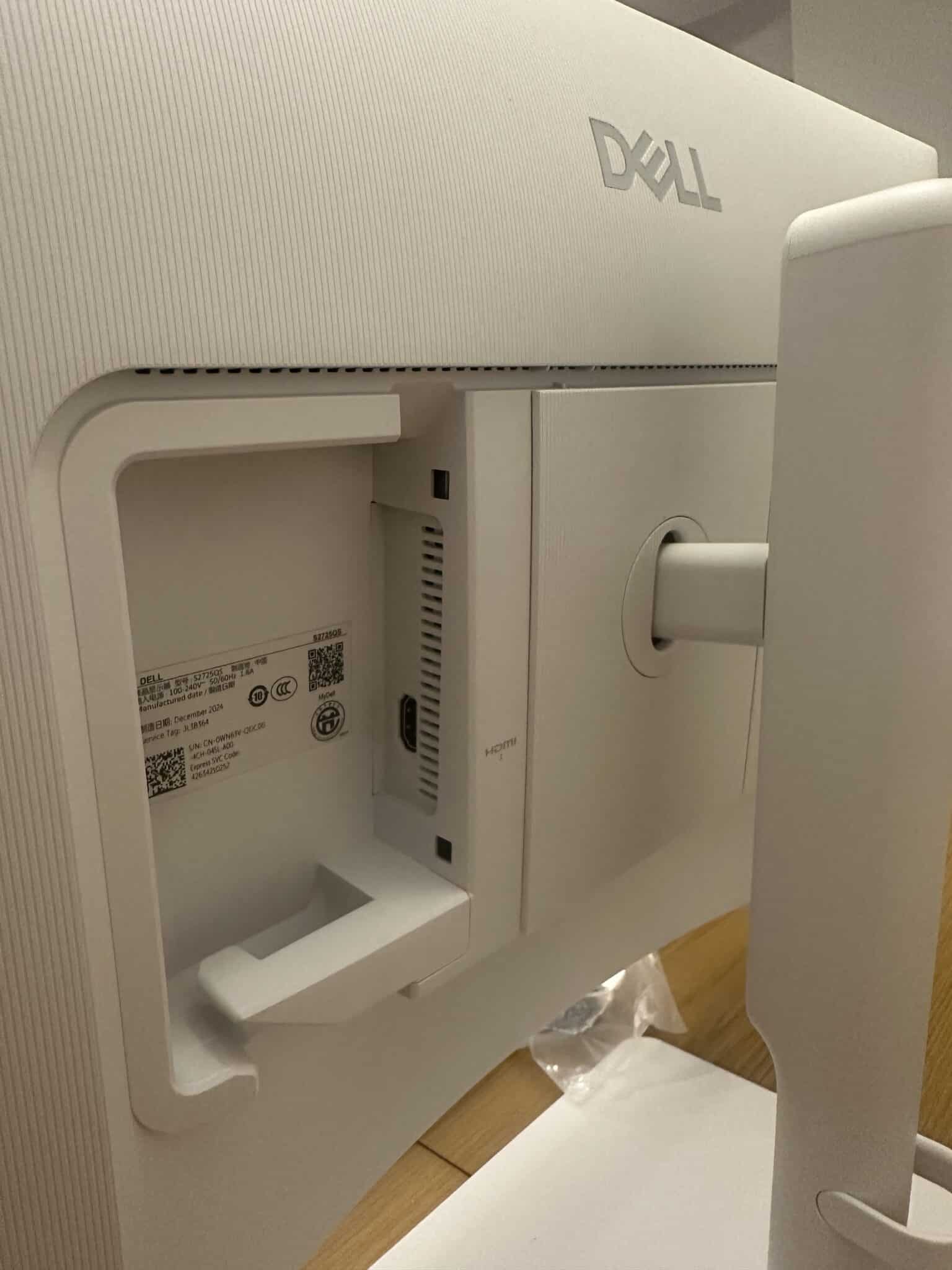
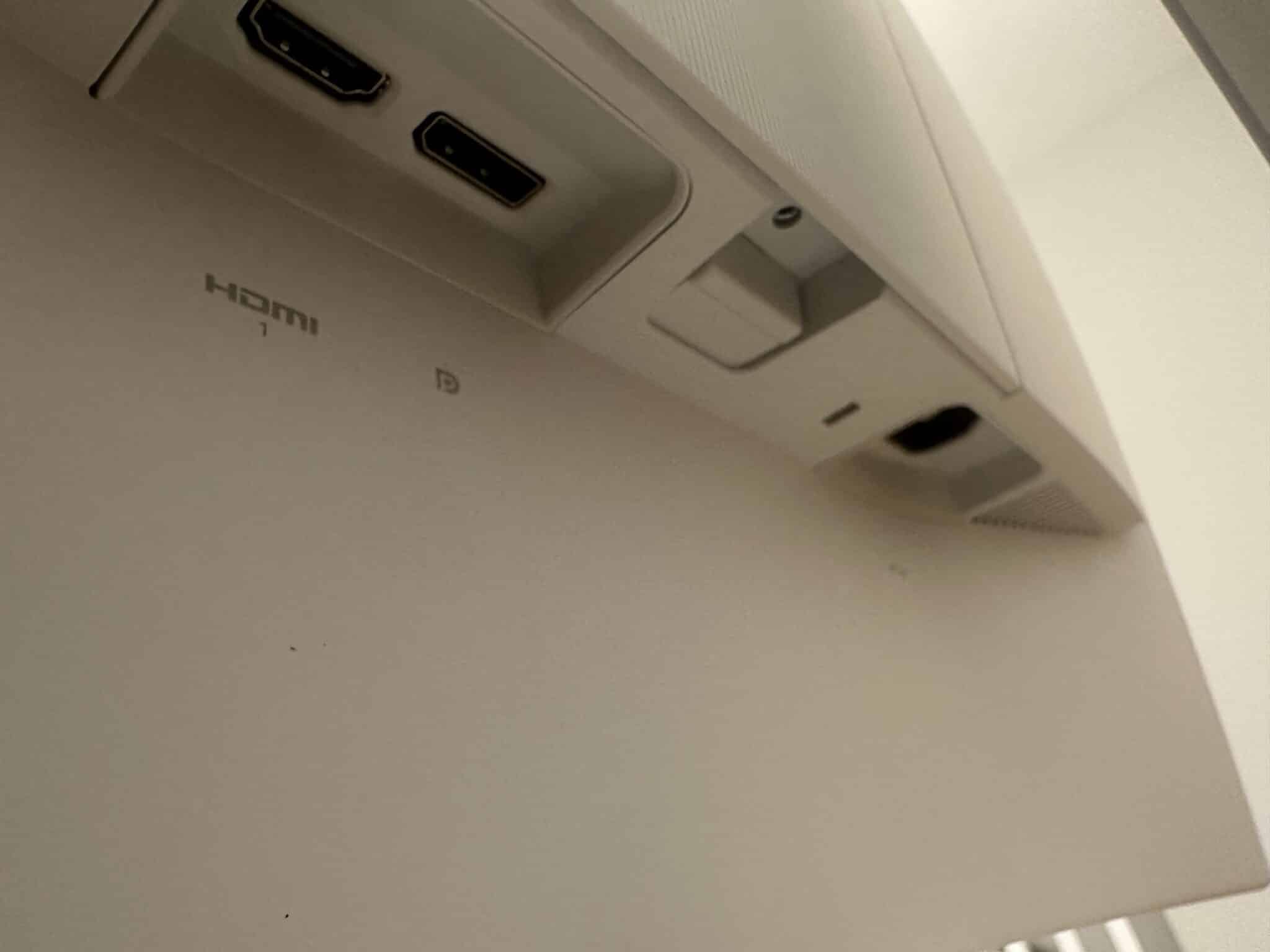
- Connectivity: DisplayPort 1.4 x 1, HDMI 2.1 x 2
Design and Features
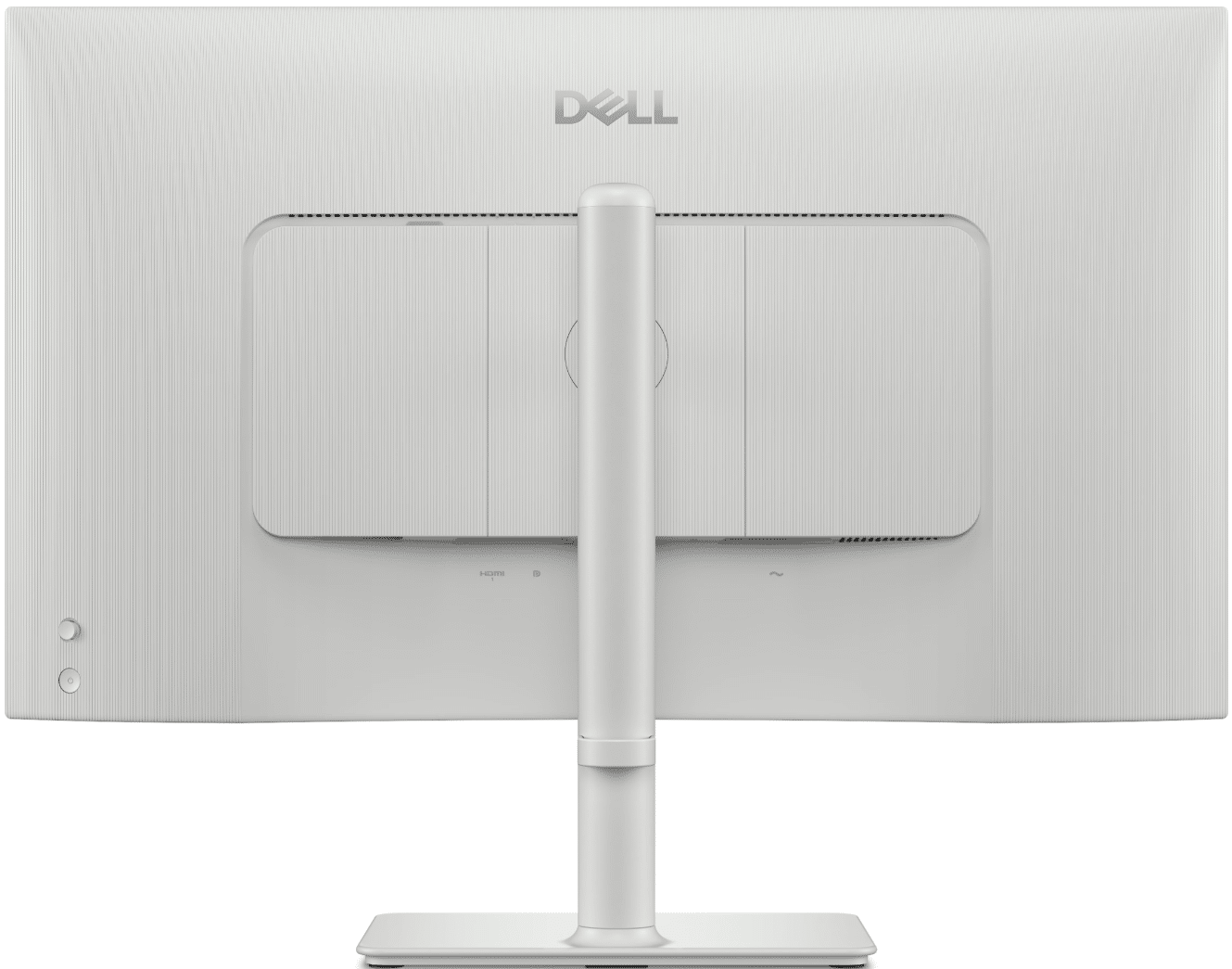
The Dell S2725QS looks like any other S model from the brand, but that also means that it looks quite good despite the budget pricing. The monitor’s matte white chassis looks good anywhere you put it since it’s clean and premium-looking. The screen has a bezel-free design for distraction-free viewing, but it still has inner borders like any IPS monitor.
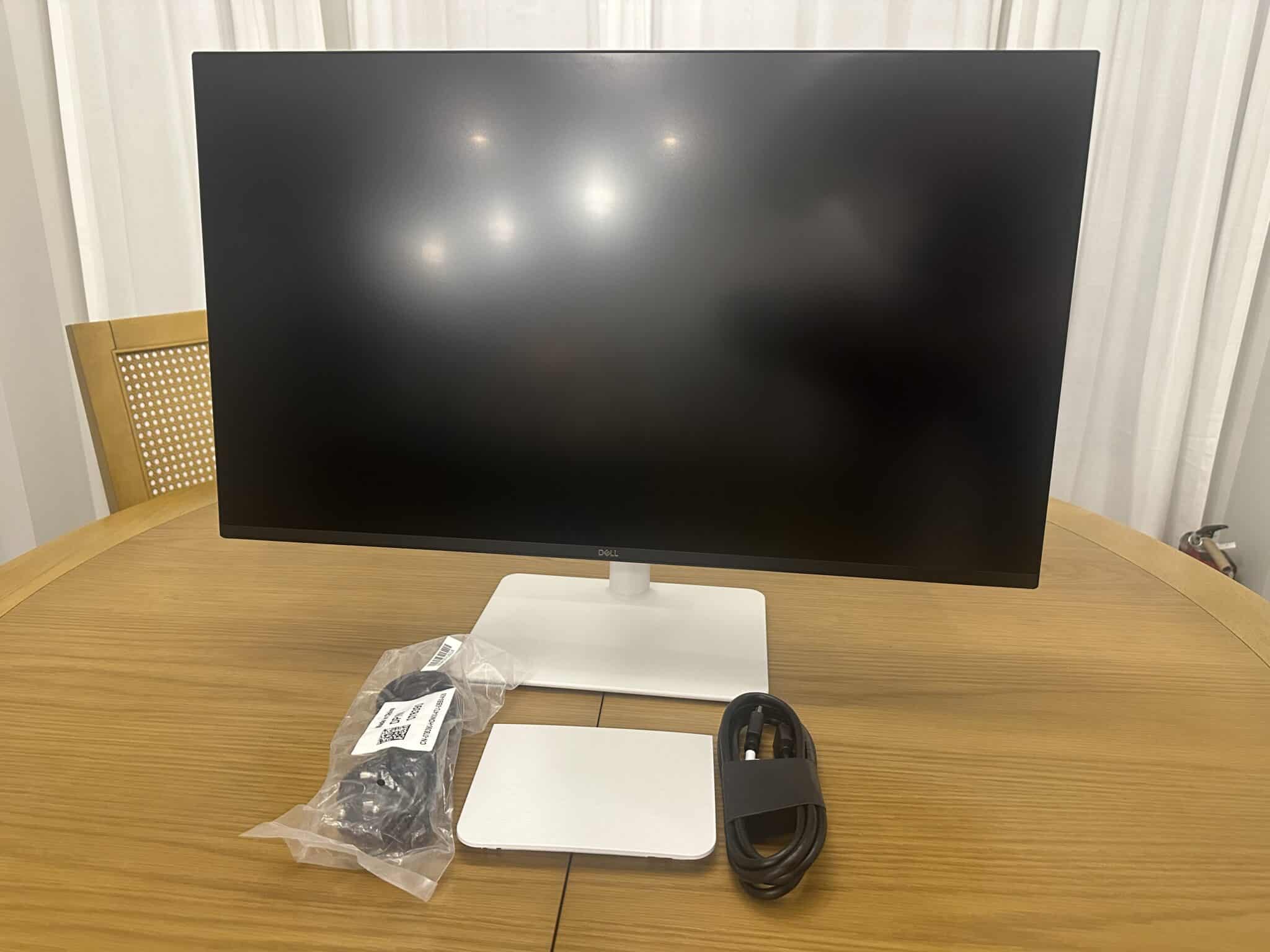
Its packaging is noticeably slimmer than older models since Dell is trying to be more eco-conscious. The clamshell box is always a welcome sight since it’s compact and easy to unpack. However, Dell split the stand into three parts instead of two this time to make it all fit in such a small box.
Don’t worry, though, since it’s easy to put the trio together with the tool-free thumb screws. Once assembled, you can slip it into the cutout of the chassis until the QD lock clicks and secures the two main parts together. However, multiple parts mean that there are more points of breakage or weakness if not designed correctly.
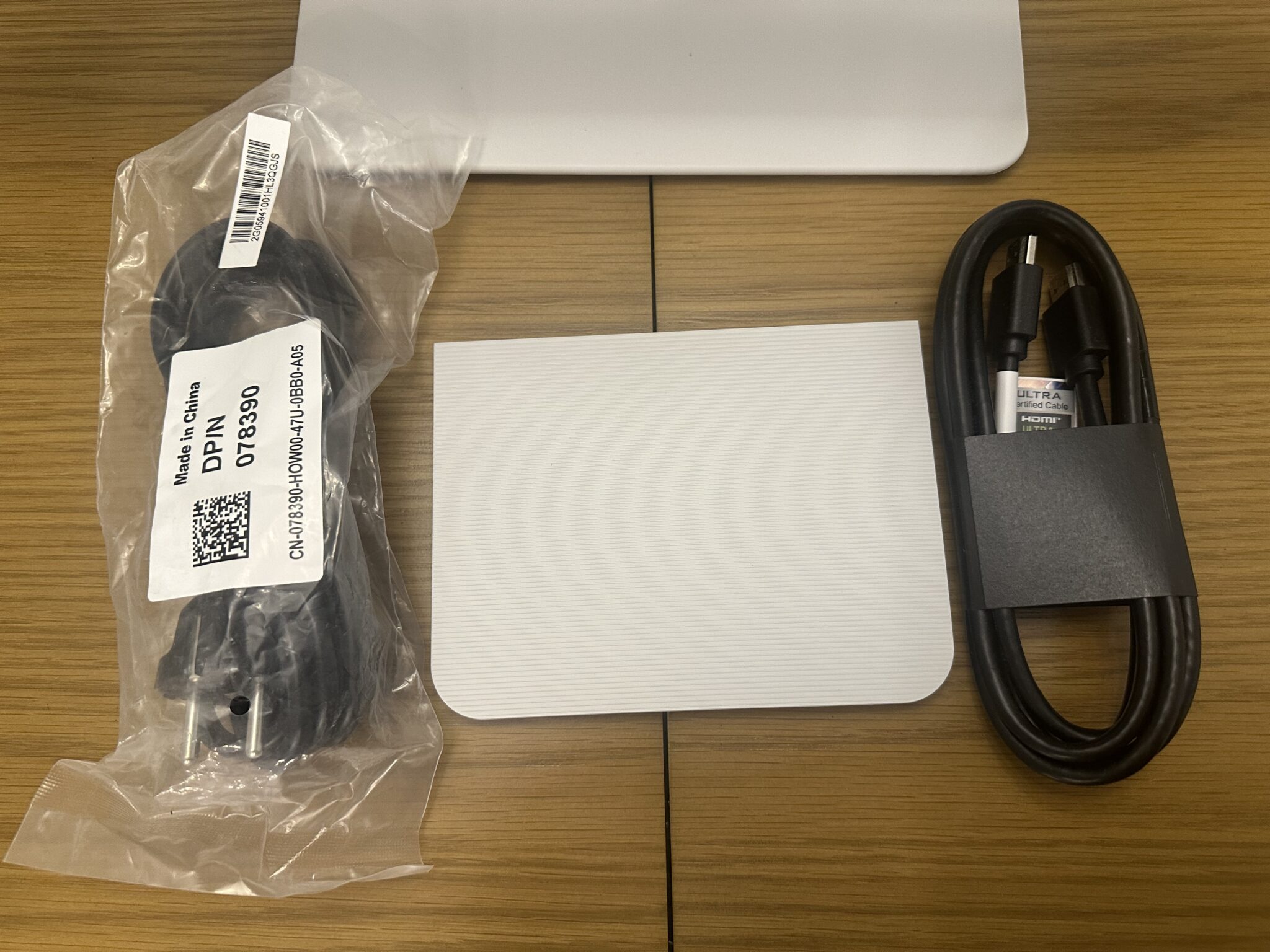
The box doesn’t include much since it’s a budget model. You will find a power and a high-speed HDMI 2.1 cable, plus a panel cover for the I/O behind the chassis. We’re okay with this because of the price, which becomes more important than fancy extras.
Display and Performance
The Dell S2725QS covered 98% of sRGB and 75% of DCI-P3, so it’s not as vibrant as the other modern IPS monitors we’ve seen. Its default accuracy had a deltaE average of 1.44, so it’s decently accurate and factory-calibrated. Most users won’t have to do much to it, but it does have a full suite of settings to play around with.
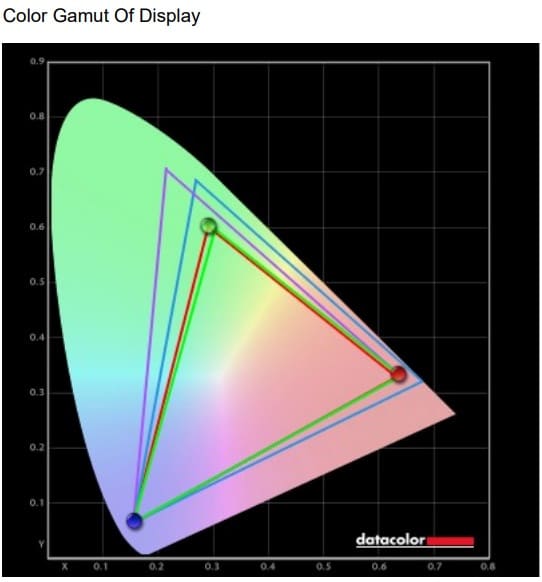
Calibrating with the Calibrite DisplayPlus colorimeter reduced the dE average to 0.5, so it has potential for prosumers. However, you have to buy the colorimeter, which costs roughly the same as the monitor if you want to do this. It’s worth it for work use, but other users will be fine without it.
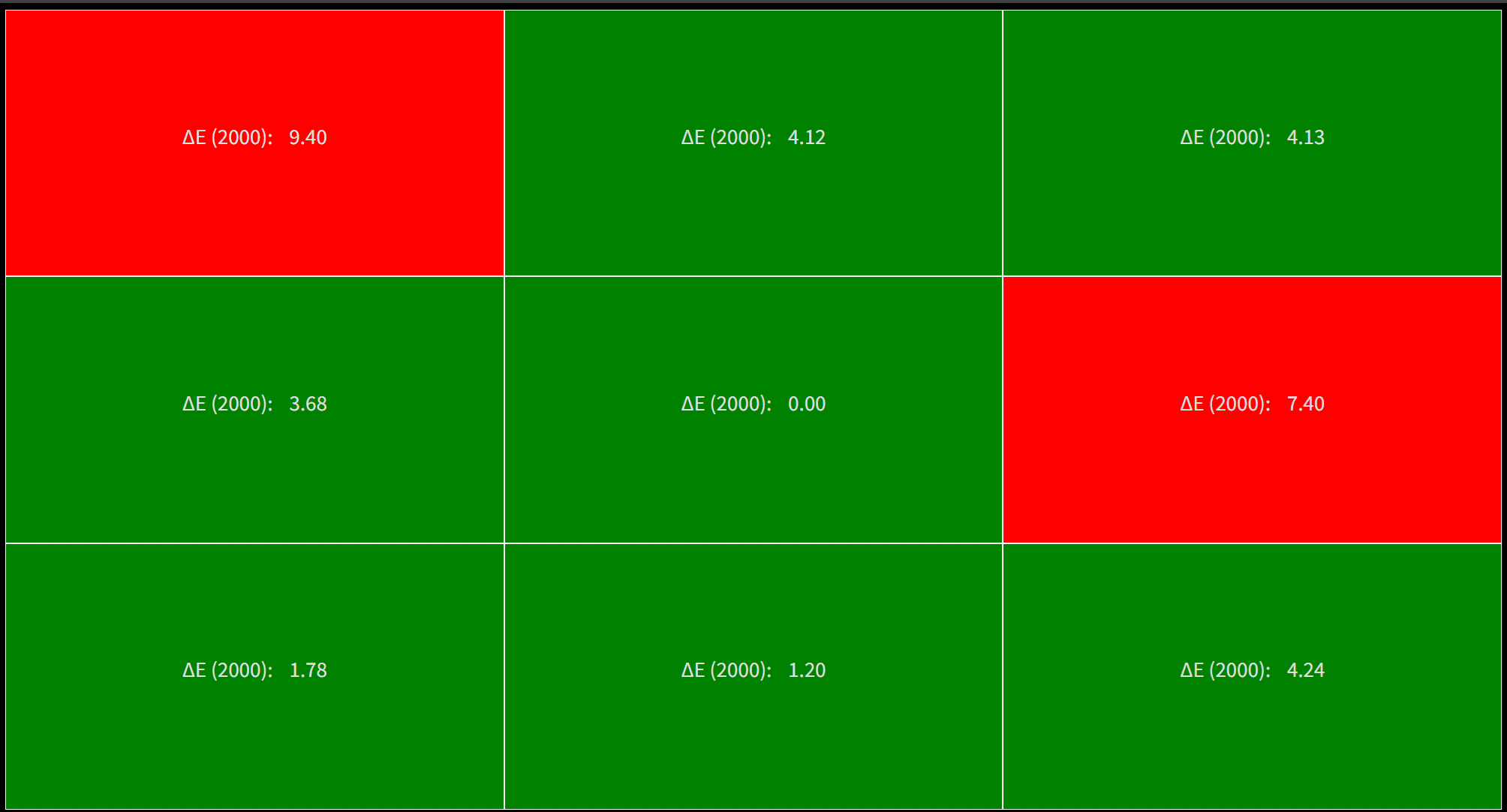
The Dell S2725QS’s backlight reached 338 cd/m2 at 100%, so it missed the specified maximum by a bit. Its contrast reached 1244:1 at 43% brightness, making it a bit better at producing deep blacks. It cannot match its IPS Black, VA, or OLED counterparts, but it’s decent enough compared to other mixed-use IPS panels.
Thoughts on the Dell S2725QS
The Dell S2725QS isn’t perfect, but it’s a fantastic buy simply because of what it offers for the price. The 4K IPS panel with a 120Hz is great for both gaming and productivity, so you are getting more for your investment. It’s designed quite well, too, considering the cost, which is half of what the U2725QE.
Pros:
- Excellent Colors
- USB-C Included
- Fast and Responsive Dual Mode
Cons:
- Low Contrast
- Limited Features
Side View
About the Author

Eli Nolan
Eli Nolan is a seasoned tech enthusiast and gaming monitor specialist. With years of experience testing the latest display technologies, Eli provides deep insights into performance, color accuracy, and value. When not benchmarking monitors, he can be found exploring the latest open-world RPGs or fine-tuning his workstation setup.