Dell U2725QE Review – Brilliant 4K 120Hz Thunderbolt Hub Monitor with IPS Black Panel
By Eli Nolan | Published January 20, 2026
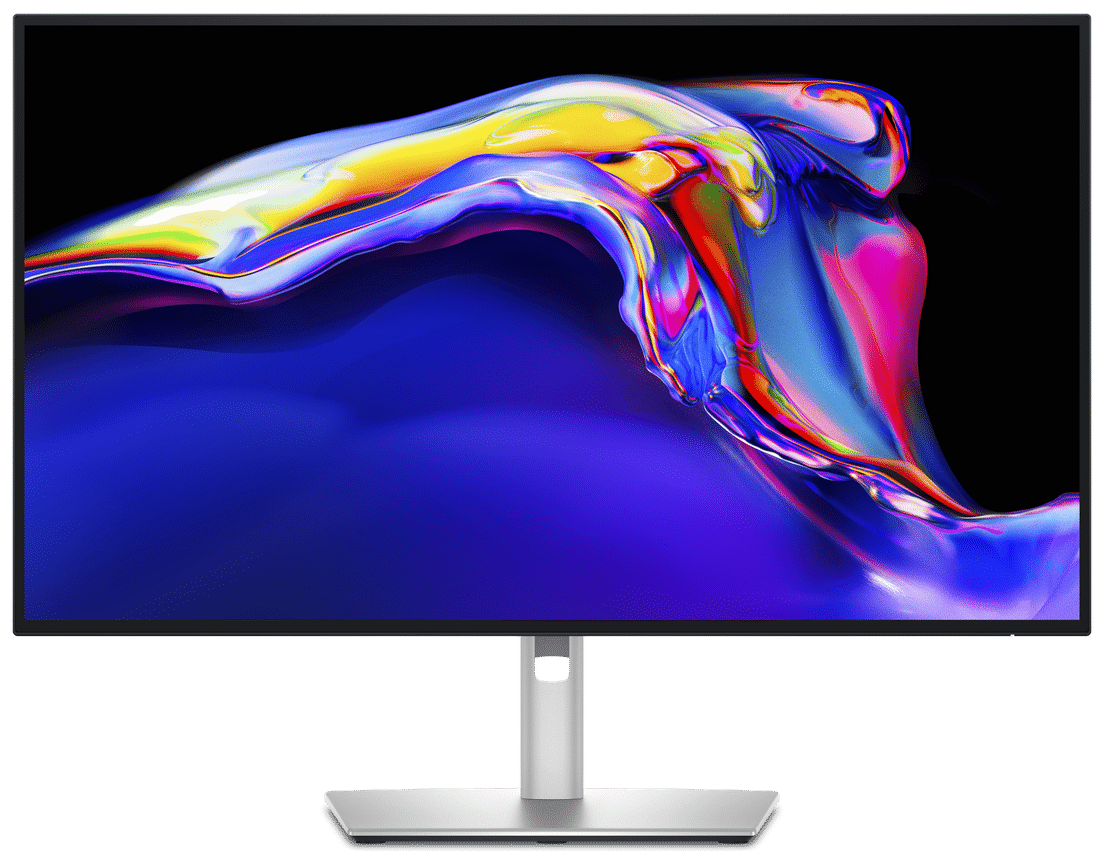
The Dell U2725QE presents significant upgrades over its already excellent U2723QE with its new panel and improved features. The monitor uses IPS Black technology just like the incumbent variant, but it gets boosted up to 120Hz and a world-first 3000:1 contrast ratio. Let’s see what kind of performance it can offer to see if it’s truly a worthy upgrade for 2025.
Gallery

Dell U2725QE Specifications
- Screen Size: 27 Inches
- Resolution: 3840 x 2160 4K UHD
- Aspect Ratio: 16:9
- Panel Technology: In-Plane Switching (IPS Black)
- Refresh Rate: 120Hz
- Response Time: 5ms (Fast)
- Contrast Ratio: 3000:1 (Static)
- Brightness: 450 cd/m²
- Built-in Speakers: No
- Stand: Height, Tilt, Swivel, Pivot – Yes
- VESA Compatibility: Yes (100 x 100)
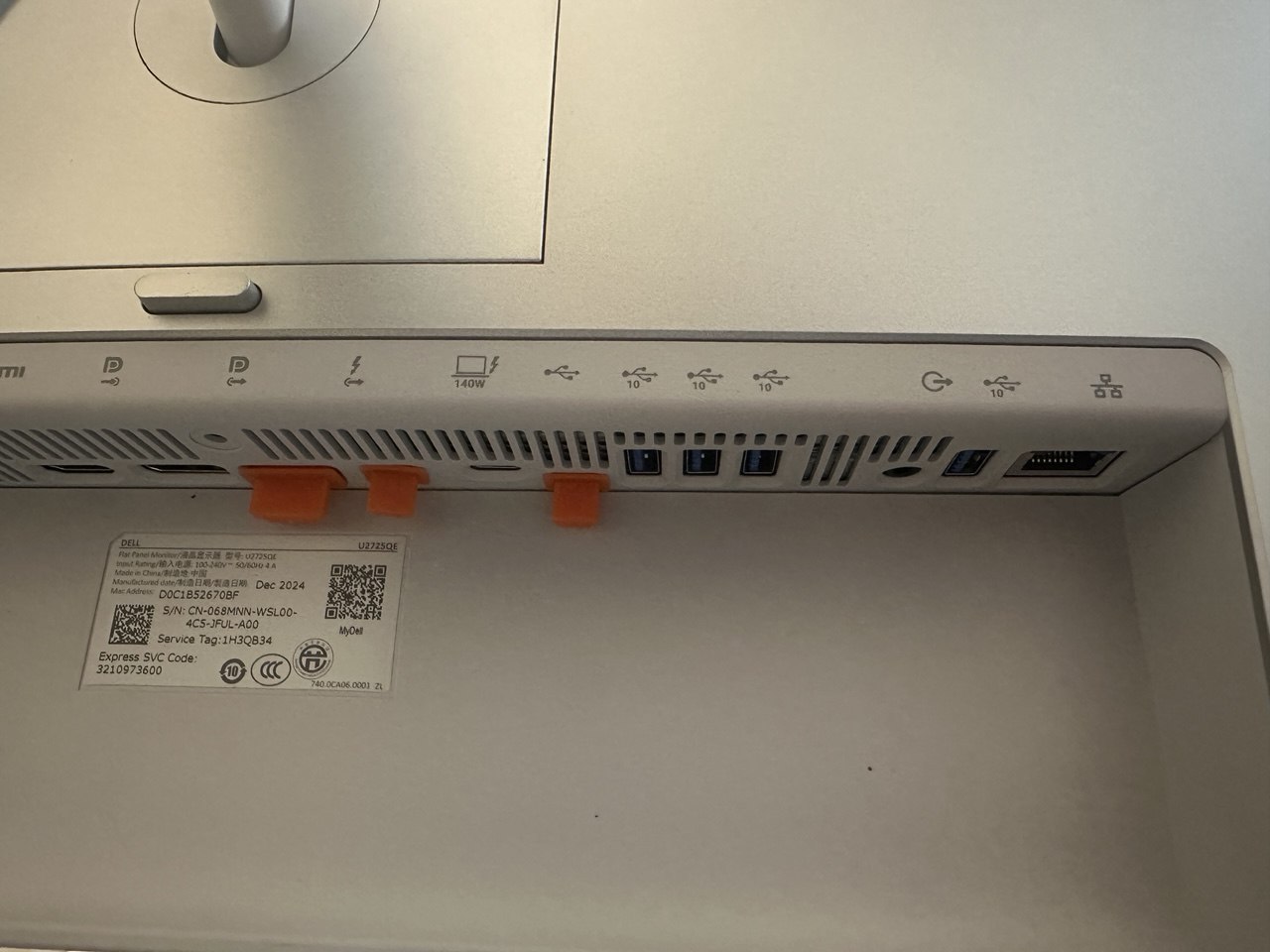
- Connectivity: DisplayPort 1.4 x 1, DP 1.4 Out x 1, Thunderbolt 4 PD 140W x 1, TB4 Out x 1, HDMI 2.1 x 1, USB-C x 2, USB 3.2 x 5, RJ45 x 1
Design and Features
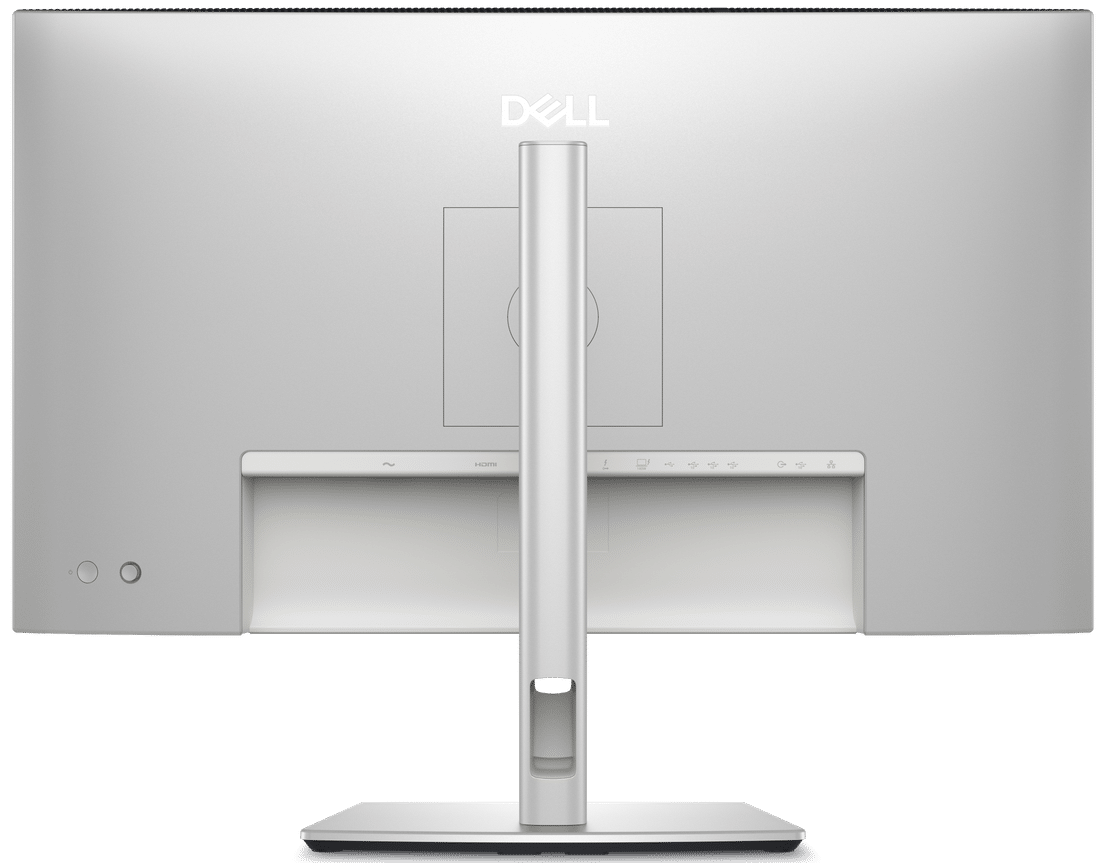
The Dell U2725QE’s design didn’t change much, but that’s a common practice with most business or professional-oriented monitors. The monitor has a matte white and silver combination, so it looks well-suited for high-end studio setups. The screen has a bezel-free design, but it still has inner borders even if it’s a new type of panel.
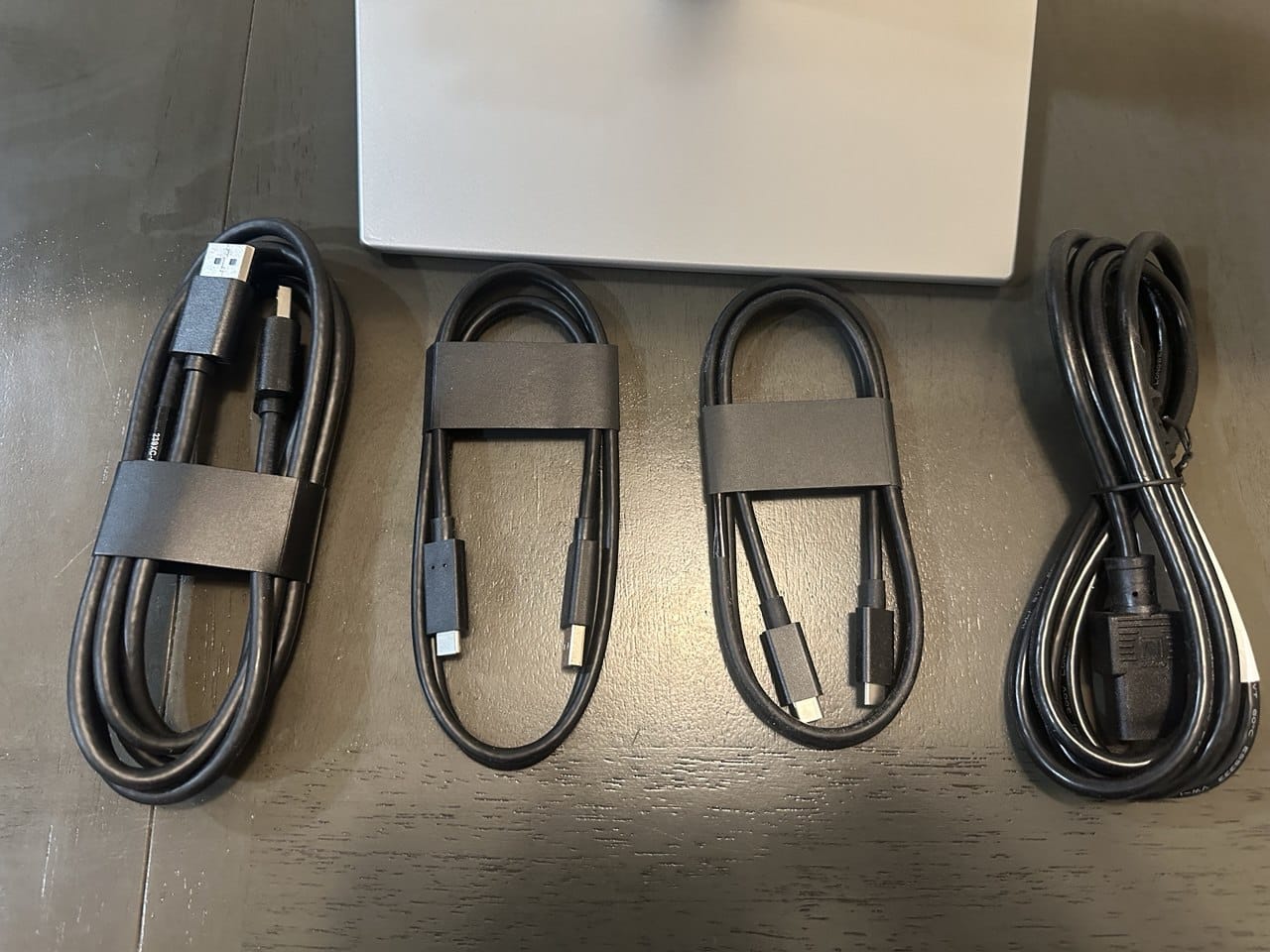
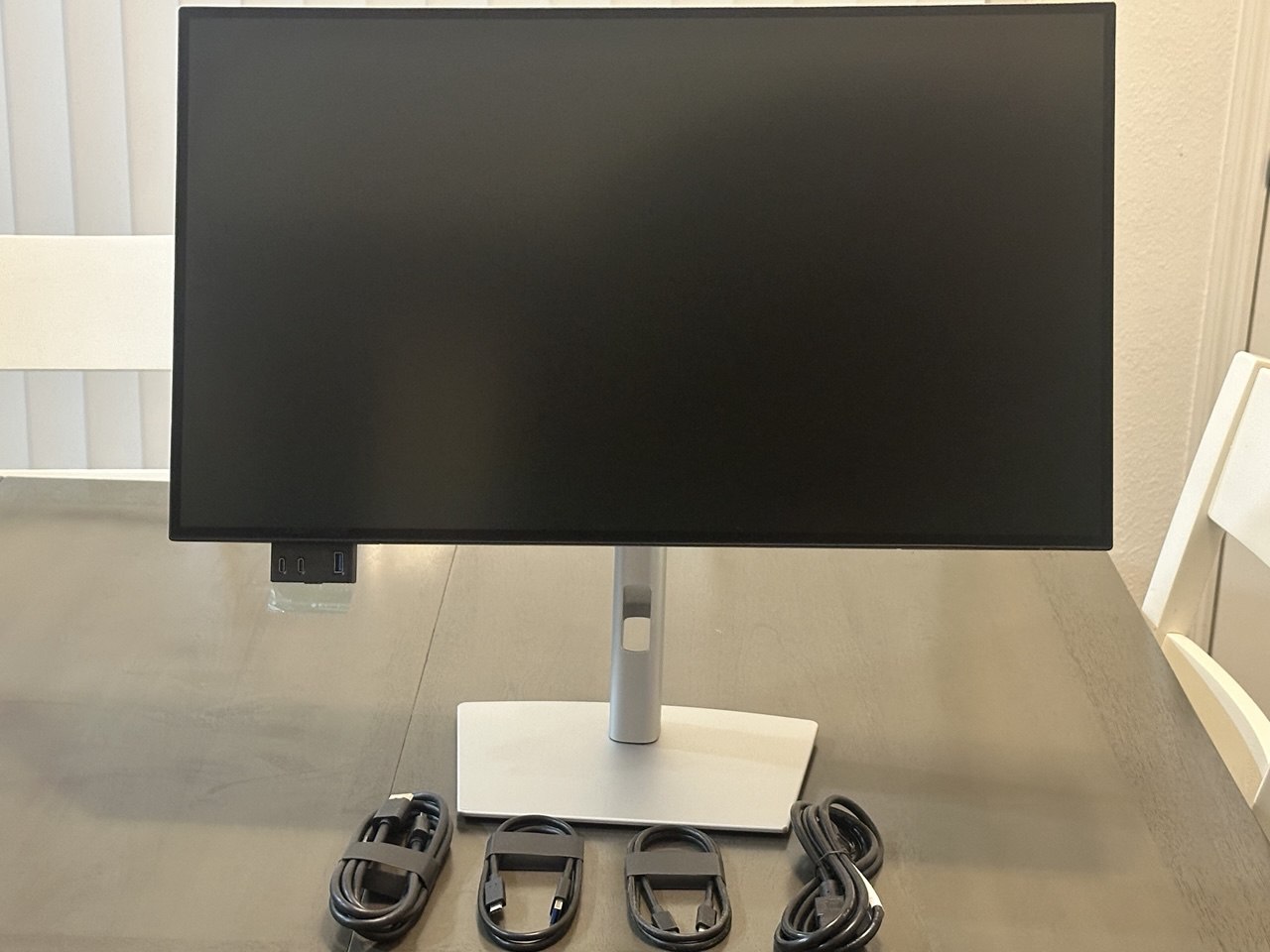
The unboxing experience for this monitor wasn’t exciting or unique, since Dell has been openly trying to reduce the waste it produces. That’s also a good thing for users since its easier and safer to setup since you don’t have to deal with too much packaging. You get a good mix of cables including a Thunderbolt 4 one, but there are is no HDMI cable in there.
We like that the Dell U2725QE doesn’t have a power brick like some of its competitors. Its internal so it makes the whole unit heavier, but that’s minor compared to having to tuck a massive brick somewhere hidden. The monitor only includes a power cable, making cable management more manageable through its small cable-tidy hole on the stand.
Display and Performance
The Dell U2725QE covered 100% sRGB, 95% Adobe RGB, and 92% DCI-P3 for stunning color in any type of use. Its default accuracy had a dE average of 0.93, so its already very accurate out of the box. This means professionals can use it for editing right away without changing anything in the OSD from the factory.
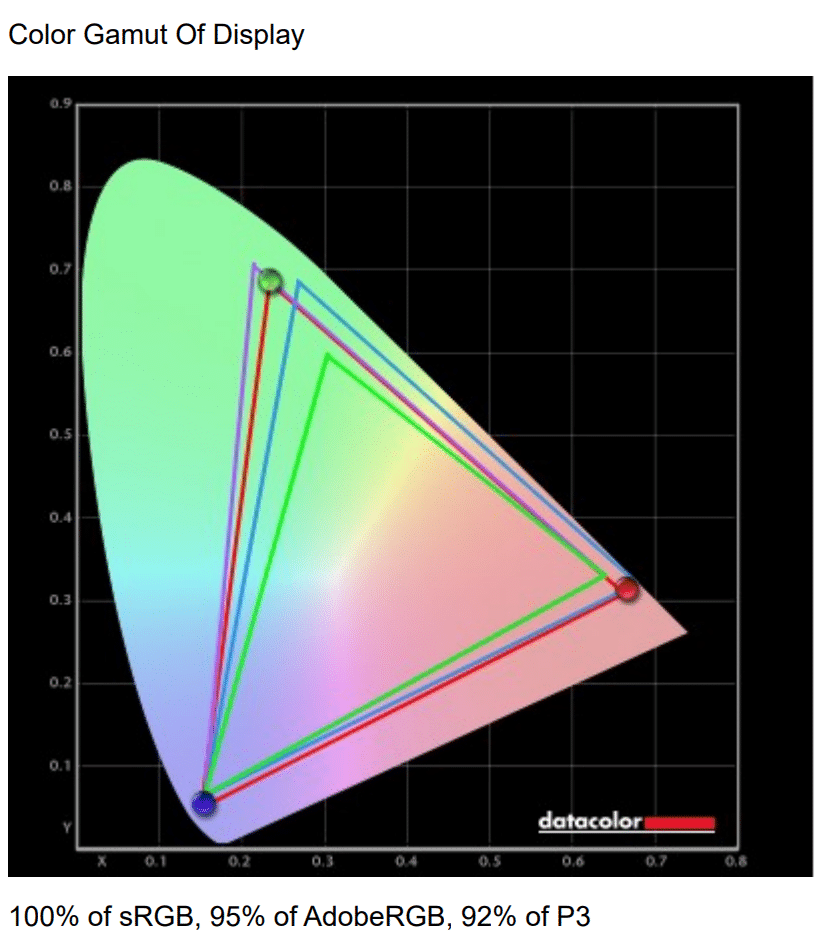
Calibrating the monitor with our Calibrite DisplayPlus reduced the dE average to 0.4, making it even more natural and balanced than the factory’s setting which had a slight difference in color temperature. You will need a colorimeter to achieve this, but the monitor is already accurate so you can hold off on buying that until budget permits.
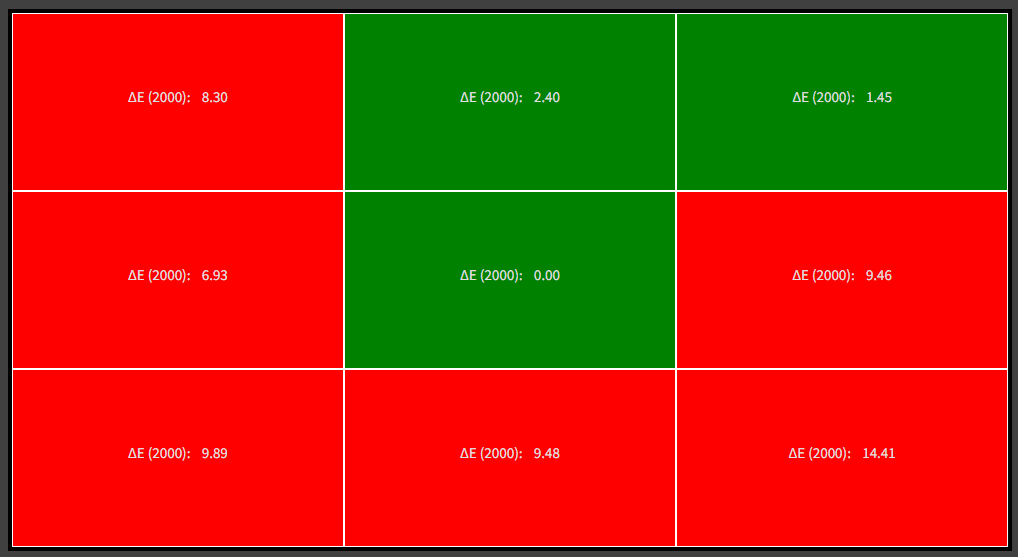
Its backlight reached 349 cd/m2 at 100%, so it can fight off a decent amount of glare. Its contrast peaked at 2933:1 at 58% brightness, enabling it to produce deep blacks unlike so many IPS panels out there. It felt confusing when compared next to an OLED monitor since the difference in black luminance was blurred, and somehow the Black IPS panel looked brighter in some scenes.
Thoughts on the Dell U2725QE
The Dell U2725QE is our new favorite prosumer monitor thanks to the advantages it brings. It’s IPS panel is very accurate, but it also has tremendous improvements in contrast and it goes up to 120Hz. Its built impressively well despite being lighter, and it comes with modern goodies that make it future-proof for most users.
Pros:
- Excellent Color Quality and Contrast
- Thunderbolt 4
- Plenty of Connectivity Features
- Accurate Out of the Box
- Plenty of Features and Great Build Quality
Cons:
- Expensive
- No Adaptive-Sync
Product View
About the Author

Eli Nolan
Eli Nolan is a seasoned tech enthusiast and gaming monitor specialist. With years of experience testing the latest display technologies, Eli provides deep insights into performance, color accuracy, and value. When not benchmarking monitors, he can be found exploring the latest open-world RPGs or fine-tuning his workstation setup.