I Don’t Want OLED: What to Buy Instead in 2026
By Paolo Reva | Published February 3, 2026
OLED is popular in 2026 because it delivers the easiest “wow” moment in modern monitors: perfect blacks, ridiculous contrast, and motion that often looks cleaner than a similarly specced LCD. But OLED is not a free lunch, and a surprising number of gamers only realize that after they’ve lived with one for a few weeks. If you don’t want OLED, what you’re really saying is that you want a monitor that behaves predictably in every scenario, not just in a cinematic demo scene, and you want an upgrade that feels like a win without requiring you to become the caretaker of a panel.
That is a completely rational goal, and it’s exactly where the best LCD options still shine.
This guide is long. That is on purpose, because the non‑OLED world is excellent when you buy the right kind of LCD for your use case, but it’s also full of traps that can make people swear off “gaming monitors” forever. We’re going to name the traps clearly, explain why they happen, and then recommend models that are boring in the best way: they work, they look good, and they don’t make you feel like you bought a science experiment.
Bottom line up front
If you want one recommendation that fits most gamers who don’t want OLED:
Buy a 27-inch 1440p IPS monitor with a real high refresh rate, and stop shopping.
This category is the safe middle that covers the most real-life situations. It looks sharp. It feels smooth. It behaves normally in desktop use. It avoids the common budget VA motion problems. It doesn’t ask you to learn panel‑care habits. It just does the job.
If you want HDR that actually looks like HDR and you play in a bright room:
Buy Mini‑LED, accept that blooming exists, and enjoy the brightness.
If you are competitive-first and you want maximum responsiveness without spending a fortune:
Buy a 24-inch 1080p 240Hz IPS monitor and let your PC actually hit the refresh rate you paid for.
Everything else is details, but those three paths cover almost everyone who says “no OLED.”
Why gamers say “no OLED” in the first place
There are four reasons this usually happens, and it helps to be honest about which one is yours because it instantly narrows the field.
You don’t want burn‑in anxiety
Even if burn‑in is unlikely for many gaming-heavy setups, the mental overhead is real. If you know you will run the same desktop layout for long stretches, you’ll keep taskbars and toolbars up, you’ll leave static UI on screen, and you don’t want your monitor choice to come with a lifestyle change, then you are not wrong for choosing an LCD.
You want HDR brightness, not just HDR contrast
OLED looks premium in dark rooms because contrast does most of the work, but Mini‑LED can look more dramatic in bright rooms because it has more brightness headroom and can fight your environment.
You want normal desktop behavior
Some gamers are sensitive to OLED’s desktop quirks, including brightness limiting behavior in large bright scenes or the way text can look depending on your OS and your eyes. Many people don’t care. Some people care a lot. If you want a monitor that feels “normal” all day, LCD has an advantage.
You want reliability over vibe
There’s a type of gamer who simply does not want to risk a love‑hate relationship with a monitor. They want to buy once, set it up, and never think about it again. That person should not feel pressured into OLED.
The non‑OLED approaches that actually work
The “Zero Drama” Approach
This is IPS. A good IPS gaming monitor is the easiest recommendation because it’s predictably good at everything and rarely awful at anything. Colors look solid. Viewing angles are forgiving. Motion can be excellent. Text looks normal. For mixed use, IPS is still the safest lane.
The “Real HDR in a Bright Room” Approach
This is Mini‑LED. You’re choosing brightness and highlight punch, and you’re accepting that blooming can exist around bright objects on dark backgrounds because dimming zones are not pixels. Mini‑LED is not trying to be OLED. It’s trying to deliver a more intense HDR experience without OLED’s worries.
The “Immersion on a Budget” Approach
This is where VA and budget ultrawides show up. This approach can be fun, but it’s the highest-risk category for motion artifacts, especially in dark scenes. If you’re choosing this lane, you are prioritizing screen size and vibe, and you should be realistic about the tradeoffs so you don’t feel betrayed later.
Quick picks
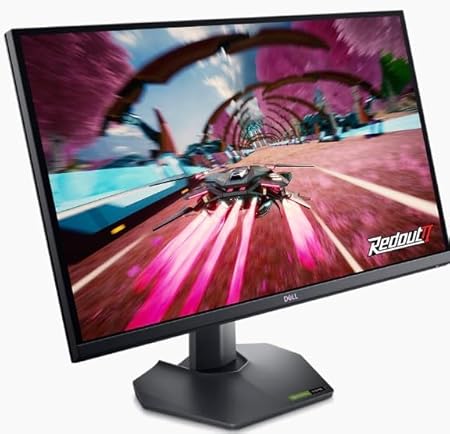
- Best non‑OLED for most gamers: Dell G2724D
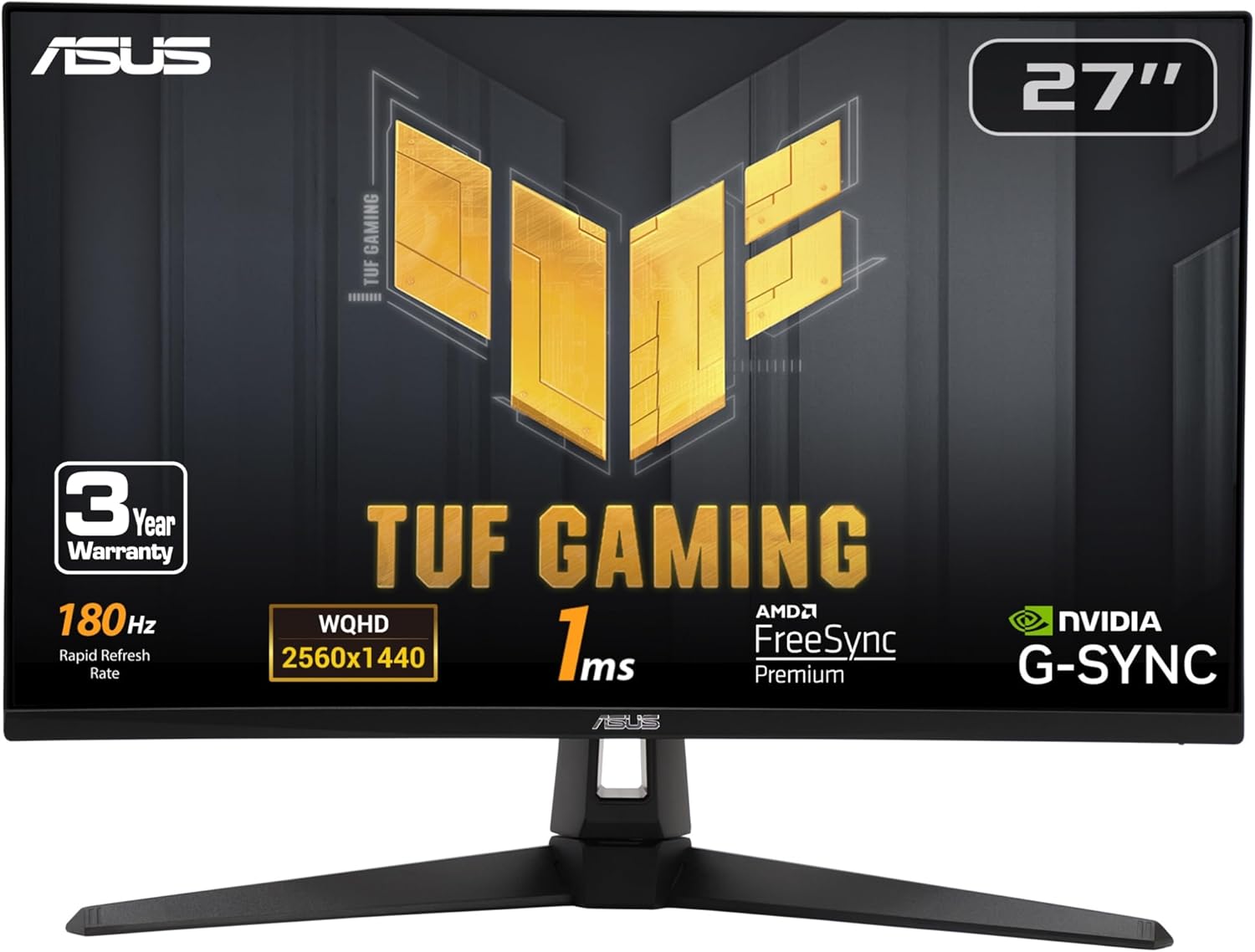
- Best value 1440p IPS alternative: ASUS TUF VG27AQ3A
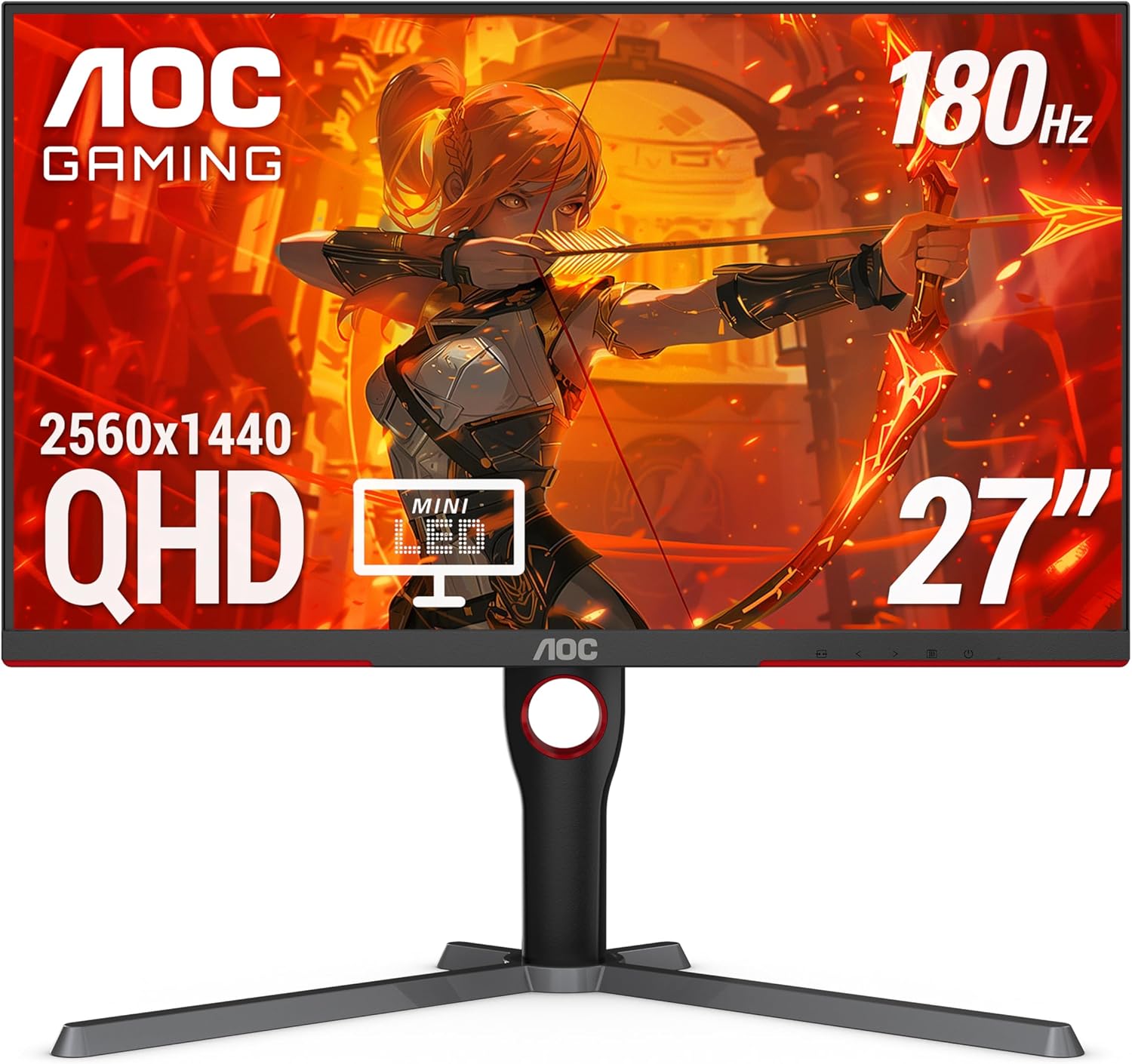
- Best “HDR that feels real” without OLED: AOC Q27G3XMN Mini‑LED
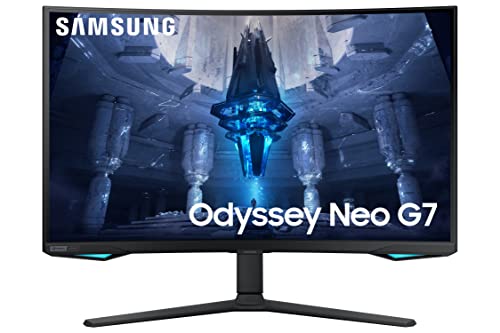
- Best premium Mini‑LED for bright rooms: Samsung Odyssey Neo G7
- Best “brighter and faster” Mini‑LED lane: Samsung Odyssey Neo G8
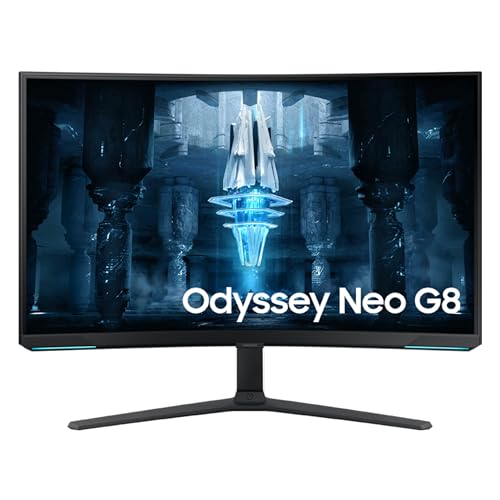
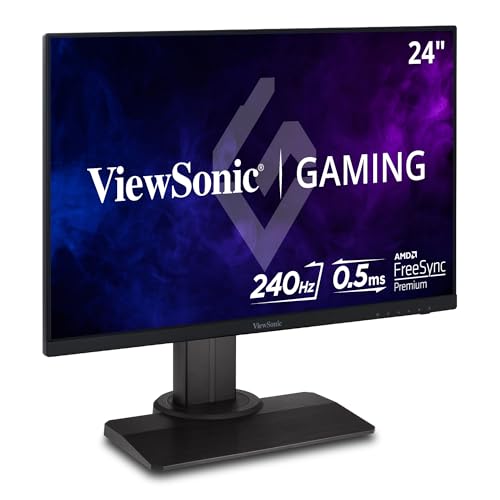
- Best competitive non‑OLED pick: ViewSonic XG2431
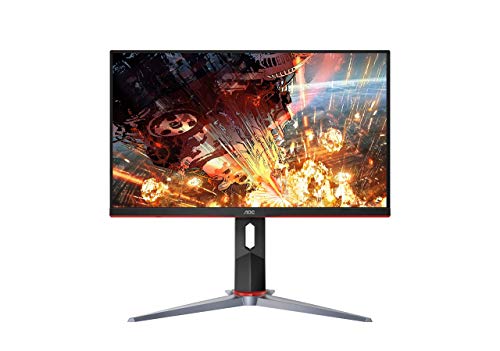
- Best budget 1080p IPS upgrade: AOC 24G2
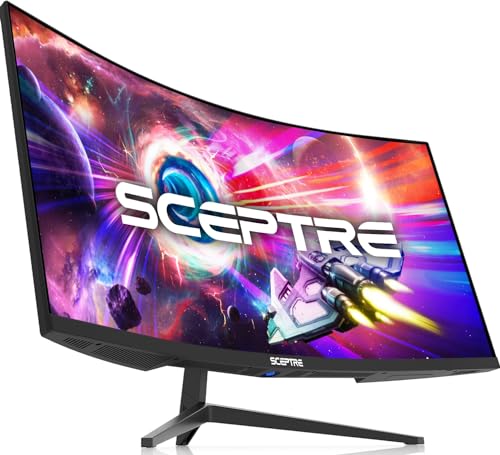
- Best ultrawide under $300: Sceptre 34" C345B‑QUT168
MonitorNerds picks
These are models that map cleanly to “I don’t want OLED,” meaning they prioritize consistency, predictable daily use, and a low chance of that “I regret this” feeling.
Best non‑OLED gaming monitor for most gamers
This is our favorite kind of recommendation because it doesn’t require a long explanation to justify itself. It’s 27 inches, 1440p, high refresh, and it’s the kind of IPS experience that feels clean in motion and normal on the desktop. It’s also the kind of monitor that tends to age well, because it doesn’t rely on a gimmick, and it doesn’t force you into a specific identity like “competitive only” or “HDR only.” It’s just a strong all-around display.
If you want a safe pick that won’t create buyer’s remorse, this is exactly the style of monitor that delivers.
Best “modern smooth” 1440p IPS alternative
This is another “buy it and relax” IPS lane option, and it works particularly well for gamers who play a mix of titles and want one monitor that does not feel compromised in any obvious way. When someone says “I don’t want OLED,” they often want predictable motion, stable brightness, and a display that doesn’t behave differently depending on what’s on screen. A solid IPS model like this fits that mindset perfectly, because the monitor is not trying to be dramatic; it’s trying to be correct.
Best HDR experience without OLED
A lot of gamers tried “HDR” on older budget monitors and walked away thinking HDR was a scam, when the real issue was that the monitor couldn’t get bright enough and didn’t have meaningful local dimming to create contrast where it mattered. Mini‑LED changes that, because local dimming plus real brightness can make highlights pop and dark scenes feel deeper, even if it’s not OLED-perfect.
This AOC is a practical pick because it can deliver a surprisingly convincing HDR presentation for the money, especially in games with strong lighting effects. The tradeoff is blooming. That’s the honest tradeoff. If you understand that going in, you’re much more likely to love what it does well instead of fixating on what it can’t do.
Best premium Mini‑LED choice for bright rooms
Some rooms are just bright. Some setups have windows. Some gamers like playing with lights on. In those situations, OLED’s contrast is still beautiful, but Mini‑LED’s brightness can be the more satisfying “premium” feeling because the image stays vivid in a way you can’t replicate by tweaking settings.
This is the type of monitor you recommend when you want HDR to have real impact, especially in explosive scenes, bright reflections, and high-contrast environments. You are accepting that haloing can exist in some scenes, but you’re getting brightness and punch that makes HDR feel like more than a label.
Best “I want it brighter” Mini‑LED lane
This is for gamers who prioritize HDR intensity and high refresh and want the kind of brightness that is noticeable even in daylight conditions. It’s not necessary for everyone, but it fits the buyer psychology of someone who has tried normal monitors and keeps feeling like the image looks muted when the room is bright.
Best competitive non‑OLED pick
If you live in shooters and care about responsiveness and motion clarity, the best non‑OLED money often goes toward a well‑tuned 1080p 240Hz IPS monitor. The biggest mistake competitive gamers make is buying a high refresh monitor and then pairing it with a resolution that prevents them from actually hitting high frame rates consistently. That’s where 1080p still makes sense, because it allows a wider range of systems to run smooth and stable.
This is the kind of monitor you buy when you want your screen to feel connected to your mouse movement and tracking, and you don’t want to wonder whether a panel quirk is the reason your aim feels off.
Best budget upgrade if money is tight
Not every gamer needs a 1440p setup to be happy. If you’re coming from a basic 60Hz panel, a reliable 1080p IPS high refresh monitor can still feel like a major upgrade, and the important thing is to avoid the categories that create regrets, like 27-inch 1080p softness or cheap VA smearing.
This is a great “first real gaming monitor” type of pick that can later become a second display without feeling like you wasted money.
Best ultrawide under $300
This pick exists for one reason: some gamers want ultrawide immersion and they don’t want to pay for it. That’s fine, but ultrawide under $300 is a compromise category. You are buying screen real estate first, not perfection.
If you frame it correctly, it can be an awesome “big screen feel” upgrade for certain games, especially cinematic single‑player titles and racing games. If you oversell it, it becomes a regret purchase. The difference is honesty about the tradeoffs.
What to avoid if you don’t want OLED
This section prevents regret, and it also helps you shop quickly because it rules out the categories that cause the most predictable disappointment.
Avoid fake HDR
If a monitor is not OLED and does not have meaningful local dimming, “HDR” is often just a box on the listing. HDR mode can wash out colors, distort brightness, or make the image feel unstable. If HDR matters, buy Mini‑LED or ignore HDR entirely and focus on SDR quality and motion.
Avoid cheap high‑refresh VA if you play dark games
Cheap VA at high refresh can smear during dark transitions, and in shooters and dark scenes it can look like a shadow trail that follows objects. Some VA is excellent. Cheap VA is a gamble. If you don’t want OLED because you want fewer quirks, IPS is usually the safer alternative.
Avoid 27-inch 1080p unless you truly don’t care about clarity
This is less about elitism and more about pixel density. 27-inch 1080p looks soft to many people, and it affects everything you do, not just gaming. If you want 1080p, 24 inches is the sweet spot. If you want 27 inches, 1440p is the comfortable match.
Avoid buying based on “1ms”
Almost everything claims 1ms. It’s not a meaningful filter. Real motion quality depends on tuning, overdrive behavior, and how the panel behaves at the refresh rates you actually use. If you want a low-drama purchase, stick to known models and reputable lines.
Avoid sketchy third‑party marketplace listings
A suspiciously cheap listing can mean warranty headaches, return pain, refurb sold as new, or just poor seller practices. If you want a smooth purchase experience, prioritize reputable sellers and solid return policies.
A simple decision guide for the “no OLED” gamer
If you want to stop spiraling, use a few practical rules that map to how you actually play.
- If your monitor is used for work plus gaming, default to 27-inch 1440p IPS.
- If you game in a bright room and want HDR to feel bold, choose Mini‑LED.
- If you mostly play competitive shooters, choose 24-inch 1080p 240Hz IPS.
- If you want big immersion on a budget, choose ultrawide, but accept compromises upfront so you don’t feel betrayed later.
MonitorNerds verdict
The non‑OLED monitor market is not the “second choice” market in 2026. It is the market for gamers who value stability, brightness, and predictable daily use, and that is a completely valid priority.
If you want the safest all-around pick that works for most gamers and minimizes regret, start with the Dell G2724D.
If you want HDR to feel like HDR without OLED, the Mini‑LED lane is where that becomes real, and the AOC Q27G3XMN is the practical “budget HDR that actually works” recommendation.
If you’re competitive-first and want maximum smoothness without overspending, 1080p 240Hz IPS is still the smart move, and the ViewSonic XG2431 fits that purpose.
About the Author

Paolo Reva
Paolo is a gaming veteran since the golden days of Doom and Warcraft and has been building gaming systems for family, friends, and colleagues since his junior high years. High-performance monitors are one of his fixations and he believes that it’s every citizen’s right to enjoy one. He has gone through several pieces of hardware in pursuit of every bit of performance gain, much to the dismay of his wallet. He now works with Monitornerds to scrutinize the latest gear to create reviews which accentuate the seldom explained aspects of a PC monitor.