OLED Eye Strain, VRR Flicker & The Mini-LED Escape Hatch: Best High-Zone Mini-LED Monitors for Flicker-Sensitive Users
By Eli Nolan | Published October 28, 2026
Spend an hour browsing r/Monitors or display support forums, and you will notice a striking trend. Amid the glowing praise for OLED’s inky blacks and instantaneous pixel response times, there is a large, frustrated demographic of PC gamers sharing an identical experience:
"I bought a flagship QD-OLED monitor. The picture is breathtaking, but within 45 minutes my eyes burn, my temples throb, and during loading screens or dark game scenes, the monitor visibly flickers. I had to pack it back into the box and return it."
For these users, the issue isn't burn-in paranoia or non-standard subpixel fringing. It is a biological sensitivity to VRR (Variable Refresh Rate) gamma flicker and the subtle, high-frequency luminance modulation inherent to self-emissive organic displays.
Even more frustratingly, many buyers fleeing OLED jump blindly into curved VA-panel Mini-LEDs, only to discover that VA liquid crystal physics introduce the exact same VRR flickering artifacts.
What causes OLED eye strain and VRR flicker? Why do conventional VA Mini-LEDs fail to solve it? And why has Fast IPS with high-zone Mini-LED backlighting become the ultimate sanctuary for flicker-sensitive gamers and creative professionals?
The Physics of VRR Flicker: Why OLEDs Pulse in the Dark
To understand why OLED monitors flicker when G-Sync or FreeSync is enabled, you must examine how an OLED subpixel regulates its light output.
In an OLED display, each subpixel is driven by a microscopic Thin-Film Transistor (TFT) that delivers an electrical current. The amount of light emitted is directly proportional to the voltage applied across the organic material.
Crucially, the gamma response curve of an OLED panel is calibrated to a fixed refresh rate (typically its maximum rating, such as 240Hz or 360Hz).
The Mechanics of VRR Gamma Shifts:
- Variable Charge Accumulation: When you play a game with a fluctuating frame rate (e.g., hovering between 60 FPS and 110 FPS in Alan Wake 2 or Starfield), the time between frame refresh cycles constantly changes. At 120Hz, a frame lasts 8.33 milliseconds; at 60Hz, a frame lasts 16.67 milliseconds.
- Near-Black Voltage Instability: Because the TFT driving circuit holds voltage for twice as long during a low-framerate frame compared to a high-framerate frame, tiny amounts of electrical charge leak across the subpixel capacitor. In near-black regions (shadow detail between 1% and 15% stimulus), human vision is hyper-sensitive to luminance fluctuations.
- The Visible Strobe: Every time your GPU experiences a micro-stutter, frametime spike, or drops from 120 FPS to 60 FPS during a camera turn, the panel's gamma curve abruptly shifts. Shadowy environments visibly pulse, flash, and flicker.
Because liquid crystal displays maintain a constant backlight independent of individual pixel refresh cycles, IPS panels are physically immune to this form of subpixel electrical leakage.
Refresh Rate Dips: The Invisible Headache Machine
Even with VRR disabled and the monitor locked to a static 240Hz, a subset of users still report eye strain, nausea, and headaches when viewing OLED screens.
This discomfort stems from Pulse Amplitude Modulation (PAM) and synchronous refresh-rate luminance dips:
On virtually every modern WOLED and QD-OLED display, the panel introduces a subtle luminance dip of roughly 5% to 15% during every refresh cycle to allow the TFT gate lines to reset and scan in the next frame.
While a 10% dip at 240Hz (cycling every 4.16 milliseconds) is far too fast for the conscious visual cortex to register as an obvious blink, the optic nerve and pupillary muscles still respond to the rapid micro-strobe. For people prone to migraines, vestibular sensitivity, or binocular vision dysfunction, staring at high-frequency cyclic brightness dips for hours triggers severe asthenopia (eye strain).
The VA Mini-LED Trap: Out of the Frying Pan, Into the Fire
When flicker-sensitive gamers decide to abandon OLED, their first instinct is often to buy a high-contrast Mini-LED monitor. They search for "deep blacks" and naturally gravitate toward VA (Vertical Alignment) Mini-LEDs (such as Samsung's Odyssey Neo series).
This is often a painful mistake.
Why VA Mini-LEDs Also Suffer from VRR Flicker:
VA liquid crystals are notoriously slow when transitioning between dark shades, resulting in black-smear ghosting. To combat this, monitor scalers apply aggressive variable overdrive voltages. When VRR modulates the refresh rate, the overdrive voltage overshoots or undershoots wildly, causing noticeable brightness flickering along dark textures that mimics OLED VRR flicker almost identically.
If you are sensitive to flicker, switching from OLED to VA Mini-LED rarely solves your symptoms.
The True Sanctuary: Fast IPS with 1,152+ Zone Mini-LED
To eliminate VRR flicker and optical fatigue while preserving stunning HDR performance, the solution is Fast IPS combined with Full-Array Local Dimming (FALD) Mini-LED backlighting:
Why Fast IPS Mini-LED Solves Eye Strain:
- Zero VRR Gamma Shifts: Liquid crystals in an IPS panel maintain rock-solid gamma stability across the entire VRR range (from 48Hz up to 160Hz+). Framerate fluctuations in dark scenes produce zero brightness pulsing.
- True DC Dimming / High-Frequency PWM: Leading IPS Mini-LEDs power their backlights using Direct Current (DC) analog voltage modulation or ultra-high-frequency PWM (> 10,000Hz). There are zero synchronous refresh-cycle brightness dips.
- Sustained Full-Screen HDR Luminance: While OLED monitors dim to 220–250 nits in bright scenes due to ABL, high-zone Mini-LEDs effortlessly sustain 1,000 to 1,200 nits across full-screen white windows without power throttling.
- Burn-In Immunity: Zero risk of permanent image retention. Static trading charts, HUDs, and code editors can be displayed 12 hours a day without anxiety.
The Top Flicker-Free Mini-LED Monitors Evaluated
1. The Flagship Reference: BenQ MOBIUZ EX321UX
- Panel: 31.5-inch 4K (3840x2160) 144Hz Fast IPS
- Local Dimming: 1,152 full-array local dimming zones powered by BenQ's custom micro-controller.
- Connectivity: Native DisplayPort 2.1, HDMI 2.1, and eARC support for home theater audio.
- Why It Excels: BenQ’s local dimming algorithm is one of the cleanest in the industry, minimizing haloing around bright game crosshairs while delivering true flicker-free performance under variable refresh rates.
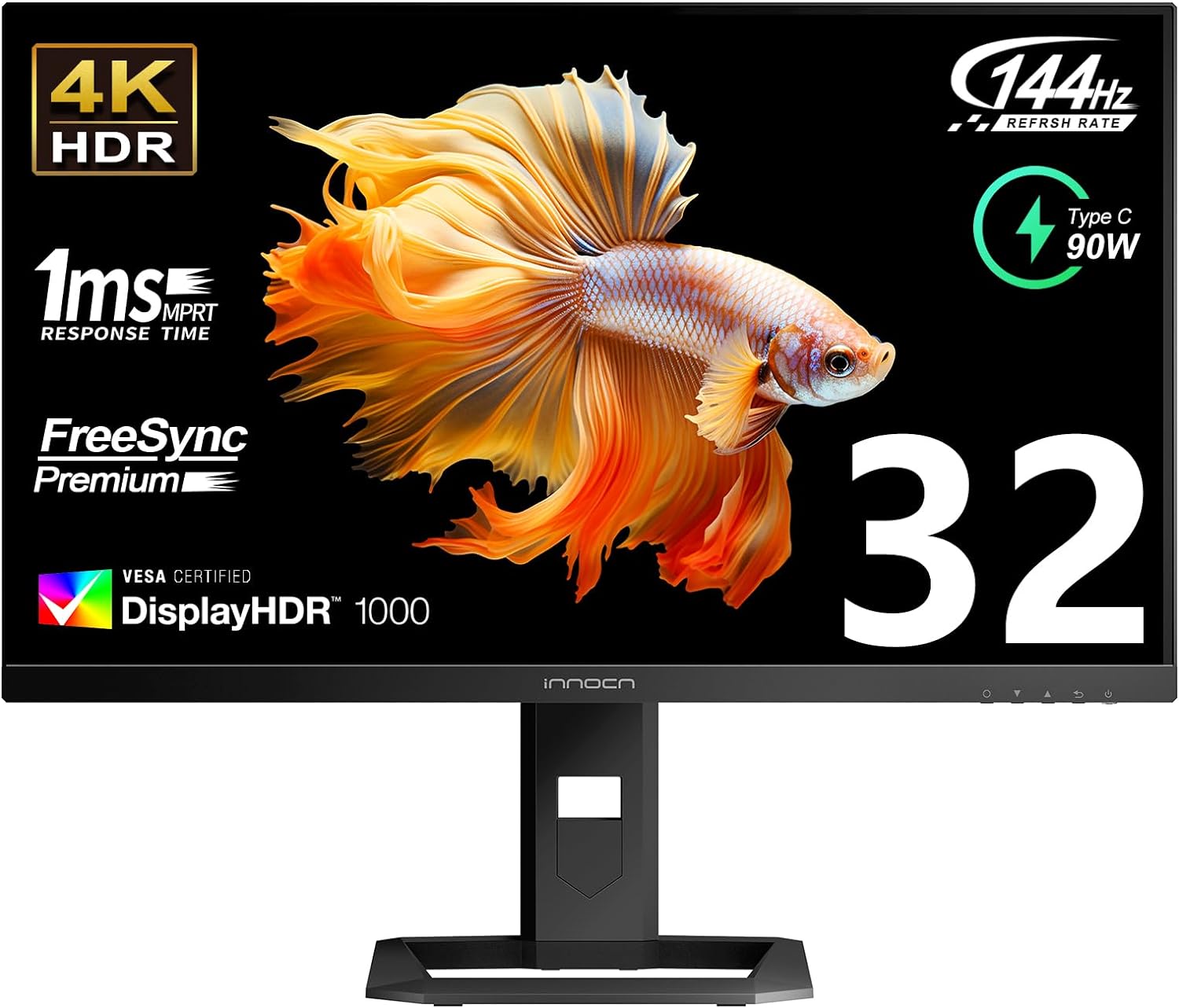
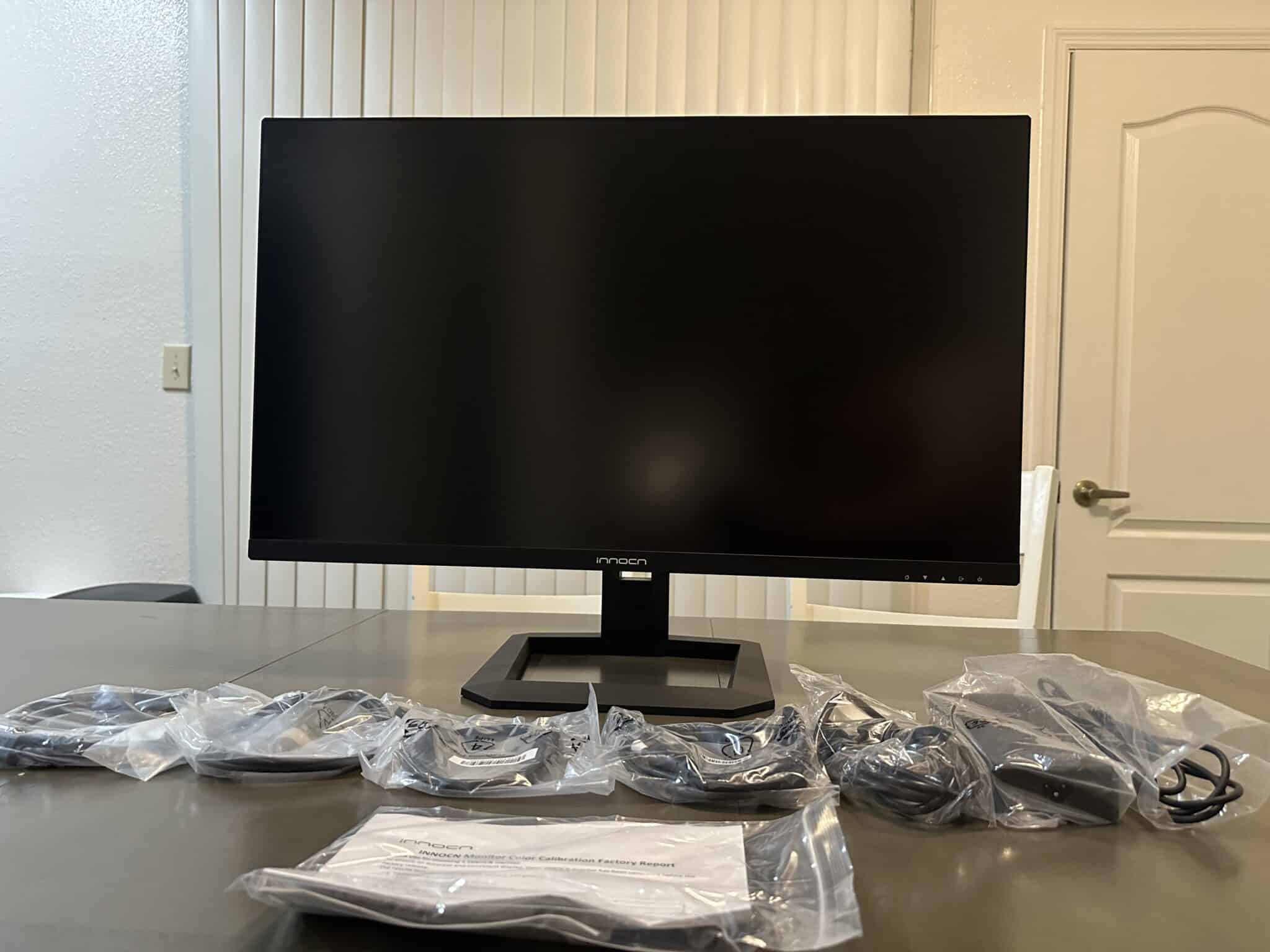
2. The Value HDR Powerhouse: INNOCN 27M2V / 32M2V Series
- Panel: 27-inch or 32-inch 4K 160Hz Fast IPS
- Local Dimming: 1,152 independent local dimming zones with Quantum Dot enhancement.
- Color Coverage: 99% Adobe RGB, 99% DCI-P3 with factory Delta-E < 2.0 calibration.
- Why It Excels: Delivers genuine DisplayHDR 1000 performance with over 1,000 nits of sustained full-screen white luminance at roughly half the cost of premium OLED flagships.
Head-to-Head Comparison Matrix
| Feature / Metric | BenQ MOBIUZ EX321UX | INNOCN 27M2V | ASUS ROG Swift PG32UCDM | Dell UltraSharp U3223QE |
|---|---|---|---|---|
| Amazon Direct Link | Check Price | Check Price | Check Price | Check Price |
| Panel Technology | Fast IPS Mini-LED | Fast IPS Mini-LED | Gen 3 QD-OLED | IPS Black (Edge-lit) |
| Dimming Zones | 1,152 Zones | 1,152 Zones | Per-Pixel (8.3M) | None (Global Dimming) |
| VRR Gamma Flicker? | None (Zero Shift) | None (Zero Shift) | Noticeable in dark scenes | None (60Hz static) |
| Synchronous PAM Dips? | None (Flicker-Free) | None (Flicker-Free) | 10–15% cyclic dip | None (Pure DC Dimming) |
| Sustained 100% White | 1,000+ nits | 1,050+ nits | 250 nits (ABL Cap) | 400 nits |
| Burn-in Risk | Zero | Zero | Cumulative static risk | Zero |
| Pixel Response (GtG) | 1.0ms | 1.0ms | 0.03ms | 5.0ms |
| Primary Use Case | Flicker-Free HDR Gaming | Value 4K HDR Gaming | Pure Dark-Room Gaming | Color-Critical Office |
Decisive Verdict: Is Mini-LED Right for You?
Upgrade to Fast IPS Mini-LED If:
- You experience eye strain, headaches, or nausea from OLED displays: Fast IPS Mini-LED provides complete immunity to VRR gamma flicker and cyclic refresh dips.
- You game in a bright, sunlit room: Mini-LED’s ability to pump out 1,000+ nits of sustained full-screen white easily overpowers heavy daytime glare where OLED looks dim.
- You use your display for 8+ hours of static productivity daily: With zero risk of burn-in and standard vertical RGB stripe subpixel layouts, code, spreadsheets, and browser text render with reference clarity.
Stick with OLED If:
- You game exclusively in pitch darkness: In a completely dark room, OLED's per-pixel dimming produces zero blooming or haloing around bright subtitles and starfields.
- You demand competitive 0.03ms response times: While Fast IPS is remarkably rapid at 1.0ms, OLED remains the undisputed king of motion clarity for high-speed esports.
About the Author

Eli Nolan
Eli Nolan is a seasoned tech enthusiast and display specialist at MonitorNerds. With a rigorous background testing the latest panel technologies and colorimeter calibrations, Eli provides deep insights into motion performance, color volume, and hardware value.