OLED vs Mini-LED in 2026: Which Should You Buy?
By Paolo Reva | Published February 3, 2026
OLED vs Mini-LED in 2026: Which Should You Buy?
Bottom line up front
If you want the shortest honest answer, here it is, and yes, it is intentionally opinionated.
If you mostly play at night, you love darker cinematic games, you care about contrast, and you want motion to look clean without you having to obsess over overdrive settings, buy OLED and enjoy the fact that blacks are actually black and not a weird gray glow that follows you around the screen.
If you game in a bright room, you want HDR that looks bright instead of just “high contrast,” you also use your monitor for productivity with lots of static UI, and you want a premium experience with less ongoing mental overhead, buy Mini‑LED and let the backlight do the heavy lifting without worrying that your daily desktop layout is slowly branding itself into the panel.
If you are competitive-first and your main priority is smoothness, clarity in motion, and low latency, you can go either way, but you should be honest about one specific thing: VRR flicker tolerance. If flicker drives you insane, a well‑tuned LCD can be the calmer experience even if OLED wins on paper for pixel response.
And if you are buying mainly for work and the monitor is going to be the place where you spend hours in spreadsheets, documents, code, or static dashboards, Mini‑LED is usually the safer default, because it behaves like a traditional desktop monitor and it will not ask you to develop “OLED hygiene” habits that you may or may not want to adopt.
Now we can do the technical version, because this debate is not really about brand names, it is about how the panel makes light, and that determines the problems people complain about after they spend their money.
The core difference
OLED
OLED is simple in the most important way: each pixel is its own light source, which means the panel can turn individual pixels completely off, and that creates the kind of contrast that an LCD panel can never truly replicate no matter how good the backlight is.
This is why OLED has that “depth” people talk about, especially in darker scenes where shadow detail sits on a true black background rather than sitting on top of a dimly glowing panel that is still leaking light.
Mini‑LED
Mini‑LED is still an LCD display at heart, which means the LCD layer makes the image and the backlight makes the light, but the backlight is far more advanced than the standard edge-lit stuff that ruined “HDR” for an entire generation of budget monitors.
A Mini‑LED monitor uses lots of small backlight zones that can dim independently, which means bright parts of the image can stay bright while darker parts dim down, and that is what gives Mini‑LED its best qualities: real brightness, real HDR punch, and a kind of contrast that can look genuinely impressive when it is done well.
The entire OLED vs Mini‑LED fight is basically this: OLED wins on pixel‑level contrast and response time, while Mini‑LED wins on sustained brightness and lower worry about static UI.
Contrast and black levels
What OLED does better
OLED’s “black” is not dark gray, it is off, and that one fact changes the feel of games that rely on atmosphere, lighting, and shadow detail, because the image gains depth and separation without you having to crank gamma or sacrifice detail in dark areas.
If you have ever played a game where the night sky looks like a hazy gray sheet rather than a real dark sky, or where a cave scene looks washed out because the panel can’t truly get dark, OLED is the easiest fix because it changes the physics of the display rather than just adjusting the tuning.
What Mini‑LED does better, and where it struggles
Mini‑LED can deliver very strong perceived contrast, especially in scenes with large bright areas and large dark areas, because the backlight zones can dim aggressively and the image can look punchy and dramatic.
The catch is blooming, which is the halo around bright objects on dark backgrounds, and the reason blooming exists is that zones are not pixels, so if a bright object is sitting inside a dimming zone, that zone has to light up to show the object and you may see a glow around it.
If you are very sensitive to halos around UI elements or bright objects in dark scenes, OLED is the more satisfying choice, because it solves the problem at the pixel level instead of trying to manage it with zones.
HDR in real life, not marketing
OLED HDR
OLED HDR often looks premium because contrast is perfect, highlights can pop strongly against true black, and the image has a clean, high-end feel in darker scenes that can make many LCD monitors look a little flat.
The limitation is sustained brightness in large bright scenes, which means OLED can look amazing in dark or mixed scenes but less “blinding” in bright full-screen scenes, and the exact behavior depends on the monitor and its brightness management.
In a dark room, OLED HDR is frequently spectacular because the contrast does most of the work and your room is not fighting the display, but in a bright room, some people wish OLED had more raw brightness even though the picture still looks clean.
Mini‑LED HDR
Mini‑LED is the category that tends to deliver that classic “HDR wow” through brightness, because when a monitor can get meaningfully bright in highlights and still keep darker regions under control with local dimming, explosions, sun glare, bright reflections, and vivid scenes can look more dramatic and more intense.
If you want HDR that looks like it has real punch in a bright room, Mini‑LED is often the more convincing experience, even though blooming can show up in certain scenes, because brightness is the thing that your room cannot fake.
Motion clarity and response time
OLED is usually the easy win here because pixel response is extremely fast, so motion looks cleaner without you having to chase a perfect overdrive setting that works across every refresh rate.
A good LCD gaming monitor can look excellent in motion, but LCD motion quality is more dependent on tuning, panel behavior, and overdrive tradeoffs, and the ugly failure modes are common in cheaper models where you can get either smearing or overshoot halos depending on the setting.
If you play fast shooters and you notice blur, OLED tends to feel more “immediately correct,” because it is not fighting the same pixel response constraints.
VRR flicker, the thing that surprises people
VRR flicker is one of the most common OLED complaints in 2026, and it is also one of the most misunderstood issues because people interpret it as a defect when in many cases it is simply a behavior that shows up when refresh rate and frame rate fluctuate, especially in darker scenes.
The practical advice is simple: if you are the kind of person who cannot unsee flicker once you see it, you should prioritize a stable frame rate and consider capping your FPS, because OLED looks its best when frame pacing is stable, and VRR flicker tends to be most visible when your frame rate is bouncing.
Mini‑LED is not immune to flicker topics, but many people who are highly flicker-sensitive end up preferring a strong LCD implementation because it feels calmer in the specific situations that trigger their annoyance.
If you have never noticed VRR flicker before, do not let the internet scare you, but if you know you are sensitive, consider it a real buying criterion.
Text clarity and productivity behavior
This is where the OLED vs Mini‑LED debate becomes personal.
Many OLED monitors are totally fine for casual productivity, and plenty of people happily work on them every day, but some users are sensitive to text rendering and notice fringing or a slightly different look to fine text, particularly on certain subpixel layouts and on certain operating system configurations.
Mini‑LED is built on the traditional LCD stack that most people are used to for desktop text, so it tends to be the safer, more predictable option for “I stare at small text all day” workloads, and that is one reason Mini‑LED wins so often in mixed-use setups even when OLED is the more exciting gaming experience.
Burn-in risk, realistically
Burn-in risk is real, but it is not a simple yes/no problem; it is a probability problem driven by repeated static elements, high brightness, and time, and modern OLED monitors include protection features that reduce risk in normal gaming-heavy usage.
If you are a gamer who plays a variety of titles and you do not leave the same UI fixed in place for many hours every day, OLED is usually fine, and the bigger factor becomes whether you are comfortable with basic habits like letting the monitor run its refresh routines and not running maximum brightness on static desktop scenes all day.
If you know you are going to use this monitor as a full-time workstation with static elements on screen for long stretches, and you do not want to think about panel care at all, Mini‑LED is the calmer choice.
What to avoid
This section is where you save money and avoid the most predictable regrets.
Avoid fake HDR
If a monitor is not OLED and does not have meaningful local dimming, “HDR” on the box is often marketing, and in many cases HDR mode will actually make the picture look worse, either by washing out colors or by crushing shadow detail.
If HDR is a priority, buy OLED or a real Mini‑LED monitor, and otherwise treat HDR labels on cheap displays as noise.
Avoid cheap high-refresh VA if you play dark games
Budget VA at high refresh can produce dark smearing, which is the ugly ghosting you see when dark objects move across dark backgrounds, and it is especially noticeable in shooters, horror games, and anything with lots of motion in darker scenes.
Some VA panels are genuinely good, but cheap VA is one of the most common “I wish I bought IPS instead” categories.
Avoid buying OLED as a full-time static workstation if you refuse OLED habits
OLED is amazing, but it is not magic, and if your daily use is a static desktop layout for eight hours at high brightness, you should either accept that you need basic OLED hygiene or choose Mini‑LED and enjoy the peace of mind.
Avoid buying Mini‑LED if you are chasing perfect blacks
Mini‑LED can look fantastic, but zones are not pixels, and if your personal obsession is true black with no haloing, OLED is the only panel type that actually solves that problem.
Avoid obsessing over one spec
“1ms,” “HDR,” “1000 nits,” “240Hz,” none of these guarantees a great experience by itself, and the reality is that tuning, panel behavior, and real-world implementation matter far more than the headline number.
MonitorNerds recommendations
These are not “every monitor that exists.” These are sane picks that map cleanly to the decision you are trying to make.
Best OLED picks in 2026
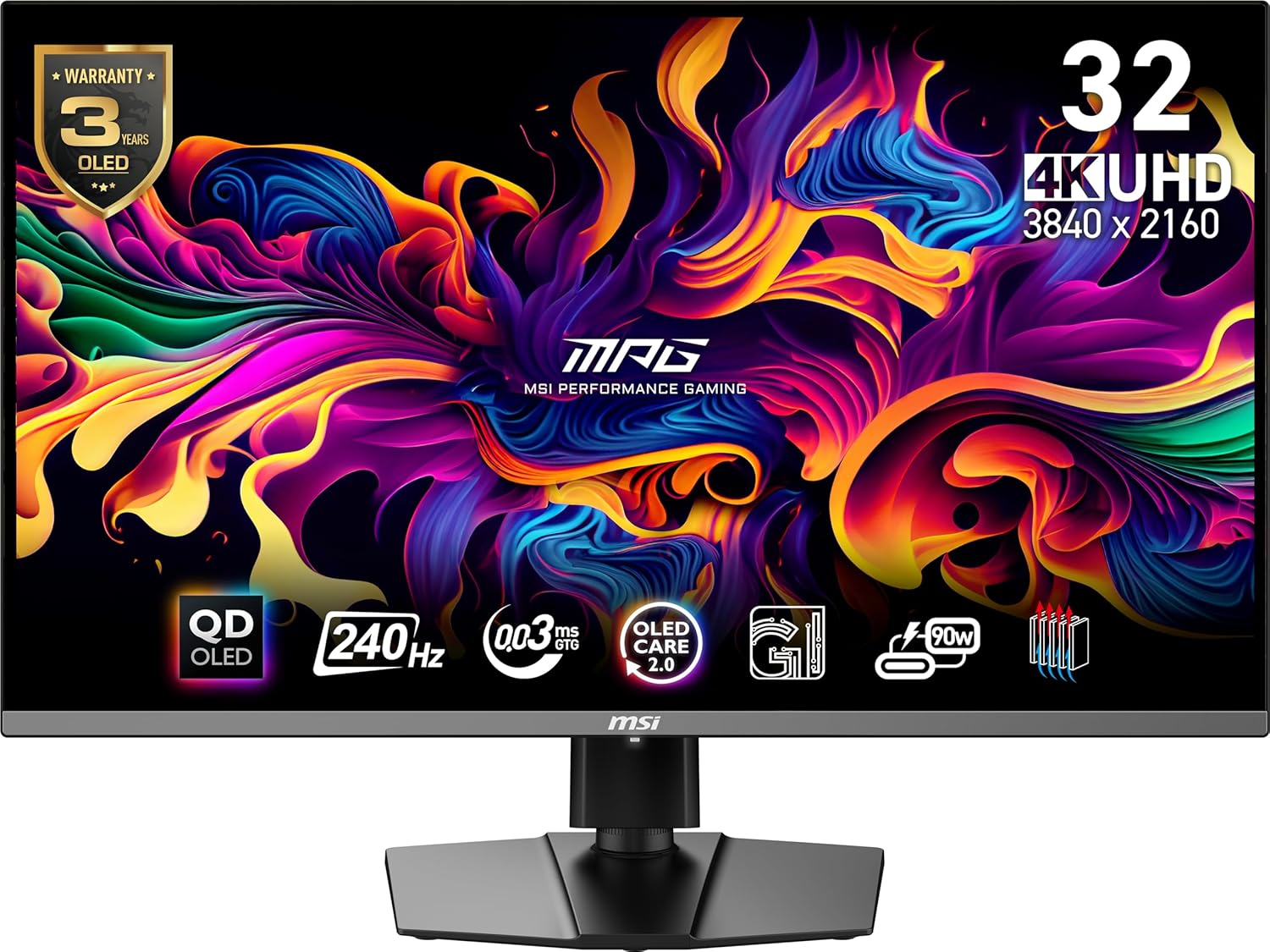
If you want the flagship OLED experience with sharpness and speed, 32-inch 4K 240Hz QD‑OLED is the current sweet spot, and a popular example is the MSI MPG 321URX QD‑OLED.
.
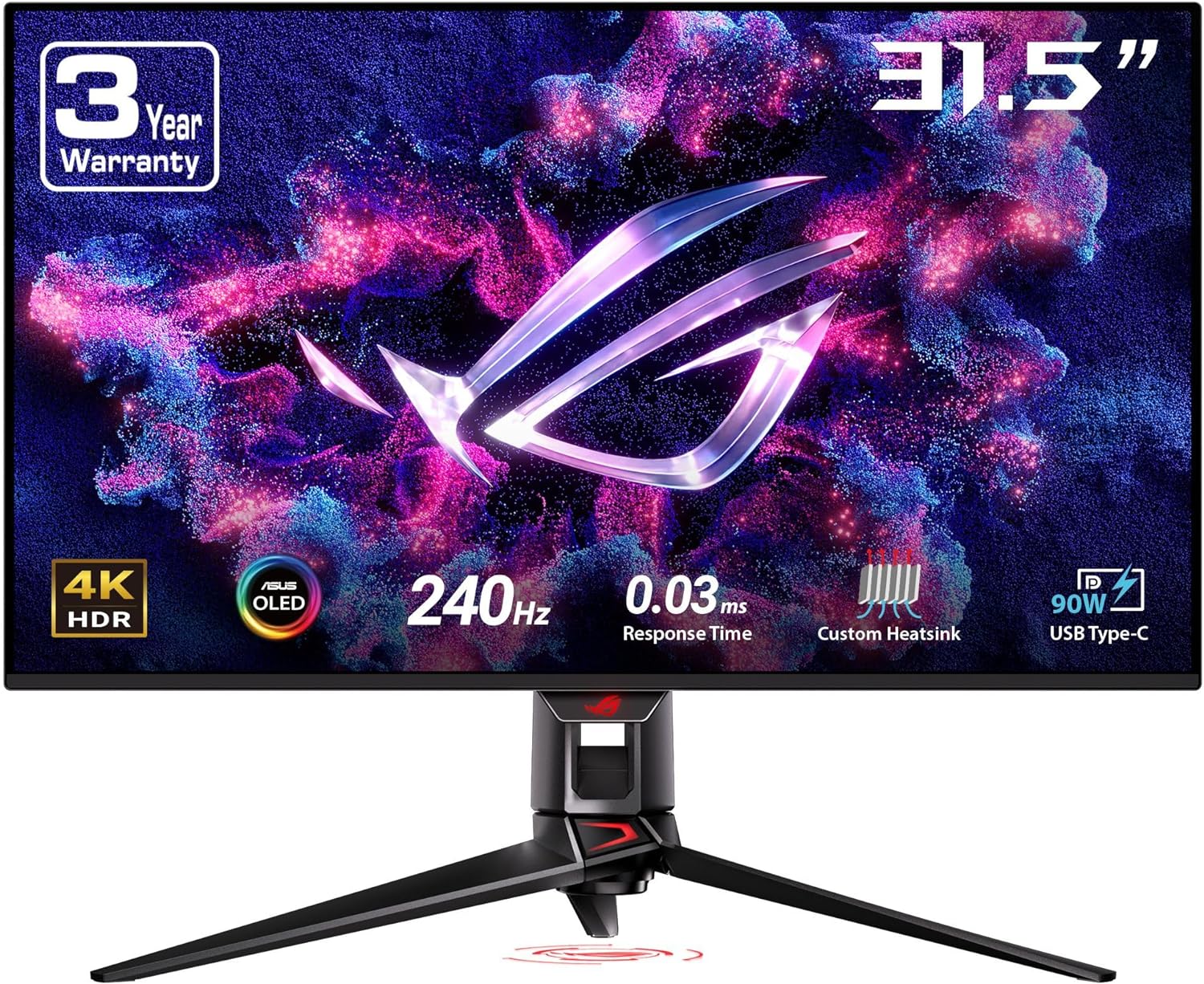
If you want a similarly premium 32-inch 4K QD‑OLED option with a more “ROG flagship” vibe, the ASUS ROG Swift PG32UCDM is commonly cross-shopped in the same category.
.
If you are building a 1440p OLED setup because you want high refresh without 4K demands, a strong 27-inch option is the ASUS ROG Swift PG27AQDM.
.
If you want ultrawide OLED immersion and you know you want a “cockpit” feel, the Samsung Odyssey OLED G9 is the iconic option people buy for that experience.
.
Best Mini‑LED picks in 2026
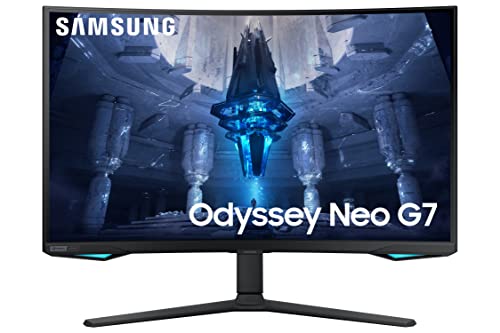
If you want a premium Mini‑LED gaming experience with strong HDR brightness and you are comfortable with the idea that blooming is the tradeoff you are accepting for punchy highlights, a common high-end Mini‑LED option people look at is the Samsung Odyssey Neo G7.
.
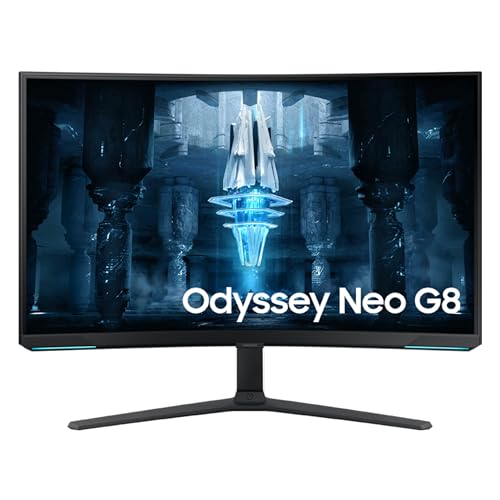
If you want a more aggressive “I want HDR brightness and high refresh” direction, the Samsung Odyssey Neo G8 is another model that sits in that Mini‑LED performance lane.
.
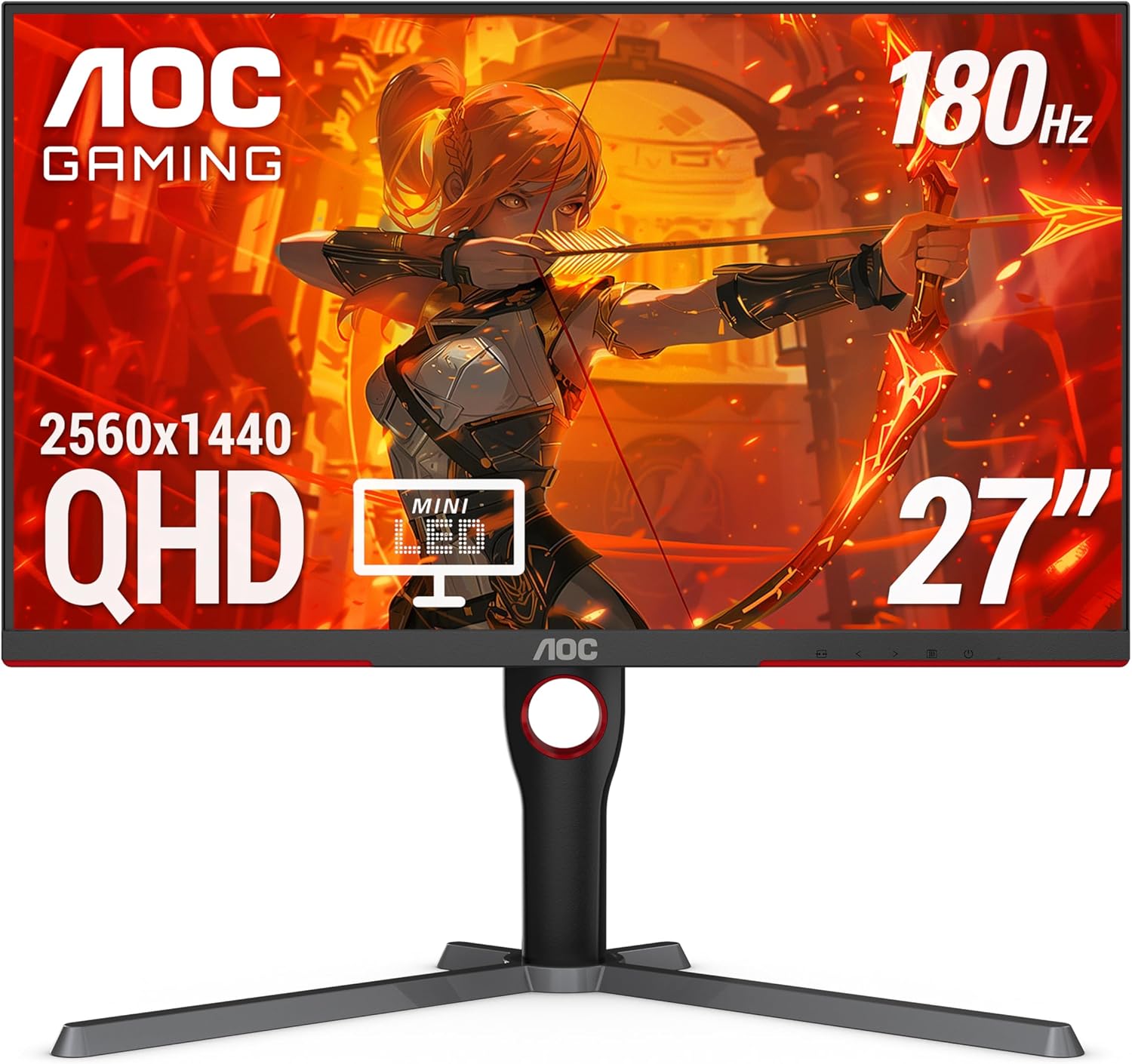
If you want a budget-friendly Mini‑LED that can deliver surprisingly real HDR vibes for the money, the AOC Q27G3XMN is one of the most discussed “budget HDR that actually works” picks.
.
The Decision Matrix
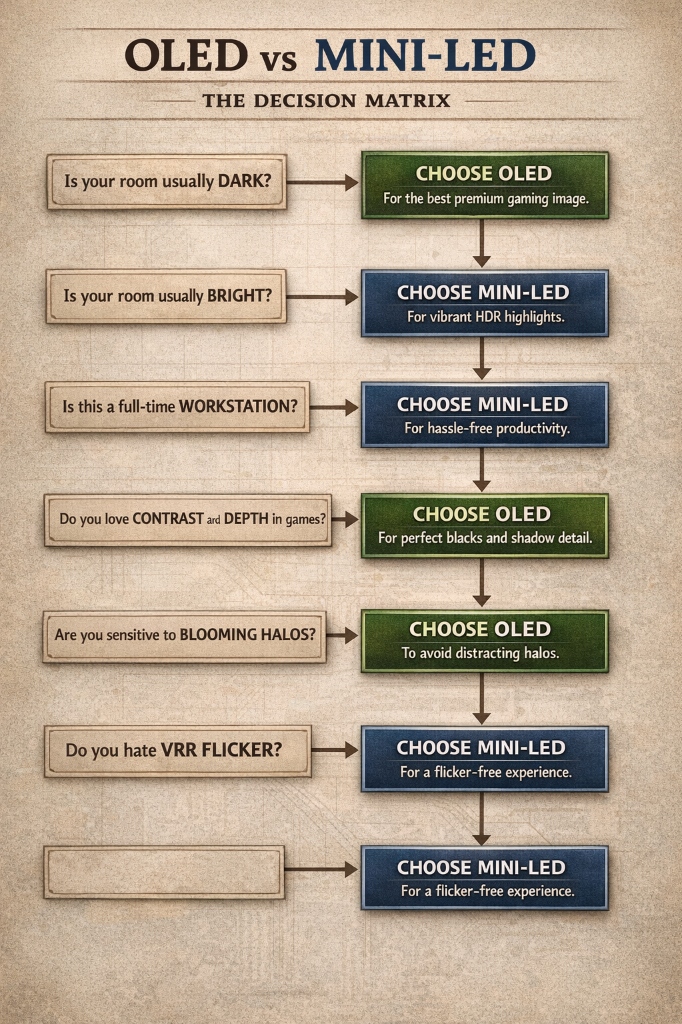
If you want one clean way to decide without spiraling, use this logic:
If your room is usually dark and you want the most premium gaming image, choose OLED.
If your room is usually bright and you want HDR highlights that look convincingly bright, choose Mini‑LED.
If your monitor is going to be a full-time workstation and you do not want to think about burn-in habits, choose Mini‑LED.
If your primary joy is contrast, shadow detail, and that “depth” feeling in games, choose OLED.
If you are sensitive to blooming halos, choose OLED.
If you are sensitive to VRR flicker and you already know you hate it, choose Mini‑LED or a calmer LCD implementation.
MonitorNerds verdict
OLED is the best pure gaming experience for most people in 2026 because perfect blacks and fast pixel response still feel like a leap, especially in darker games where contrast does most of the “premium” work.
Mini‑LED is the best high-end daily driver for people who want brightness, HDR punch, and lower worry about static UI, especially if the same monitor needs to be a work tool during the day and a gaming display at night.
If you want an easy starting point on the OLED side, the MSI MPG 321URX QD‑OLED is a clean flagship pick.
If you want a practical Mini‑LED option that favors brightness and day-to-day peace of mind, the Samsung Neo G7 lane is where most people start.
And if you want Mini‑LED HDR on a tighter budget, the AOC Q27G3XMN is the one that keeps coming up for a reason.
About the Author

Paolo Reva
Paolo is a gaming veteran since the golden days of Doom and Warcraft and has been building gaming systems for family, friends, and colleagues since his junior high years. High-performance monitors are one of his fixations and he believes that it’s every citizen’s right to enjoy one. He has gone through several pieces of hardware in pursuit of every bit of performance gain, much to the dismay of his wallet. He now works with Monitornerds to scrutinize the latest gear to create reviews which accentuate the seldom explained aspects of a PC monitor.