Yes, 360 Hz Monitors Are Better Than 144 Hz — and Here’s Why
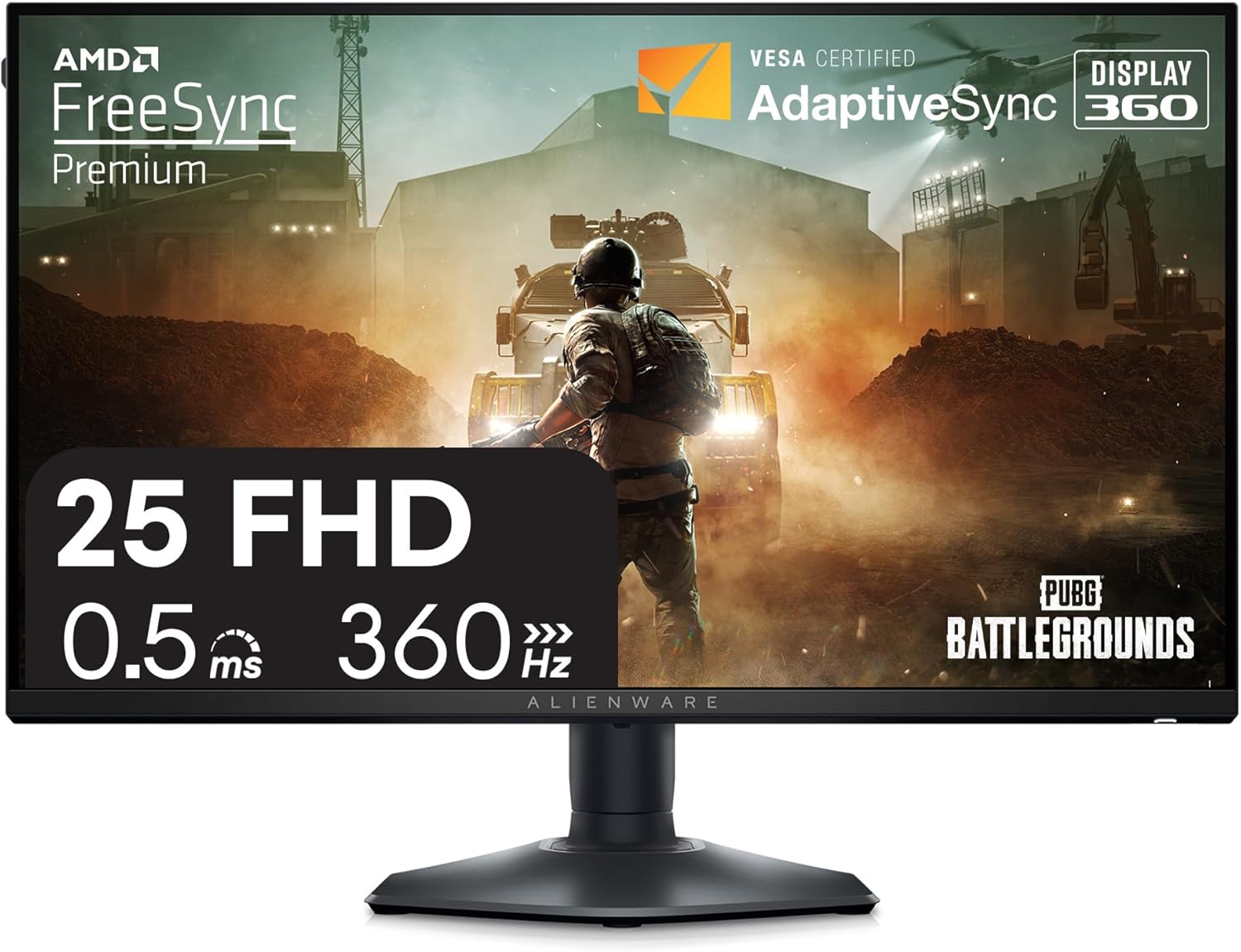
If you’ve ever upgraded from 60 Hz to 144 Hz, you already understand the core truth: higher refresh rates make motion look clearer and feel more “connected” to your input. The jump from 144 Hz to 360 Hz isn’t as jaw-dropping as 60 → 144, but it is real—and for the right games and rigs, it’s absolutely noticeable.
The reason has less to do with oversimplified “the human eye can’t see above X Hz” claims and more to do with how modern displays actually present motion.
1) 360 Hz reduces motion blur in the most direct way possible
Most monitors are sample-and-hold displays: each frame is shown and held in place until the next one arrives. That’s stable and bright, but it creates a limitation during motion.
When your eyes track a moving target—an enemy strafing, a fast pan, a flick shot—your eyes are moving while the image is being held. That mismatch produces persistence blur: the target smears across your vision because the monitor is essentially “holding” a static image while your gaze shifts.
The cleanest way to reduce that blur (without flicker-based tricks like strobing) is to hold each frame for less time. Higher refresh does exactly that:
- 144 Hz: each frame lasts about 6.94 ms
- 360 Hz: each frame lasts about 2.78 ms
That’s roughly a 2.5× reduction in how long each frame persists on-screen. When you’re tracking motion, it translates into cleaner edges, more readable detail, and less “soupiness” when the camera or target is moving fast.
This is why high refresh is often described as clearer, not just smoother.
2) The benefit is biggest when you’re actively tracking fast motion
Refresh rate isn’t just about how smooth a desktop cursor looks. The real value shows up when you’re doing demanding, competitive tracking:
- tracking a head while both players strafe
- controlling recoil while staying on target
- making micro-corrections during fast flicks
- reading detail during rapid camera pans
In these situations, the limiting factor isn’t whether you can consciously “count frames.” It’s whether the moving image stays sharp enough for your brain to extract useful information. Reducing blur improves motion readability—and that can translate into more consistent aim and target acquisition.
3) 360 Hz can also reduce certain kinds of latency
Refresh rate isn’t the only component of latency, but it sets a hard timing constraint: the monitor can only show a new frame at the next refresh opportunity.
At higher refresh rates, that waiting window is shorter. All else equal, 360 Hz can shave a few milliseconds off the “see the result of your input” loop compared with 144 Hz. That won’t turn a casual player into a pro overnight, but competitive players stack small advantages—and in tight aim duels, small advantages can matter.
Think of it like this: 144 Hz feels “responsive” compared with 60 Hz. 360 Hz can feel more “immediate” than 144 Hz, especially when your PC is pushing very high frame rates.
4) Diminishing returns is true—but it doesn’t mean no returns
The improvement feels smaller at higher refresh rates because the frame-time reductions are smaller in absolute milliseconds:
- 60 → 144: 16.67 ms down to 6.94 ms (big drop)
- 144 → 360: 6.94 ms down to 2.78 ms (still meaningful, but less dramatic)
That’s diminishing returns—not zero returns. If you care about motion clarity and responsiveness, 360 Hz is objectively better. The question is whether it’s the best upgrade for your setup.
5) The caveat: you only feel 360 Hz if the rest of your system can feed it
A 360 Hz monitor isn’t a magic wand. To actually benefit:
- You need high and stable FPS (ideally well above 200, and often 300+ in esports titles)
- The panel needs fast pixel response with minimal overshoot (a “360 Hz” label alone doesn’t guarantee clean motion)
- Your CPU, settings, and input chain should be tuned to avoid needless latency spikes
If you mainly play cinematic single-player games at 80–120 FPS, 360 Hz won’t shine. In that case, you may get more enjoyment from better HDR, higher resolution, or a panel upgrade (IPS → OLED, etc.).
Who should buy 360 Hz?
360 Hz makes the most sense for:
- esports shooters (CS2, Valorant, Overwatch, Apex, Fortnite competitive)
- players already running very high FPS
- people sensitive to motion blur who want maximum clarity without flicker-based blur reduction
If you’re in that group, 360 Hz isn’t marketing—it’s a real upgrade in motion clarity and responsiveness.
Bottom line: 360 Hz monitors are better than 144 Hz because they reduce frame persistence (less motion blur) and tighten the timing of visual updates (lower latency). It’s not an everyone upgrade—but for competitive play and high-FPS rigs, it’s a legitimate step up.