Best Monitors for X-Ray and Medical Use – Buying Guide
By Paolo Reva | Updated for 2026 (Published March 16, 2026)
Editor’s Note: If you’re looking for a imaging monitor for work from home, look here.
Monitors for radiology and medical use are rare and quite expensive, so they are usually reserved for bulk or corporate purchases. The display industry has come up with very specific products to fill several niches, but this category isn’t very popular in the retail market since its mostly hospitals that procure them. The good news is there are some qualified consumer-grade monitors which are suitable for clinics, offices, and dental suites, with more practical prices and widespread availability. We give credit to Hirschorn et al for their helpful article on the subject.
Monitors for radiology and medical use have no functional differences aside from a few specific characteristics over your gaming or office display. Every model out there is compatible, but not every last one is ideal. Here’s a guide on how to pick monitors for radiology, medical use, and dental offices in 2026.
Monitors for Radiology Important Specifications
All monitors are compatible since radiologic outputs such as mammograms or x-rays are now viewed on standard PCs or workstations along with the classic films. However, there are a few standards prescribed by PACS guidelines which should help in selecting monitors for radiology and medical use.
Size and Resolution – A monitor’s size and resolution dictates how sharp or clear images will be so it is crucial in radiology or medical use. PACS standards prescribe a minimum of two megapixels which is equivalent to a 1920 x 1080 display or higher depending on screen size. However, what’s more important is the pixel pitch or PPI which is the determining factor of how much detail can be seen when viewing a digitized scan or x-ray.
PACS or Picture Archiving and Communication System standards dictate that a workstation for laboratories or radiology departments should sit 19” to 27” monitors with a pixel pitch of 195-273. Consultation monitors should be at least 30 inches with a pixel pitch of 312. Display products with this kind of screen aren’t common, so it’s best to choose a consumer-grade 4K, 5K, or 6K model that is as close as possible.
Brightness and Panel Uniformity – PACS standards suggest that specified commercial monitors for radiology and medical use should have a luminance level greater than 350 cd/m2 to around 420 cd/m2. The chosen product must be able to keep this level up at all times with a deviation of no less than 15% on the quadrants of the screen. Designer monitors with brightness compensation technologies are excellent here.
The reason for this is because radiologic images may contain up to 256 shades of gray that has near-white points which may disappear if the screen is too dim or too bright. Setting a monitor above the mentioned limit will also conceal these tiny details which may spell the difference between accuracy and misdiagnosing a patient.
Calibration – Radiologic images require even transitions from black to white to show subtle details such as scans of upper abdominal contents of the liver or spleen or microcalcifications that indicate breast cancer. Diagnostic accuracy is increased with a monitor that is calibrated for the DICOM GSDF format. This method, however, isn’t widely available in most monitor OSDs including those on prosumer variants with various color filters.
As such, it is advisable to choose monitors for radiology and medical use which have hardware calibration compatibilities for superb accuracy. You will also need a trusted colorimeter and the right application to apply the proper adjustments regularly.
The Best Monitors for Reading X-Rays and Medical Use (2026 List)
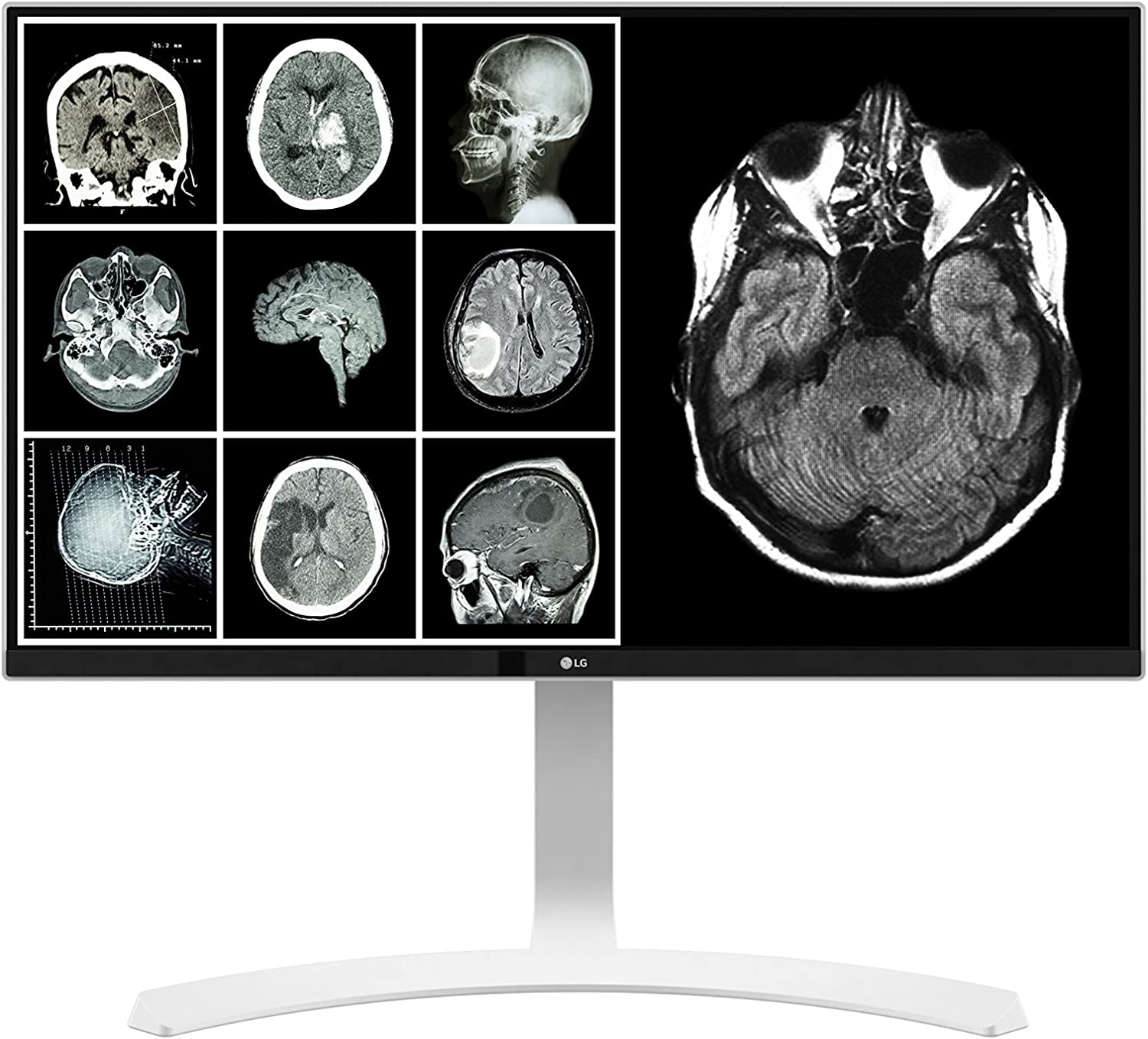
LG LED 27HJ712C-W
The LG LED 27HJ712C-W is probably the best pick out of the lot simply because it’s specifically made for radiology applications. It looks like most of the brand’s LG monitors, so you can pair it up with their regular 4K displays for multitasking. It offers excellent contrast and brightness, along with out-of-the-box DICOM Part 14 compatibility, making it the best pick for radiology that doesn’t cost a complete fortune compared to tier-1 enterprise medical screens.
Dell UltraSharp U2724D / U2723QE
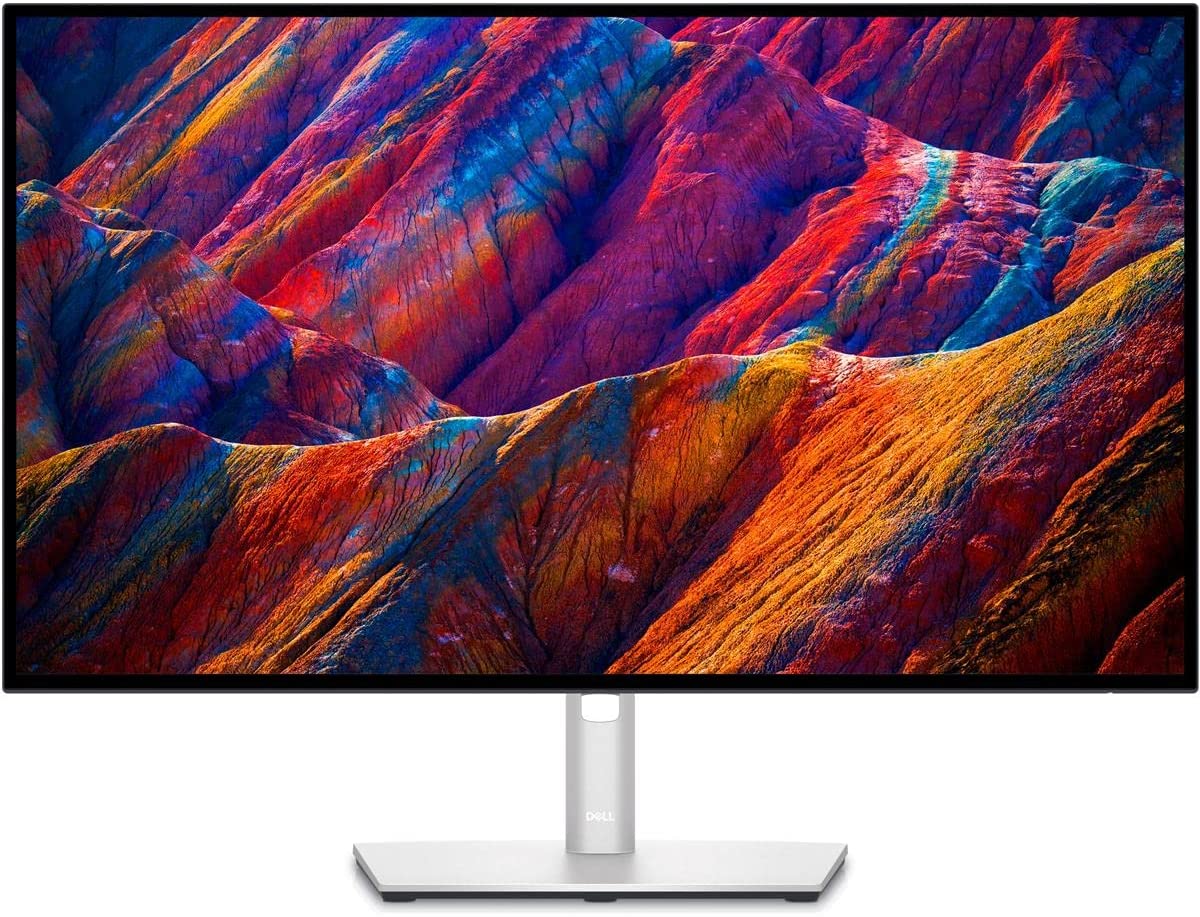
The Dell UltraSharp U2724D (1440p) and its 4K sibling, the U2723QE, offer excellent packages that make them suitable modern options for clinical and medical use. These displays feature IPS Black panels capable of incredible color and deep 2000:1 contrast ratios. This value model is also one of the best-designed when it comes to aesthetics, making it an attractive option for clinics, home offices, and medical students who need uniformity and clarity.
ViewSonic ColorPro VP2768a
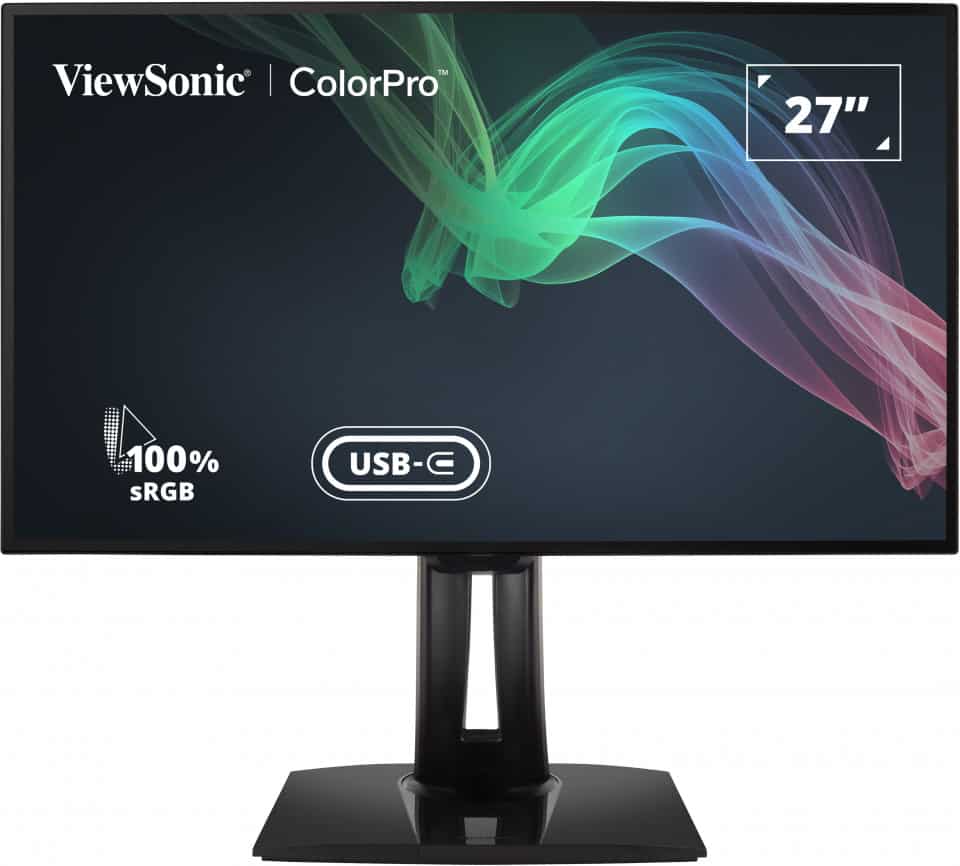
The ViewSonic ColorPro VP2768a is one of the few incredibly affordable commercial displays that features a DICOM SIM mode out of the gate. It is a factory-calibrated monitor designed to be color accurate out of the box, with built-in networking via its USB-C dock. It is built well and priced low, so it’s a brilliant starting point if you are studying radiology or need a consultation monitor on a tight budget.
ViewSonic VP3268-4K

The ViewSonic VP3268-4K is your upgrade from the option above since it has a larger, 32-inch 4K display. It’s factory calibrated as well, and it includes a DICOM-based filter, so it’s highly suitable for radiology use. It is built well and equipped with hardware calibration capability, so you can get more out of it in a professional environment.
NEC PA243W
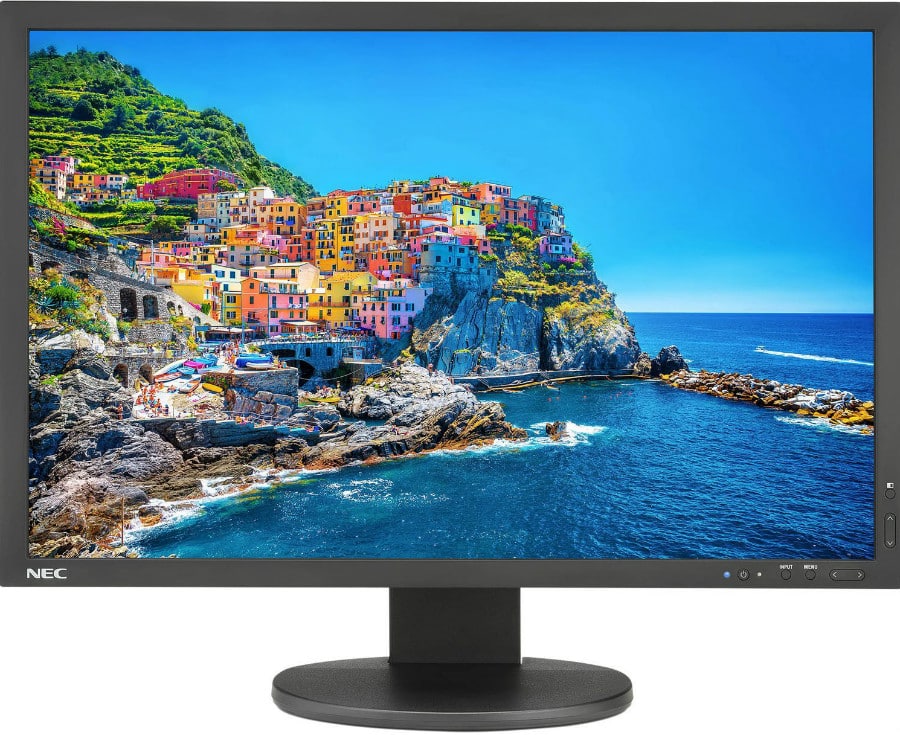
The NEC PA243W is a venerable professional monitor with a wide gamut, and it’s one of the few commercially available models out there that is purely capable of absolute hardware calibration, allowing users to set a perfect DICOM GSDF profile using a colorimeter. NEC is a well-known brand in the mission-critical business electronics market, so you can rest assured that the product receives excellent support.
Eizo FlexScan EV2785
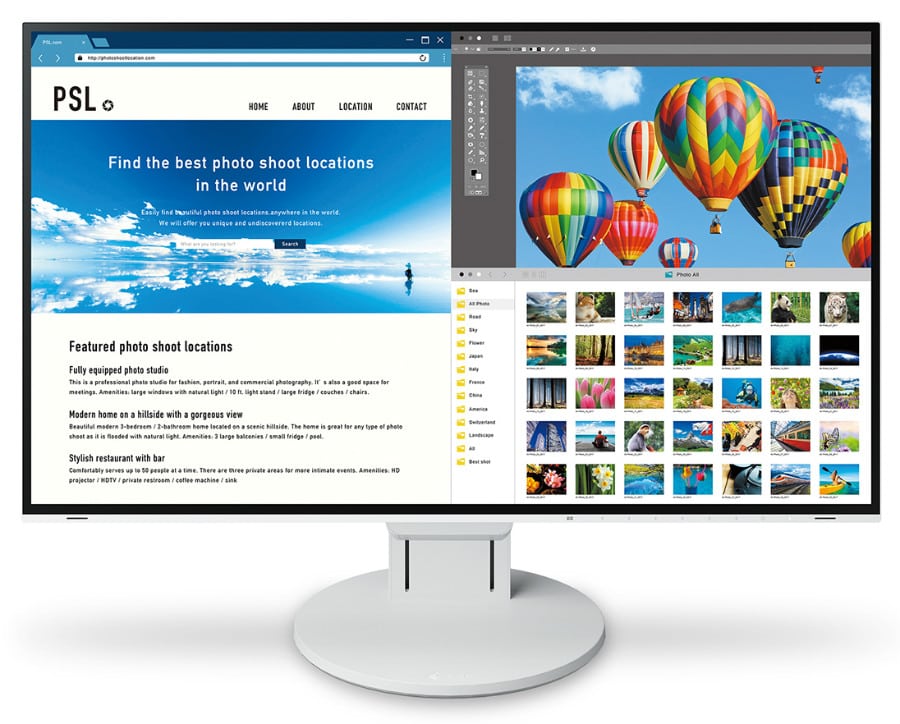
The Eizo FlexScan EV2785 is one of the most sophisticated 27-inch 4K business monitors we have tested, thanks to its brilliant features and uncompromising build quality. Eizo displays are standard in medical contexts. The IPS screen is capable of excellent accuracy and contrast, making it a highly reliable choice for viewing scans.
Eizo FlexScan EV3285
For those who want everything the EV2785 offers but require more screen real estate, the Eizo FlexScan EV3285 is the perfect 32-inch 4K upgrade. The larger panel gives you much more room for viewing multiple PACS images side-by-side without sacrificing Eizo's legendary panel uniformity and brightness capabilities.
Apple Studio Display

The Apple Studio Display is a staple pick for professionals who want fantastic image quality. It features a stunning, pre-calibrated 5K Retina display with incredibly high pixel density that is perfect for analyzing fine clinical details. It’s built exceptionally well and made to work flawlessly with Apple’s computers, making it the premier option if you use a Mac ecosystem for your practice.
Dell UltraSharp U3224KBA
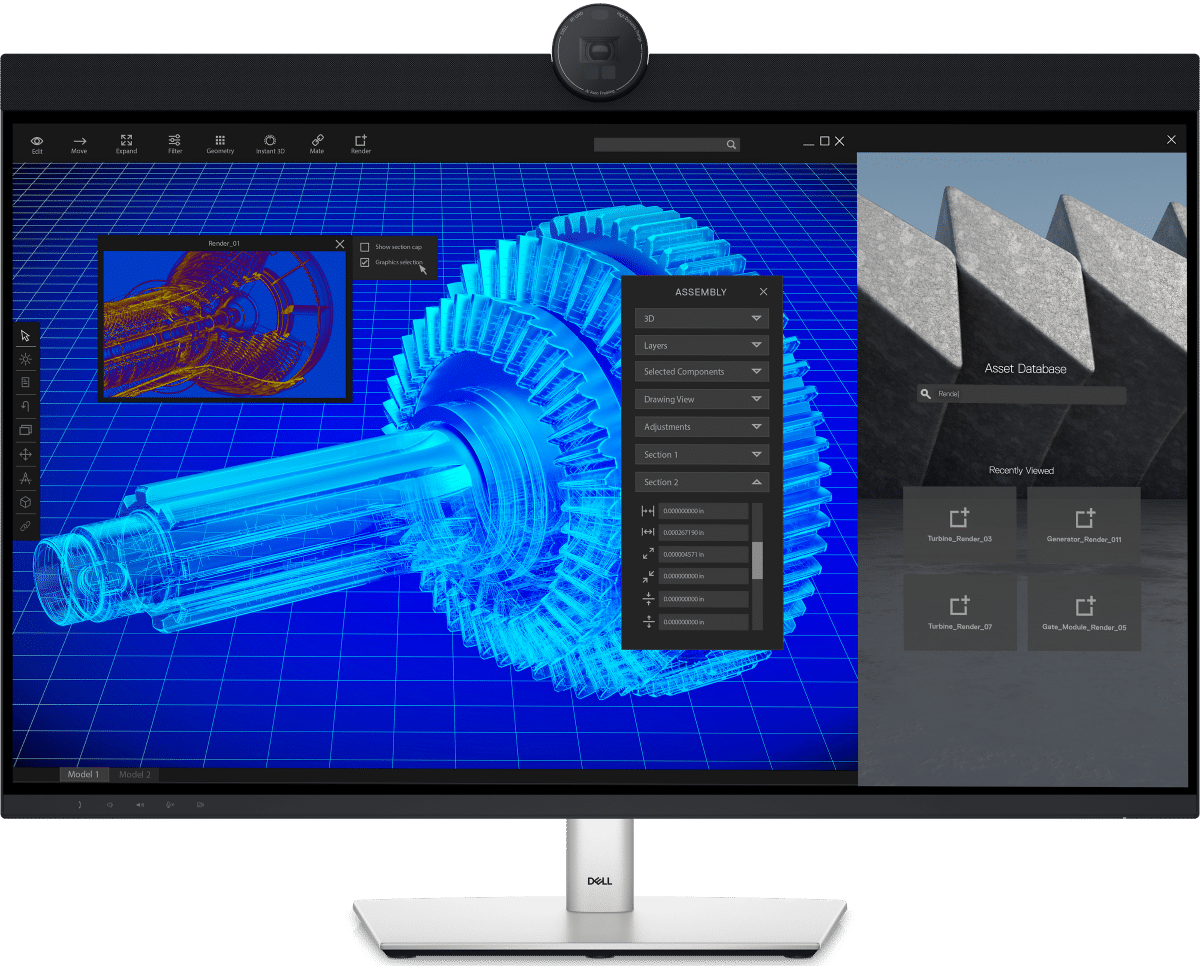
The Dell U3224KBA is an absolute powerhouse, offering an extraordinary 6K resolution on a 32-inch IPS Black panel. The tight factory calibration, good grayscale, and unparalleled contrast performance make this an elite category monitor. The 6K screen is flawlessly sharp and well-detailed, which makes this the ultimate modern platform for consultations or viewing detailed scans and x-rays in 2026.
Note: You can check out this article for more dedicated X-ray monitor options.