Samsung Odyssey OLED G8 Review: The Glare-Free 4K Powerhouse
By Paolo Roxas | Published April 1, 2026
The race for 32-inch 4K OLED supremacy has given PC gamers an incredible array of choices, but it has also made choosing the right monitor more difficult than ever. Enter the Samsung Odyssey OLED G8 (specifically the G80SD model). While its competitors boast custom KVM switches or dual-refresh-rate modes, Samsung has taken a decidedly different approach. By focusing heavily on solving OLED's biggest environmental weakness—glare—and packing the monitor with built-in AI and Smart TV features, Samsung has created a display that excels just as much in a sunlit living room as it does in a pitch-black gaming den.
If you are looking for a top-tier 240Hz monitor that doubles as a standalone entertainment hub, the Odyssey OLED G8 is a phenomenal contender. Here is our deep dive into what makes it stand out for the MonitorNerds audience.
Design and the "OLED Glare Free" Advantage
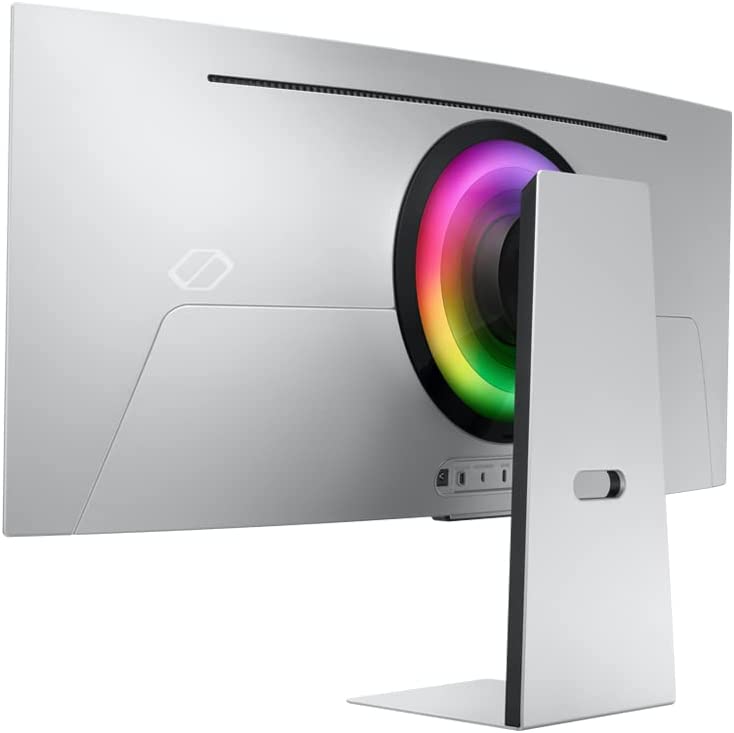
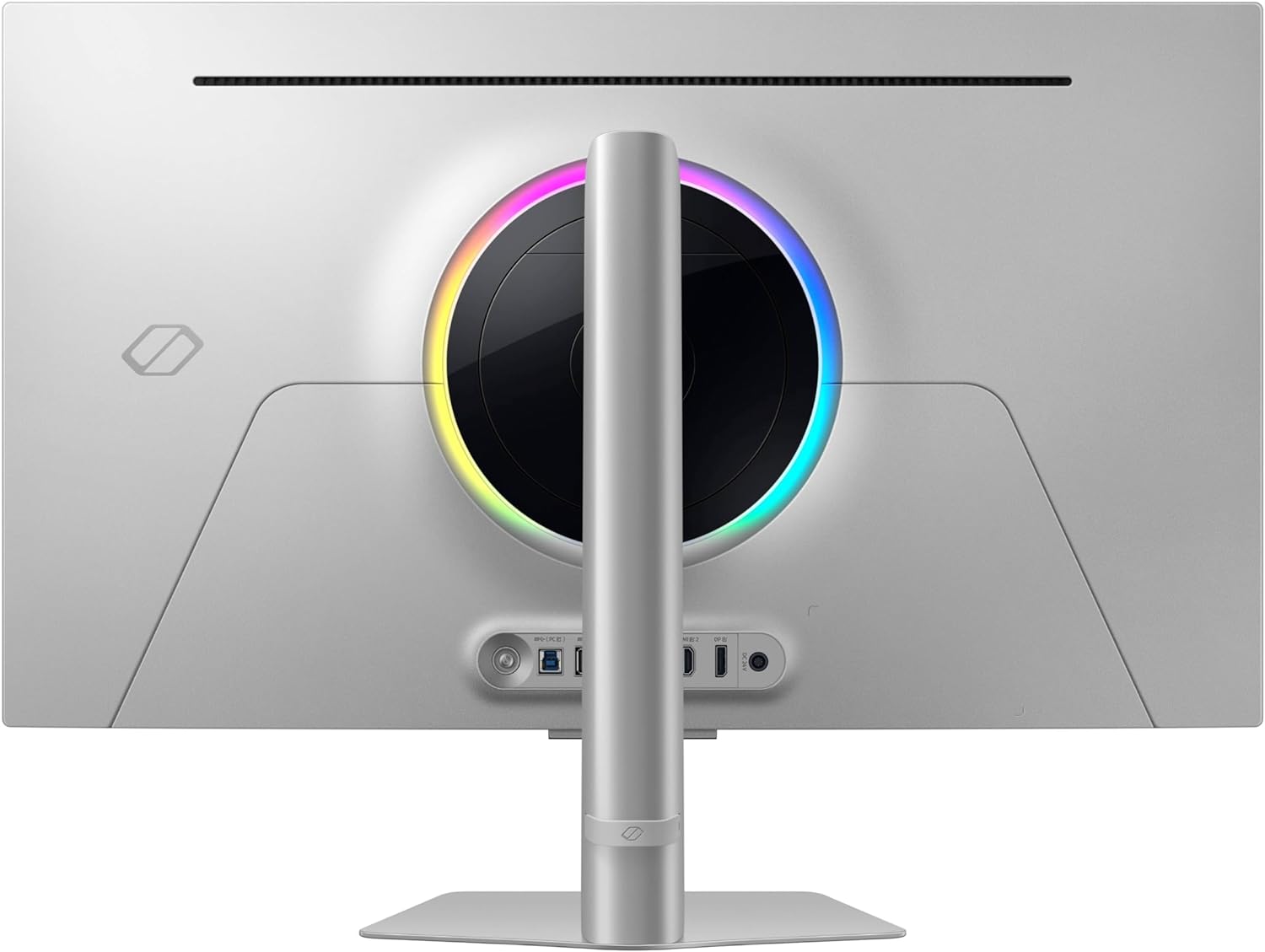
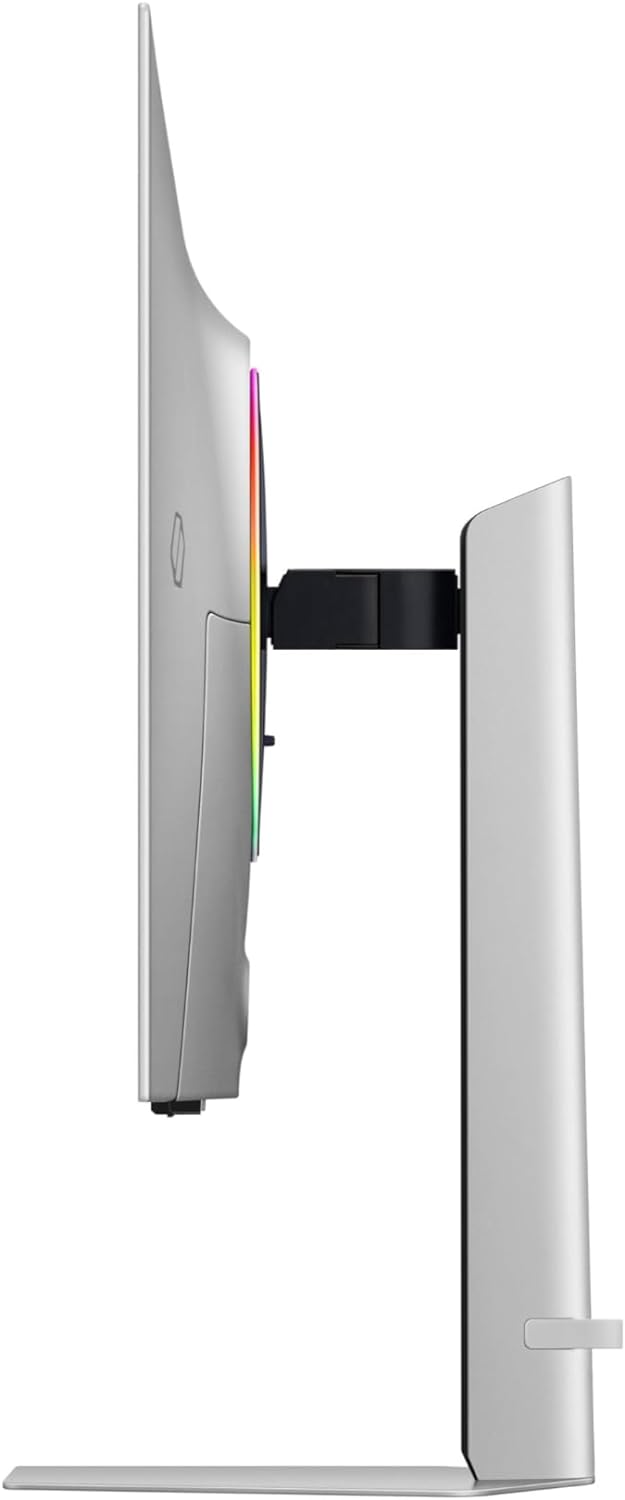
Samsung’s design language for the Odyssey OLED G8 is breathtakingly minimalist. The chassis is constructed from a premium, sleek metal that feels incredibly sturdy while remaining astonishingly thin—measuring just 3.9mm at its thinnest point. The back of the monitor features Samsung’s CoreLighting+ system, a glowing RGB ring that adds a tasteful splash of ambient light to your wall without looking overly aggressive or "gamery."
However, the most significant design achievement of the G80SD is its panel coating. OLED screens are historically highly reflective; if you have a window behind you or bright overhead lights, you are usually staring at your own reflection during dark loading screens. Samsung tackles this with its proprietary "OLED Glare Free" technology.
Unlike older, aggressive matte coatings that made text look fuzzy or muted colors, this specialized low-reflection coating preserves the innate sharpness and color purity of the QD-OLED panel while drastically reducing light scatter. The result is a monitor that remains perfectly usable and vibrant even in a brightly lit room. For gamers who cannot completely black out their setup environments, this feature alone makes the G8 worth the price of admission.
Display and Gaming Performance
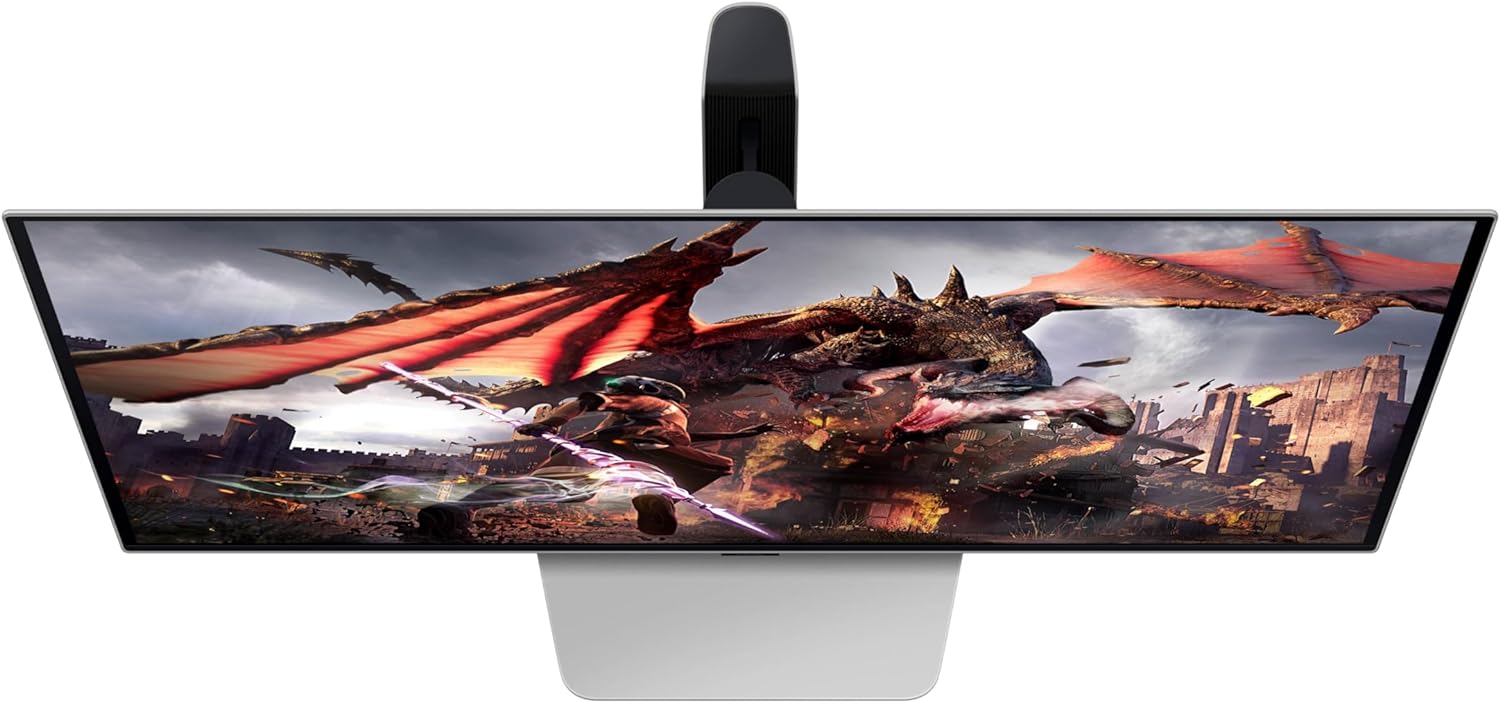
When you fire up a game, the panel's specifications speak for themselves. The 31.5-inch QD-OLED display runs at a native 4K resolution (3840 x 2160) with a blisteringly fast 240Hz refresh rate and a 0.03ms (Gray-to-Gray) response time. Whether you are flicking your crosshair in Valorant or tracking fast-moving targets in Apex Legends, the motion clarity is practically flawless. It includes AMD FreeSync Premium Pro to ensure your high-framerate gameplay remains free of stuttering and tearing.
Because this is a 3rd-generation QD-OLED panel, the color volume is staggering. It delivers deep, inky blacks right alongside intensely bright, saturated colors that traditional IPS panels simply cannot match. High Dynamic Range (HDR) gaming is a revelation here. HDR10+ gaming support ensures that highlights—like a sun peeking through the trees or a neon sign in Cyberpunk 2077—pop with incredible intensity against pitch-black shadows.
What gives the Odyssey OLED G8 a unique edge in image processing is the inclusion of the NQ8 AI Gen3 processor—the same silicon found in Samsung's high-end 8K televisions. This processor actively upscales lower-resolution content to look sharper on the 4K display. If you enjoy playing older titles or watching 1080p YouTube videos, the AI upscaling does a remarkable job of smoothing edges and enhancing detail without adding noticeable input lag during media consumption.
Smart Features and Everyday Use
The Odyssey OLED G8 is not just a monitor; it is a fully functioning Tizen OS Smart TV. It comes with a sleek remote control (which conveniently charges via a solar panel on its back) and offers built-in access to apps like Netflix, YouTube, Prime Video, and Spotify.
For PC gamers, this means you can shut down your rig after a long gaming session, pick up the remote, and instantly transition to watching your favorite shows without needing your PC running. It also features the Samsung Gaming Hub, allowing you to stream games via Xbox Game Pass or NVIDIA GeForce Now directly through the monitor without any connected hardware—perfect for when you just want to kick back with a controller.
Cooling and OLED Safeguard+
Burn-in is always a concern for OLED buyers, especially those using their monitors for desktop productivity with static taskbars. Samsung has engineered a fascinating solution here: the world’s first pulsating heat pipe in a monitor.
Instead of relying solely on a thick block of metal, Samsung's OLED Safeguard+ system evaporates and condenses a liquid coolant within the heat pipe to actively diffuse heat away from the core panel. This dynamic cooling system is up to five times more efficient at dissipating heat than older graphite sheet methods. Combined with automated logo detection and screen dimming features, this robust thermal management system provides significant peace of mind for long-term ownership.
Connectivity
The port layout on the G8 covers all the modern essentials, ensuring you can connect both your high-end PC and current-gen consoles simultaneously:
- 2x HDMI 2.1: Providing full 4K 120Hz support for the PlayStation 5 and Xbox Series X, complete with VRR and ALLM.
- 1x DisplayPort 1.4: The standard connection for PC gamers to push the full 4K 240Hz experience.
- 3x USB 3.0 Ports: One upstream and two downstream for routing peripherals.
Pros and Cons
Pros:
- Glare-Free Technology: Exceptional handling of ambient light without ruining the QD-OLED color pop.
- Flawless Motion: 240Hz refresh rate and 0.03ms response time deliver elite esports-level clarity.
- Smart Hub Integration: Tizen OS and an included remote make it a brilliant standalone entertainment center.
- Advanced Cooling: The pulsating heat pipe is a major leap forward in preventing OLED burn-in.
- Premium Build: Extremely thin metal chassis that looks gorgeous on any desk.
Cons:
- Tizen OS Bloat: The smart TV interface can occasionally feel sluggish or overly cluttered if you only want to change basic monitor settings.
- Price: Sits at the absolute premium end of the gaming monitor market.
- No USB-C Power Delivery: Lacks a high-wattage USB-C port for single-cable laptop charging and display.
The Verdict
The Samsung Odyssey OLED G8 (G80SD) is a spectacular piece of hardware that blurs the line between a high-end gaming monitor and a premium smart TV. If you play in a room with windows, the Glare-Free coating is a massive quality-of-life upgrade that instantly sets it apart from the competition. While the Smart TV interface might not appeal to purists who prefer basic, no-nonsense OSD menus, the sheer visual fidelity, advanced cooling, and sleek design make the G8 an absolute powerhouse. It is highly recommended for gamers who want a singular, beautiful display for both top-tier PC gaming and late-night media streaming.
About the Author

Paolo Roxas
Paolo Roxas brings a sharp eye for detail to the monitor world, specializing in competitive displays and high-refresh-rate advancements. When he's not busy dissecting pixel response times or diving deep into color calibration, you'll likely find him climbing the ranks in team-based tactical shooters or writing extensive guides for esports enthusiasts.