The 'Sweet Spot' Guide: Why 1440p is Still King for Mid-Range GPUs
By Paolo Reva | Published June 26, 2026
The allure of 4K resolution is incredibly strong. Walk into any electronics retailer or browse an online tech storefront in 2026, and you’ll see 4K marketed as the gold standard. Ultra-high definition is standard for living room TVs, major streaming platforms, and high-end home consoles. Tech reviewers regularly benchmark enthusiast rigs running the latest AAA games on gorgeous 32-inch 4K OLED screens at blazing frame rates.
Naturally, if you are building a new system or upgrading an existing setup with a modern mid-range graphics card—like the NVIDIA GeForce RTX 5060 or AMD Radeon RX 8600—you might feel tempted to purchase a 4K monitor. The logic seems sound: buy a 4K display now to future-proof your setup, and let the GPU do the heavy lifting.
However, if you head over to Reddit’s /r/buildapc or any knowledgeable enthusiast community, the collective consensus on pairing a mid-range card with a 4K monitor is a resounding and unified "hard no."
Pairing a mid-range card with a 4K panel is a classic hardware mismatch that leads directly to poor performance, blurry image quality, and buyers' remorse. For mid-range GPU owners, 1440p remains the undisputed king of desktop gaming. In this guide, we will break down the math behind the 1440p sweet spot and review three outstanding, highly affordable monitors that will maximize your system's performance.
The Temptation of 4K vs. The Reality of Mid-Range GPUs
To understand why 4K is a trap for mid-range GPUs, we have to look at the raw rendering tax.
- Full HD (1080p): 1920 x 1080 = 2.07 million pixels per frame.
- Quad HD (1440p): 2560 x 1440 = 3.68 million pixels per frame.
- Ultra HD (4K): 3840 x 2160 = 8.29 million pixels per frame.
A 4K display requires your graphics card to render 2.25 times the pixels of 1440p and 4 times the pixels of 1080p.
Mid-range graphics cards like the RTX 5060 and RX 8600 are designed to handle moderate workloads efficiently. Pushing over 8 million pixels pushes these chips to their limits. At native 4K, a mid-range card will struggle to deliver a smooth 60 FPS in modern AAA titles on anything higher than Low settings.
To compensate, you are forced to run aggressive upscaling. While DLSS and FSR are incredible technologies, running them in "Performance" or "Ultra Performance" mode to maintain a playable frame rate at 4K downscales the internal render resolution to 1080p or lower before scaling it back up. The result is a soft, heavily processed, and sometimes artifact-ridden image. In other words, you are rendering a low-resolution image just to display it on a 4K screen—defeating the entire purpose of buying a high-resolution display.
Furthermore, 4K gaming is a massive memory hog. Many mid-range cards are equipped with 8GB or 12GB of VRAM. At 4K, modern texture maps and frame buffers quickly overflow these capacities. When a GPU runs out of VRAM, frame rates plummet, textures fail to load, and games stutter or crash.
Pairing an RTX 5060 with a 4K monitor forces you into a compromised gaming experience. 1440p, on the other hand, operates comfortably within these cards' memory limits and allows them to shine.
Why 1440p is the Ultimate Desktop Sweet Spot
For desktop gaming, 1440p hits a perfect trifecta of high frame rates, cost-effectiveness, and physical pixel density.
1. Blazing Frame Rates and Smooth Motion
Because 1440p is roughly 44% of the pixel count of 4K, a mid-range card has plenty of headroom. Instead of struggling for a shaky 50 FPS, an RTX 5060 or RX 8600 can comfortably push 80 to 120+ FPS in demanding AAA games at High settings. In competitive esports titles like Valorant, Apex Legends, or Counter-Strike 2, these cards will easily max out high-refresh-rate displays. High frame rates reduce input lag and deliver a fluid visual experience that a choppy 4K setup simply cannot match.
2. Desktop Ergonomics and Pixel Density
The physical size of your monitor dictates how sharp a resolution looks. For close-up desktop gaming, a 27-inch screen is widely accepted as the ergonomic ideal. It fills your field of view without requiring you to turn your head.
At 27 inches, the relationship between size and resolution becomes incredibly clear:
- 1080p at 27" (~81 PPI): The pixels are stretched too far, resulting in fuzzy text and noticeable pixelation in games.
- 1440p at 27" (~109 PPI): This is the pixel density sweet spot. Text is razor-sharp, fine details are crystal clear, and individual pixels are virtually invisible from a normal desktop viewing distance of 2 to 3 feet. It runs perfectly at a native 100% UI scale in Windows.
- 4K at 27" (~163 PPI): The pixels are so small that you must use 150% Windows scaling just to read standard menus. More importantly, from a normal sitting distance, the human eye cannot perceive the difference in sharpness between 1440p and 4K. You are paying a massive 225% performance penalty to render pixels your eyes cannot actually resolve.
3. Unbeatable Performance-Per-Dollar Value
Building a balanced setup is about allocating your budget where it matters. A high-quality 4K gaming monitor with a fast refresh rate remains a premium purchase, often starting at $400 to $500. A high-refresh 1440p monitor, however, can be found for under $300. By choosing 1440p, you save hundreds of dollars on the display and avoid the need to buy a $1,000 graphics card just to run it. If you're looking for other cheap high-performance screens, check out our roundup of the best budget gaming monitors under $300.
Top Three 1440p Monitors for Mid-Range GPUs
If you are ready to make the transition to 1440p, the current market is filled with excellent options. Here are three highly recommended monitors that pair perfectly with mid-range graphics cards, catering to different budgets and visual preferences.
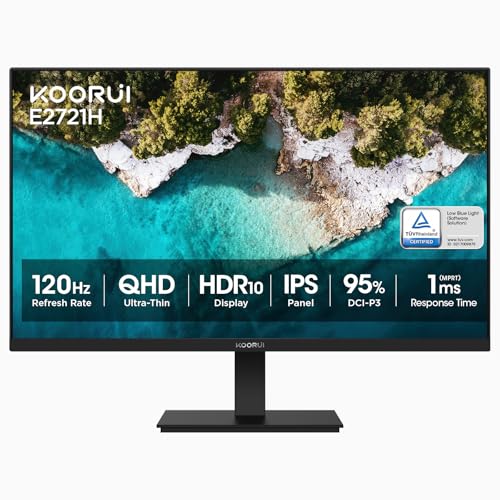
KOORUI G2721P: The Ultimate Value King
If you want to make the jump to 1440p without breaking the bank, the KOORUI G2721P is an absolute budget marvel. KOORUI is a consumer-facing subsidiary of the HKC Group—one of the top three global manufacturers of LCD panels. By sourcing their displays directly from the factory, they eliminate the middleman markup, delivering high-end panel specs at an entry-level price.
The G2721P features a 27-inch Fast IPS panel running at a native WQHD (2560 x 1440) resolution with a blistering 200Hz refresh rate and a 1ms response time. In our full KOORUI G2721P review, we analyzed how the panel outperformed many established brands, covering 97% of the sRGB color space with an impressive average Delta E of 1.63. The motion clarity is outstanding, effectively eliminating ghosting and smearing in fast-paced games.
To hit this sub-$200 price point, KOORUI cut costs on the exterior. The stand is tilt-only with no height adjustment, the chassis is made of lightweight plastic, and it lacks built-in speakers or USB ports. However, since the monitor features standard VESA mounting holes, you can easily pair it with an aftermarket monitor arm to create a premium, clean desktop setup.
https://geni.us/6M4Bht
ASUS TUF VG27AQ3A: The Reliable All-Rounder
The ASUS TUF Gaming VG27AQ3A is the perfect choice for gamers looking for a highly polished, reliable, and well-tuned monitor from an established brand. ASUS's TUF line is legendary for its build quality and gaming-centric features, and the VG27AQ3A is no exception.
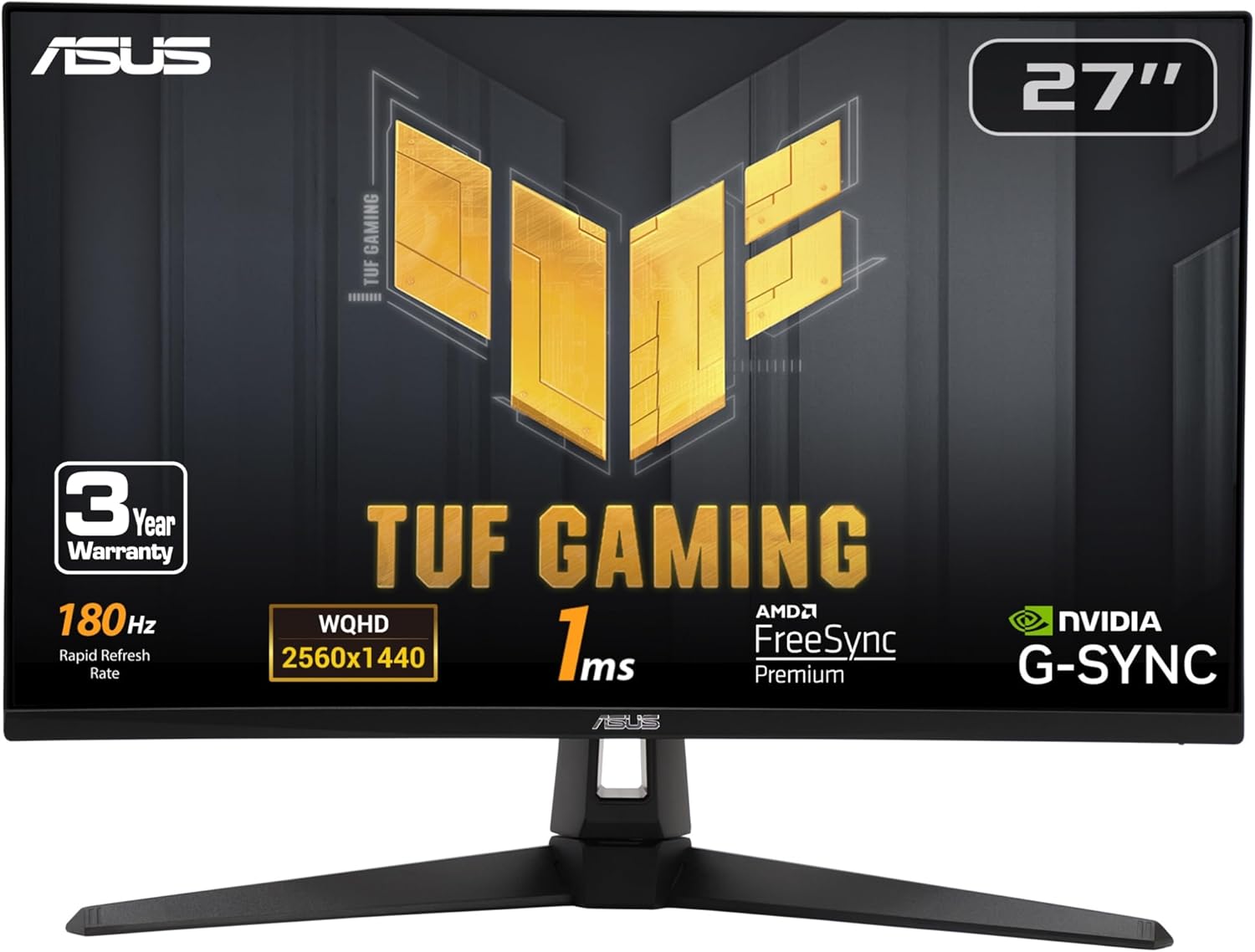
This model features a 27-inch Fast IPS display, a 180Hz refresh rate, and a 1ms GtG response time. It covers a wide 130% sRGB color gamut volume, resulting in punchy, vibrant environments. What sets this monitor apart is its motion tuning: it includes ASUS's Extreme Low Motion Blur (ELMB) technology and supports AMD FreeSync Premium, NVIDIA G-Sync compatibility, and VESA AdaptiveSync. This ensures tear-free, stutter-free gameplay regardless of which GPU brand you use.
The physical stand is sturdy and has a modern, angular design, although it is limited to tilt adjustments. On the downside, the typical contrast ratio sits at a standard 1000:1, meaning dark scenes can look slightly gray in a pitch-black room, and the HDR10 support is basic at 250 nits. However, for everyday SDR gaming and general productivity, its motion handling and out-of-the-box color accuracy make it a stellar all-rounder.
https://geni.us/2VevjpB
AOC Q27G3XMN: The Budget Mini-LED HDR Champion
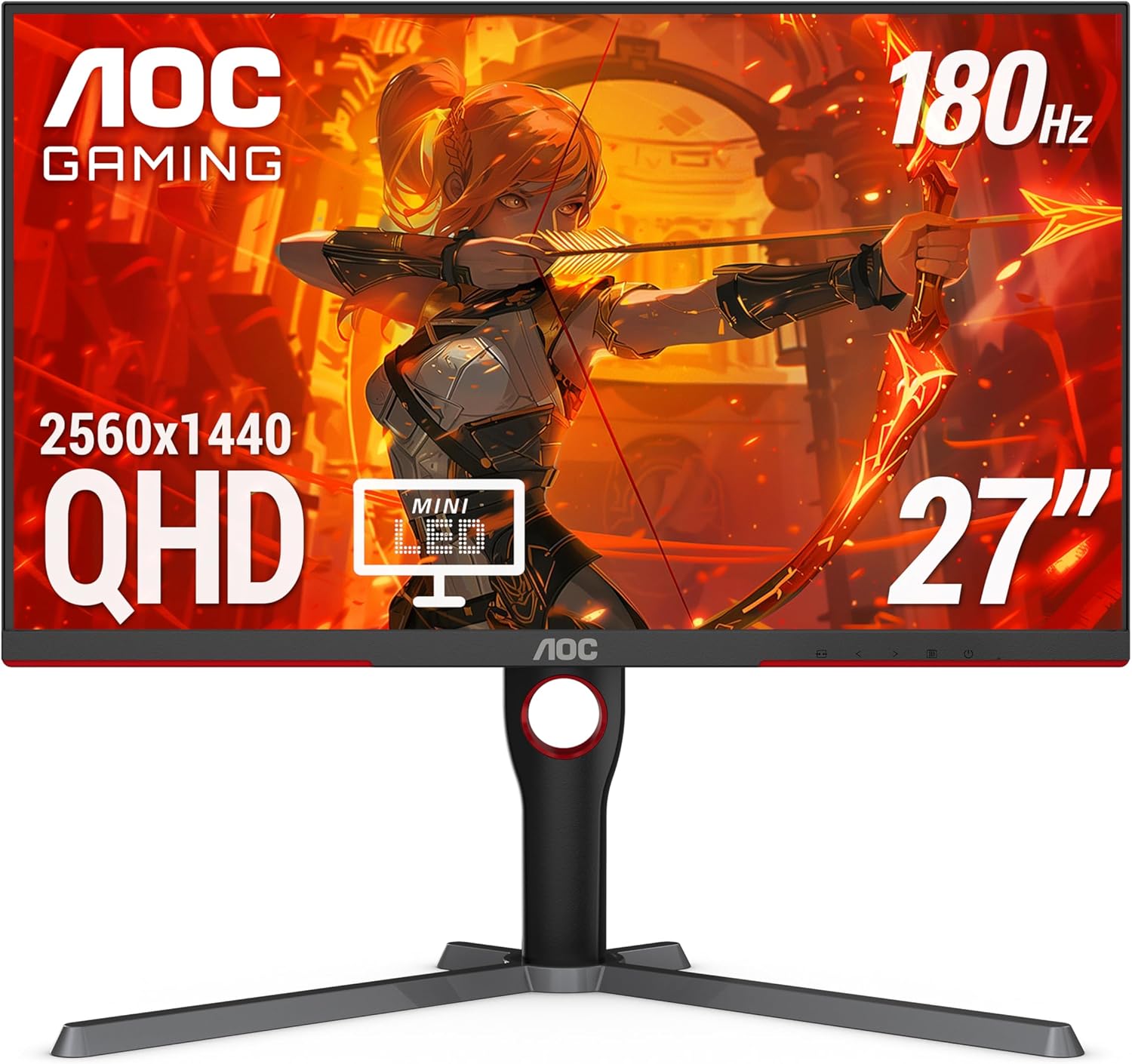
Most budget monitors advertise HDR support, but without local dimming, they lack the hardware to display it properly. They simply accept the HDR signal, boost the global brightness, and leave the image looking washed out. The AOC Q27G3XMN changes the game entirely by offering genuine, high-impact HDR performance at a budget-friendly price.
The Q27G3XMN utilizes a 27-inch Fast VA panel paired with a Mini-LED backlight featuring 336-zone Full Array Local Dimming (FALD). This technology allows the monitor to dim sections of the screen that need to be dark while pushing bright highlights up to a blinding 1000 nits, earning it a VESA DisplayHDR 1000 certification. Coupled with the VA panel's native 4000:1 contrast ratio, it delivers deep, inky blacks and stunning contrast that approaches OLED levels.
In addition to its HDR prowess, it runs at a smooth 180Hz refresh rate with a 1ms GtG response time. The trade-offs are typical for VA panels: the viewing angles are narrower than IPS, meaning colors can shift slightly if you sit off-center, and you may notice minor "blooming" (a faint halo effect) around small, bright objects on dark backgrounds. But if you primarily play cinematic, single-player games and want a true HDR experience without the high price and burn-in risk of OLED, the AOC Q27G3XMN is unmatched. For a deeper breakdown of the visual trade-offs, check out our comparison between OLED vs Mini-LED.
https://geni.us/7ieAy
Verdict: Which 1440p Monitor Should You Buy?
Mid-range graphics cards like the RTX 5060 and RX 8600 are outstanding performers, but they are built to thrive at 1440p. Upgrading to 4K will compromise your frame rates, stretch your VRAM to its limits, and force you to run aggressive upscaling that degrades your image quality. 1440p on a 27-inch screen provides the ultimate balance of sharpness and high-refresh performance.
Here is a summary of our recommendations to help you choose the best monitor for your setup:
- Choose the KOORUI G2721P if you are on a strict budget. It offers the best performance-per-dollar value on the market, delivering a fast 200Hz IPS panel for under $200. It is a fantastic option if you plan to mount the display on a monitor arm.
- Choose the ASUS TUF VG27AQ3A if you want a reliable, high-performance, and worry-free all-rounder display. It offers excellent build quality, outstanding motion clarity, and the peace of mind that comes with an established brand.
- Choose the AOC Q27G3XMN if you want to experience real, cinematic HDR. Thanks to its 336-zone Mini-LED local dimming backlight and high contrast ratio, it provides a stunning visual upgrade for cinematic games that standard IPS panels cannot match.
About the Author

Paolo Reva
Paolo is a gaming veteran since the golden days of Doom and Warcraft and has been building gaming systems for family, friends, and colleagues since his junior high years. High-performance monitors are one of his fixations and he believes that it’s every citizen’s right to enjoy one. He has gone through several pieces of hardware in pursuit of every bit of performance gain, much to the dismay of his wallet. He now works with Monitornerds to scrutinize the latest gear to create reviews which accentuate the seldom explained aspects of a PC monitor.