The Dorm Room Sweet Spot: Why 27-Inch 1440p Monitors Are King for Fall 2026
By Eli Nolan | Published August 31, 2026
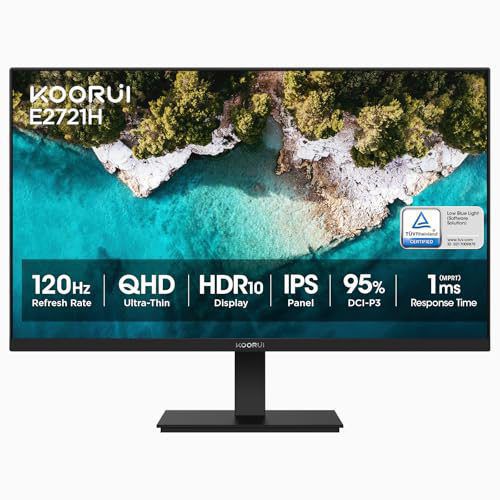
September brings a massive wave of students outfitting cramped dorm rooms and resetting home study spaces for the Fall 2026 semester. When space is limited to a narrow university desk and your budget has to cover textbooks alongside tech upgrades, picking the right display becomes a critical decision.
While 4K monitors sound tempting on paper, they demand expensive graphics cards and aggressive OS scaling. On the other end, budget 1080p screens lack the vertical real estate required to view two documents side by side. That is why 27-inch 1440p (QHD) displays remain the undisputed "sweet spot" for students, hybrid workers, and mainstream gamers alike.
To explore the broader hardware math, check out our guide on Why 1440p is Still King for Mid-Range GPUs.
The 27-Inch 1440p Advantage: Work Hard, Play Hard
A 27-inch 2560 x 1440 screen delivers roughly 108 pixels per inch (PPI). This specific pixel density is ideal for desktop ergonomics: text appears crisp without requiring Windows or macOS scaling, allowing you to split your screen into two full-width windows for writing an essay alongside reference PDF research notes.
Furthermore, driving 1440p gaming requires significantly less GPU horse-power than 4K. You can enjoy smooth 140+ FPS gameplay on mid-range graphics cards without suffering screen tearing or frame drops.
Here are the three top 27-inch 1440p monitor recommendations tailored for every budget this Fall.
ASUS ROG Strix 27-Inch (XG27ACS): The $180 All-Rounder
If you need a reliable, high-performance daily driver that transitions seamlessly from heavy study sessions to fast-paced evening gaming, the ASUS ROG Strix XG27ACS is the standard-bearer.
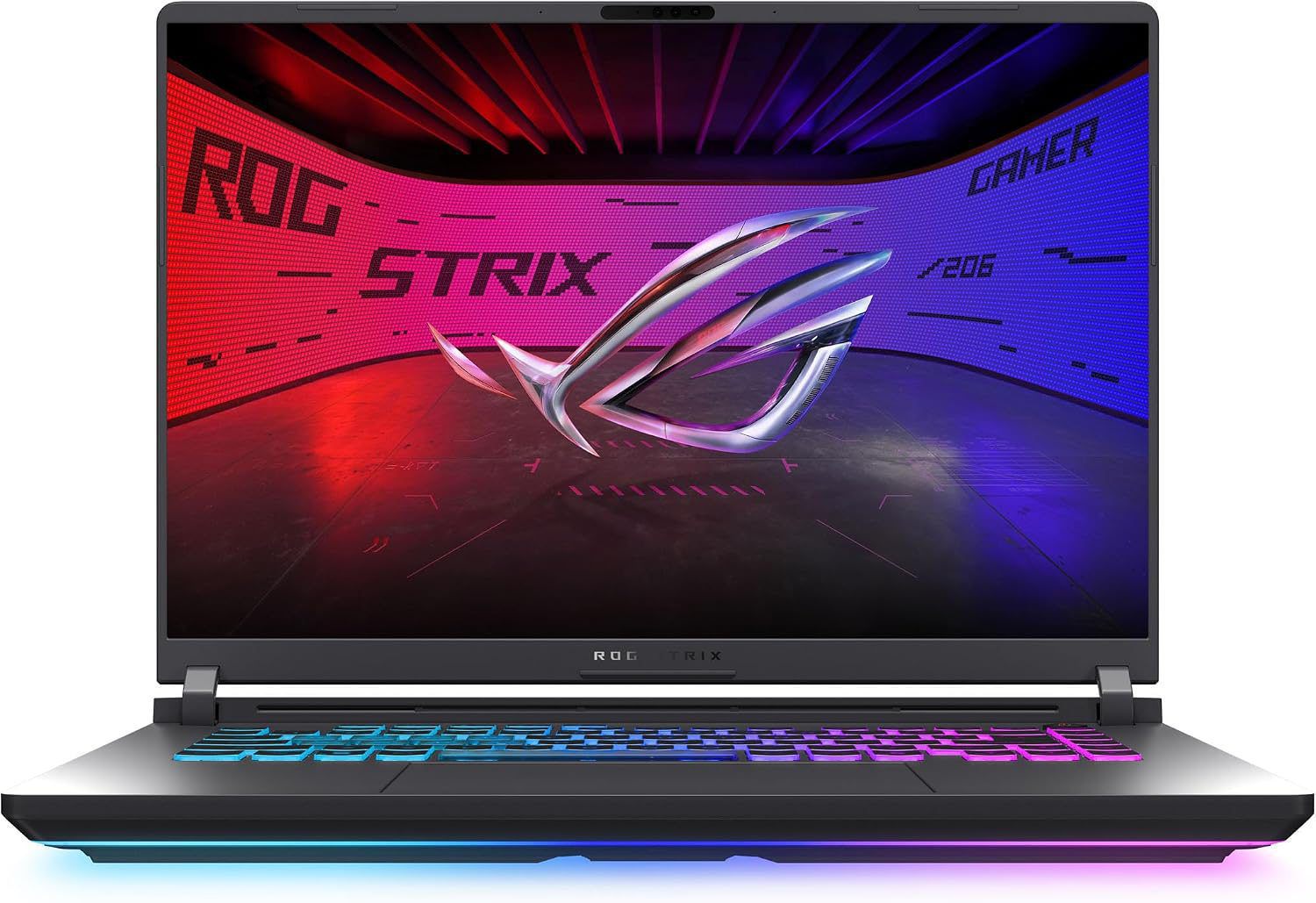
- Panel Tech: 27-inch QHD (2560 x 1440) Fast IPS panel.
- Refresh Rate & Speed: 180Hz refresh rate with a 1ms (GtG) response time.
- Stand & Ergonomics: Full height, tilt, swivel, and 90-degree pivot adjustment, complete with a built-in mobile phone groove on the stand base.
- Connectivity: DisplayPort 1.4, HDMI 2.0, and a USB-C port supporting DisplayPort Alt Mode and power delivery.
The Fast IPS panel ensures wide viewing angles and vivid color reproduction, while ASUS's Extreme Low Motion Blur (ELMB) technology keeps fast motion crisp. At around $180, it effortlessly handles split-screen research by day and competitive FPS games by night.
GIGABYTE 27-Inch OLED (FO27Q2): The Ultimate $300 Dorm Splurge
For students and gamers who refuse to compromise on visual fidelity, the GIGABYTE FO27Q2 brings authentic OLED technology down to an unprecedented ~$300 price bracket.
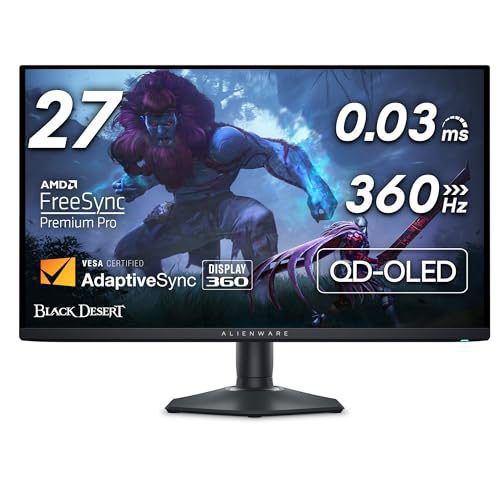
- Panel Tech: 27-inch QHD (2560 x 1440) 240Hz QD-OLED.
- Contrast & Speed: Infinite static contrast ratio with self-emissive pixels and a 0.03ms (GtG) response time.
- HDR Performance: VESA DisplayHDR True Black 400 with vibrant 99% DCI-P3 color coverage.
- Burn-In Safeguards: Tactical OLED Care cooling and automated pixel refresh algorithms.
In a dimly lit dorm room, the FO27Q2's infinite contrast and pitch-black levels deliver a cinematic experience for movies and gaming that no traditional LCD monitor can match. To see how OLED stacks up against classic LCD tech, read our full breakdown on OLED vs. IPS Panels.
ASRock Phantom Gaming 27-Inch (PG27QFT1B): The Sub-$130 Budget Hero
When keeping costs strictly under control is the top priority, the ASRock Phantom Gaming PG27QFT1B offers entry-level pricing without cutting essential performance specs.
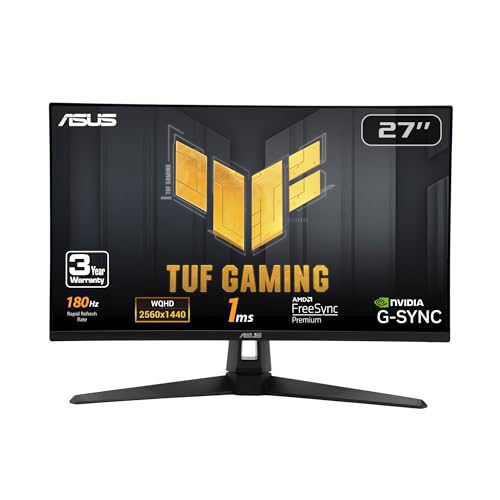
- Panel Tech: 27-inch QHD (2560 x 1440) IPS panel.
- Refresh Rate: 180Hz with AMD FreeSync support.
- Color Coverage: 95% DCI-P3 color gamut with VESA DisplayHDR 400.
- Built-in Wi-Fi Antenna: Features an integrated Wi-Fi antenna pass-through cable in the stand to improve desktop internet connectivity in weak signal dorms.
At under $130, ASRock delivers true 1440p resolution at 180Hz, proving that students do not have to settle for blurry 1080p panels when outfitting their study desk on a tight budget.
Summary Recommendation
- Choose the ASUS ROG Strix XG27ACS if you want the absolute best overall balance of build quality, USB-C connectivity, and 180Hz Fast IPS performance for $180.
- Choose the GIGABYTE FO27Q2 if you want true QD-OLED infinite contrast and 240Hz speed at a breakthrough $300 price.
- Choose the ASRock Phantom Gaming PG27QFT1B if you need high-refresh 1440p performance under $130.
About the Author

Eli Nolan
Eli Nolan is a seasoned tech enthusiast and gaming monitor specialist. With years of experience testing the latest display technologies, Eli provides deep insights into performance, color accuracy, and value. When not benchmarking monitors, he can be found exploring the latest open-world RPGs or fine-tuning his workstation setup.