BenQ RD280UG Review – Why a 3:2 Aspect Ratio is the Ultimate Coding Hack
By Eli Nolan | Published July 29, 2026
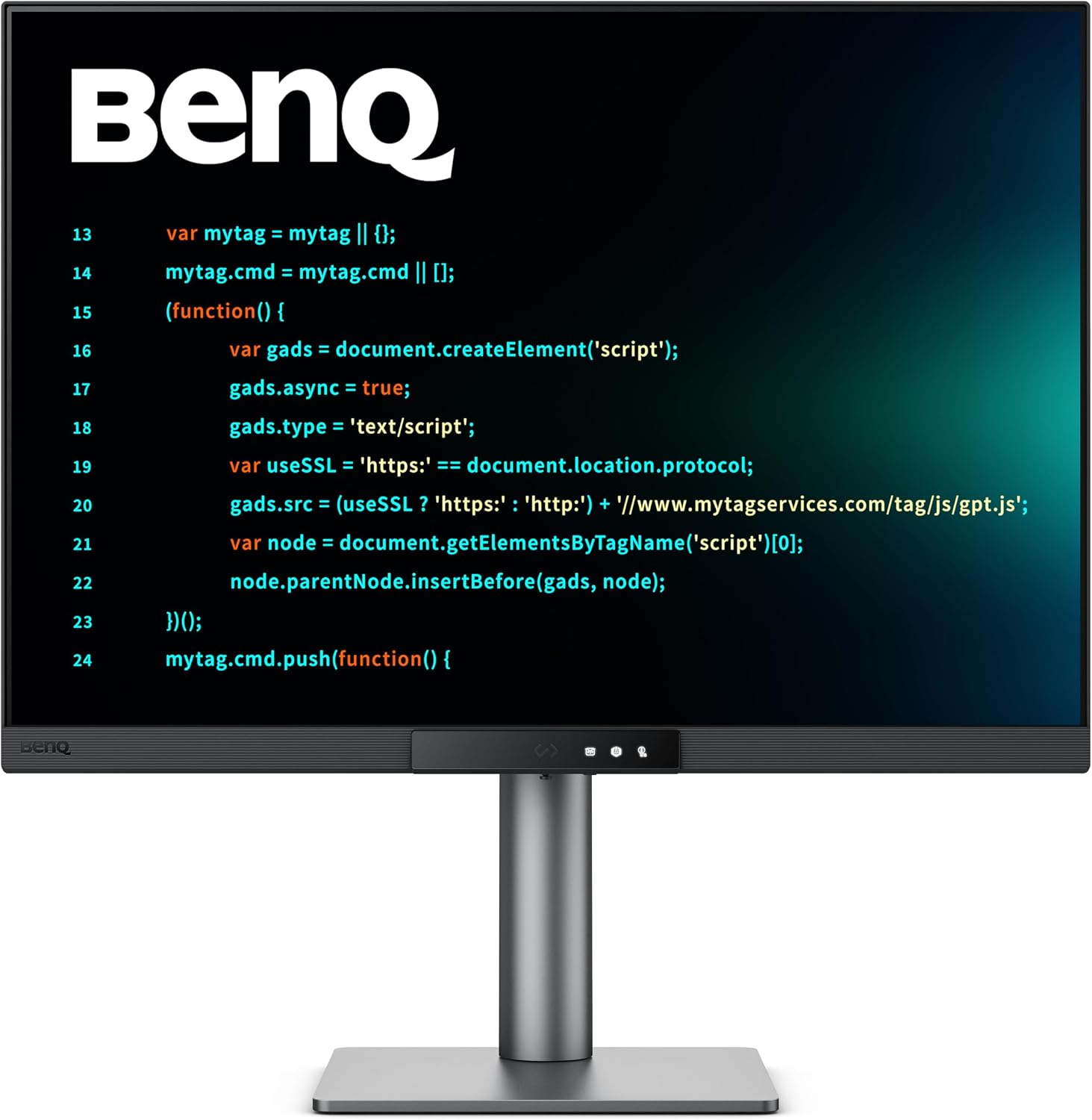
For years, the monitor industry has been obsessed with ultra-wide 21:9 displays and standard 16:9 widescreen formats. While those aspect ratios are fantastic for immersive gaming and cinematic movies, they force software developers into a perpetual state of vertical scrolling. When your primary job involves writing, debugging, and inspecting long files of code, horizontal space quickly becomes wasted room, while vertical context is sorely lacking.
Enter the BenQ RD280UG. Built specifically for programmers, quantitative analysts, and power users, this 28.2-inch display breaks traditional display conventions by featuring a tall 3:2 aspect ratio. By prioritizing vertical pixel height over raw horizontal width, it fundamentally transforms how much logical code you can view on screen at once. (For a full roundup of top displays, see our guide on the best gaming monitors).
BenQ RD280UG Quick Take
| Display Panel | 28.2-inch 4K+ (3840 x 2560) 3:2 Aspect Ratio IPS |
| Refresh Rate & Response | 120Hz, 5ms GtG |
| Specialized Features | Fine-Coated Anti-Glare, MoonHalo Backlight, Coding Modes |
| Connectivity | USB-C (90W PD), DisplayPort 1.4, HDMI 2.0, USB Hub |
Pros
- 3:2 aspect ratio provides 18%+ more vertical lines of code than 16:9
- 120Hz refresh rate delivers fluid scrolling and code navigation
- MoonHalo bias lighting reduces dark-room eye strain significantly
Cons
- 3:2 aspect ratio results in black letterbox bars during 16:9 gaming
- Niche product design commands a price premium
If you want to see current pricing and availability, here is the monitor on Amazon: BenQ RD280UG (120Hz).
Core Specifications
Under the hood, the RD280UG packs hardware tailored to long, demanding work sessions:
- Panel Type: 28.2-inch IPS panel featuring BenQ's specialized "Nano Matte" anti-glare coating, specifically engineered to diffuse harsh overhead office lighting without degrading text sharpness.
- Resolution: 4K+ (3840 x 2560) — delivering an extra 400 vertical pixels compared to a standard 4K (3840 x 2160) monitor.
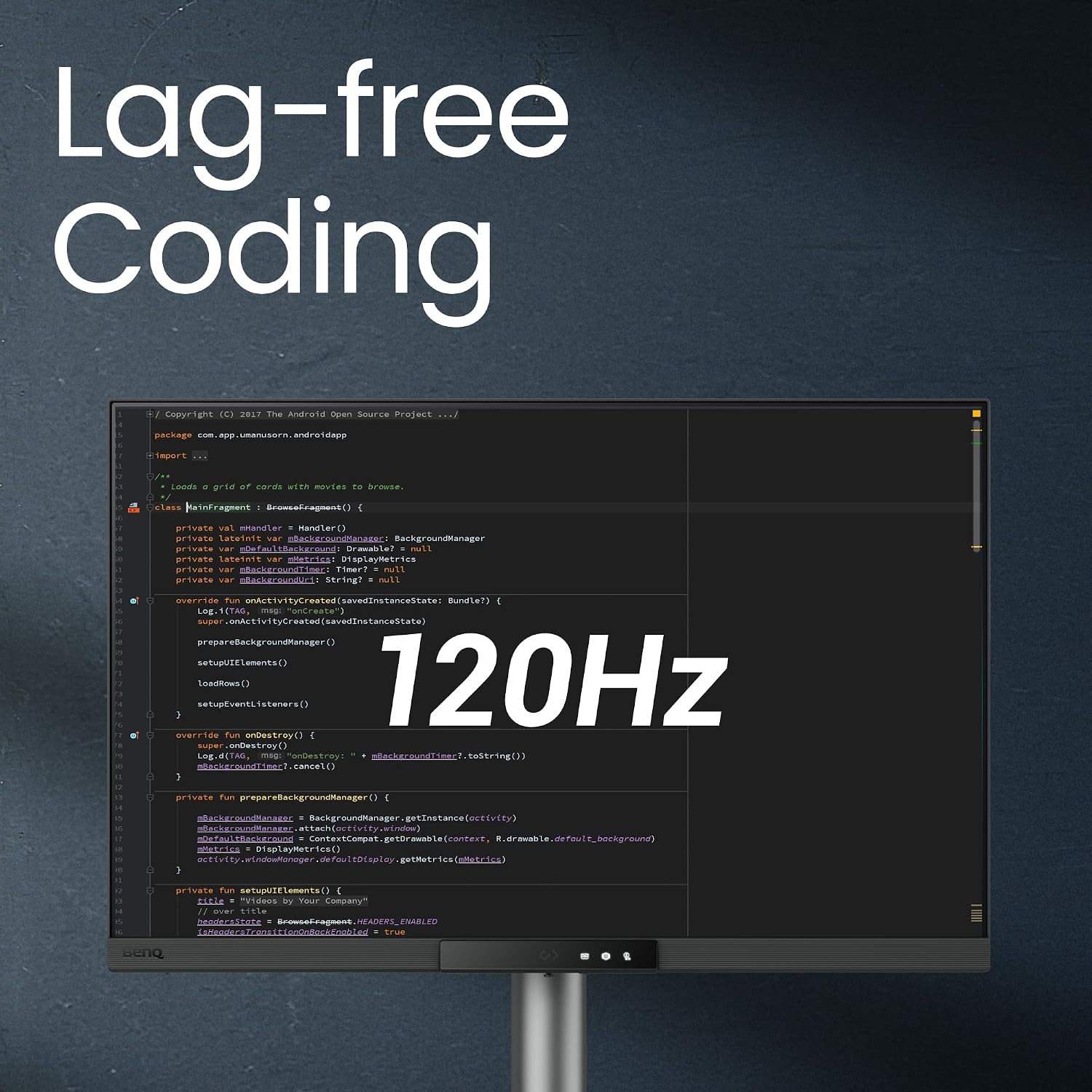
- Refresh Rate: 120Hz — a massive, quality-of-life upgrade over the older 60Hz RD280U model. Scrolling through thousands of lines of code or fast-moving terminal logs feels buttery smooth.
- Connectivity: Single-cable workstation setup via 90W USB-C Power Delivery, alongside DisplayPort, HDMI, and an integrated multi-port USB hub.
Compared to traditional professional productivity screens like the Dell UltraSharp U4025QW, which emphasize ultra-wide horizontal space, the RD280UG takes the opposite approach by maximizing vertical lines of text.
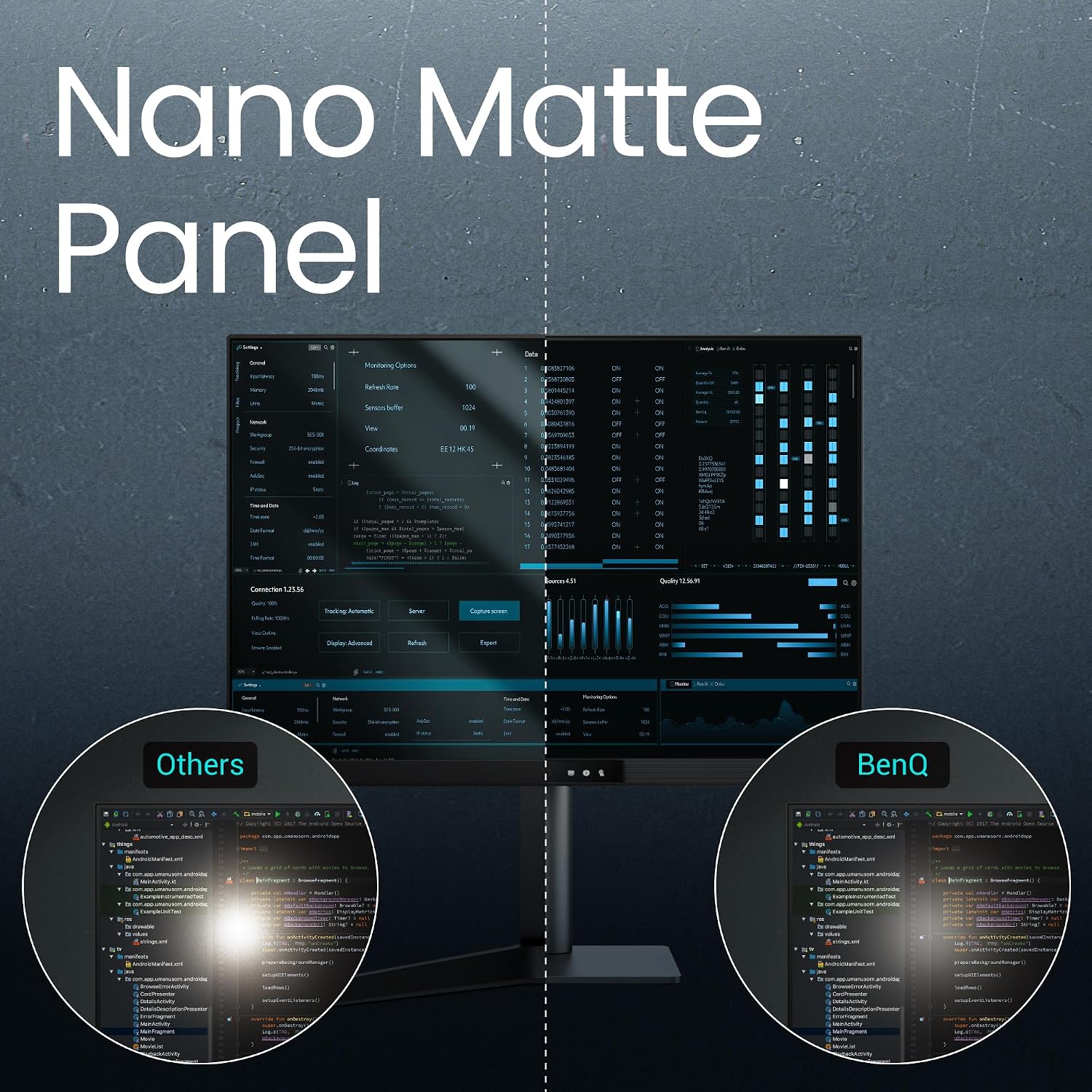
The 3:2 Advantage: Less Scrolling, More Context
The primary selling point of the BenQ RD280UG is its unique 3:2 shape. The mathematics speak for themselves: at 3840 x 2560 resolution, you gain 18.5% more vertical pixel real estate than a standard 4K widescreen monitor of comparable width.
Standard 16:9 (3840 x 2160):  [====================] (2,160 px height)
BenQ 3:2      (3840 x 2560):  [====================]
                              [  +400 px Extra!    ] (2,560 px height)
In practical programming terms, those extra 400 vertical pixels translate to roughly 15 to 20 additional lines of code displayed simultaneously without altering font size or UI scaling.
This extra height significantly reduces cognitive load. When writing complex algorithms, needing to constantly scroll up and down to check helper functions or variable declarations breaks your train of thought. Having complete functions, nested loops, and documentation visible in a single frame keeps you in a state of deep flow, directly lowering syntax errors and debugging fatigue.
Developer-Specific Features
BenQ did not just slap a 3:2 panel into a standard monitor chassis; they packed the RD280UG with bespoke developer features:
- Dedicated Coding Modes: The monitor includes tuned picture presets for dark and light IDE themes. In dark mode, it dynamically adjusts contrast and saturation to make color-coded syntax highlighting (like variable names, strings, and keywords) pop cleanly against dark grey backgrounds.
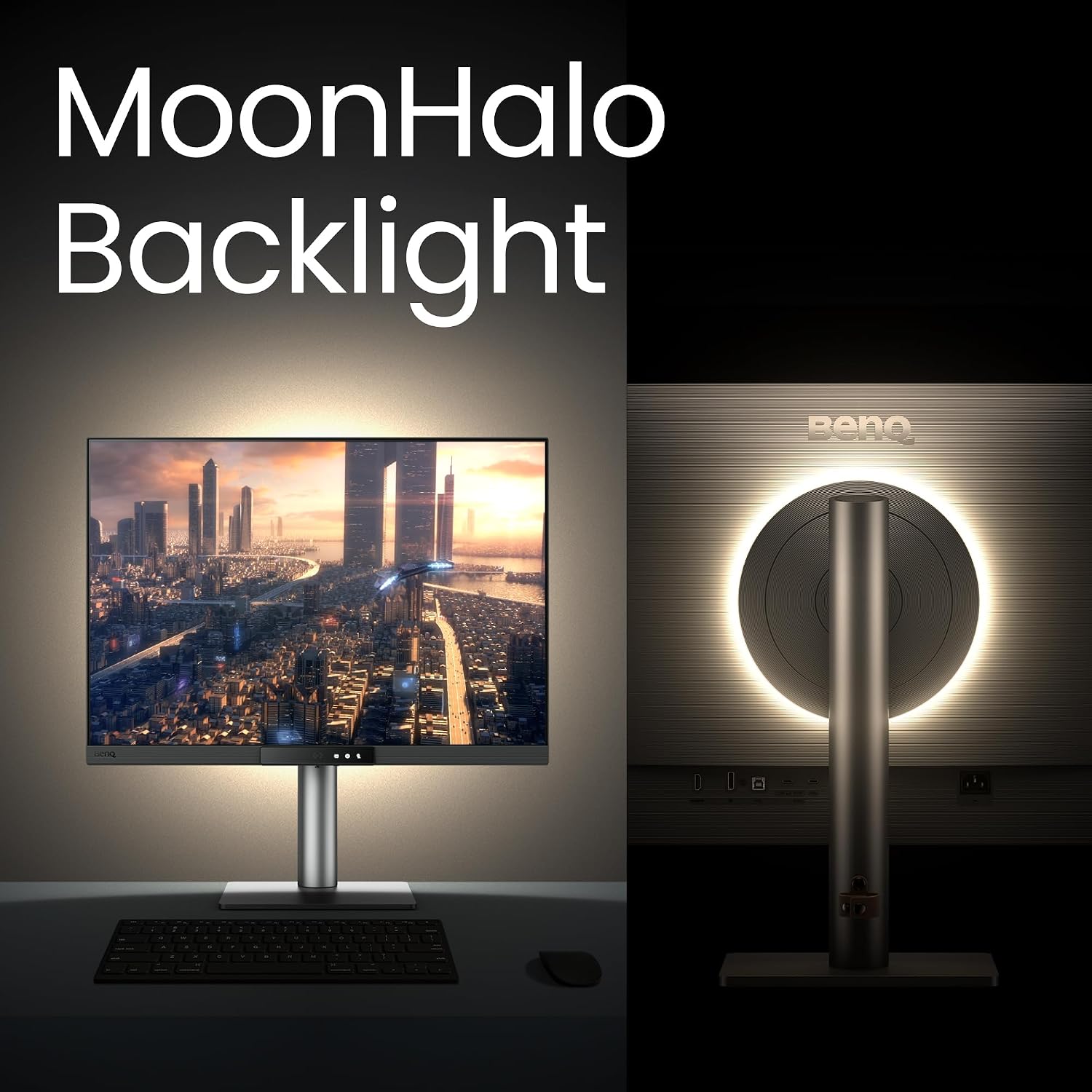
- MoonHalo Rear Bias Lighting: Embedded into the back of the monitor is a circular ring of ambient lighting called MoonHalo. It projects a soft, flicker-free glow onto the wall behind the display. By reducing the stark contrast between your bright screen and a dim room, it dramatically cuts down on eye strain during late-night coding sessions.
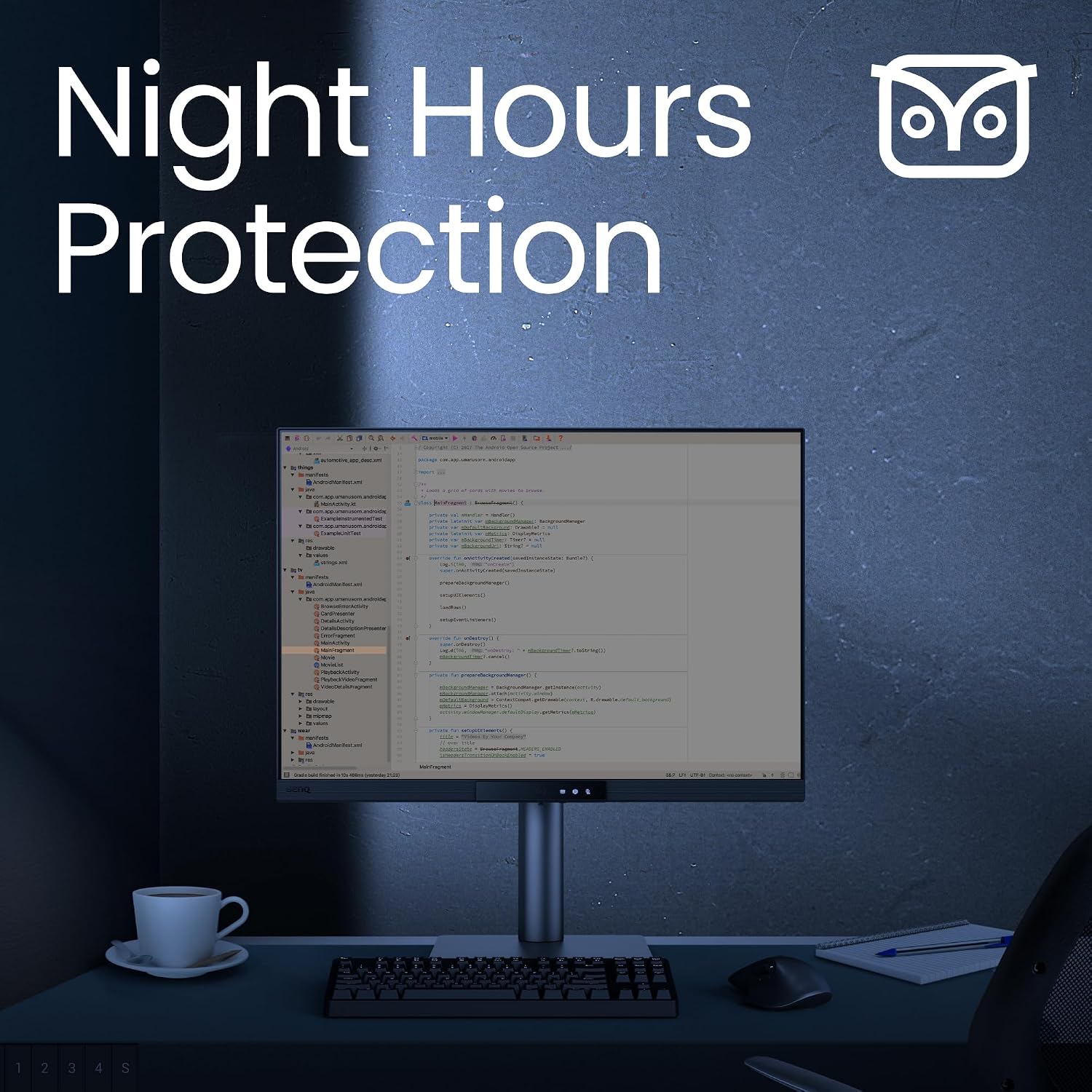
- Night Hours Protection: Using ambient light sensors, this mode drops the display's minimum luminance to exceptionally low levels—far below what standard consumer monitors permit—allowing you to work comfortably in dark rooms without searing your retinas.
If you are interested in how different screen technologies impact eye strain during long productivity sessions, read our guide on The Great OLED Backlash: VRR Flicker & Text Fringing.
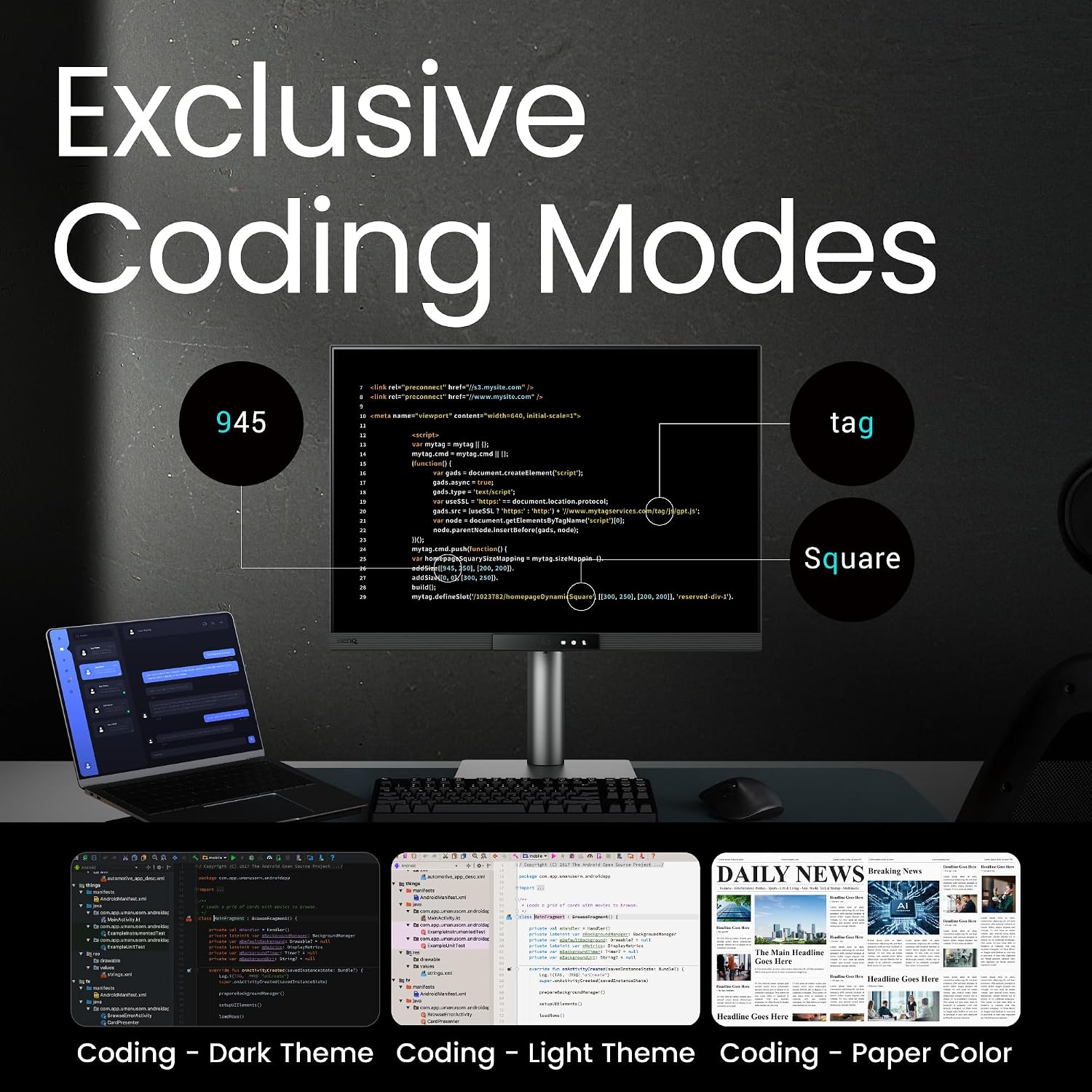
Real-World Testing: Algorithms & Live Data Streams
During real-world testing in developer environments, the 3:2 layout proved to be a game-changer across multiple workflows:
The IDE Experience
Working in modern AI-assisted IDEs like Google Antigravity or VS Code usually requires dividing your screen into multiple panels: a file explorer tree on the left, an inline AI chat panel on the right, the main editor in the center, and a terminal output terminal at the bottom. On a standard 16:9 screen, opening the bottom terminal panel severely crushes your editor height. On the 3:2 RD280UG, you can comfortably keep a 25-line terminal open at the bottom while still displaying 60+ lines of active code in the editor above it.
Quantitative & Live Data Workflows
For quantitative traders, financial analysts, and backend engineers, the taller screen is ideal for stacking live data feeds. You can stack three terminal windows vertically to monitor live WebSocket market streams, server health metrics, and Python trading script logs without lines truncating or auto-scrolling past your eyes too quickly.
Pros & Cons
Pros:
- 3:2 Aspect Ratio (3840 x 2560): A massive, transformative quality-of-life upgrade for writing code and inspecting text.
- 120Hz Refresh Rate: Text scrolling and cursor movements are exceptionally fluid.
- Eye Care Suite: Nano Matte anti-glare finish, MoonHalo rear bias lighting, and Night Hours mode genuinely mitigate eye fatigue.
- Single-Cable Hub: 90W USB-C PD charges demanding developer laptops effortlessly.
Cons:
- Poor Media & Gaming Performance: Standard 16:9 movies and console games display with thick black letterbox bars at the top and bottom.
- Premium Price Tag: Specialized niche engineering commands a higher price than standard 27-inch 4K monitors.
- Underwhelming Built-in Speakers: The integrated speakers are basic (though most developers use headphones anyway).
Final Verdict / Editor’s Take
The BenQ RD280UG is a specialized, purpose-built masterpiece. It makes no compromises to cater to gamers or movie buffs; instead, it focuses relentlessly on being the single best display tool for software engineers, quantitative analysts, and text-heavy power users.
If your daily work revolves around IDEs, terminal windows, and continuous code inspection, the 3:2 aspect ratio combined with a 120Hz refresh rate and MoonHalo bias lighting will make returning to a standard 16:9 monitor nearly impossible. It is a premium investment, but one that pays dividends in productivity, context retention, and eye comfort every single day.
Gallery
About the Author

Eli Nolan
Eli Nolan is a seasoned tech enthusiast and gaming monitor specialist. With years of experience testing the latest display technologies, Eli provides deep insights into performance, color accuracy, and value. When not benchmarking monitors, he can be found exploring the latest open-world RPGs or fine-tuning his workstation setup.