Best 4K Monitors for PS4 Pro in 2027: Console Gaming & HDR Buying Guide
By Paolo Reva | Last Updated October 18, 2026 (2027 Edition)
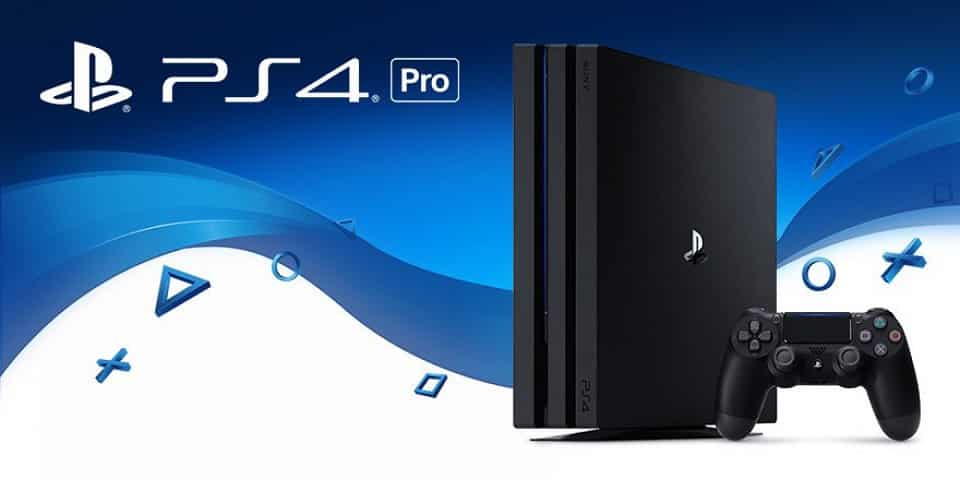
When Sony launched the PlayStation 4 Pro, it marked the console industry's first major leap into 4K rendering and High Dynamic Range (HDR10) visuals. By utilizing an upgraded 4.2 TFLOP Polaris GPU and sophisticated checkerboard rendering, the PS4 Pro gave millions of gamers their first taste of high-fidelity console gaming.
Even today, the PS4 Pro remains a formidable entertainment machine. Its legendary catalog of first-party exclusives—including God of War Ragnarok, Ghost of Tsushima, The Last of Us Part II, Spider-Man, Bloodborne, and Horizon Forbidden West—looks breathtaking on a high-density computer display.
However, choosing a monitor for the PS4 Pro comes with a critical hardware caveat that catches many buyers off guard: the PS4 Pro does not natively support 1440p (2560x1440) resolution.
Unlike the Xbox One X or modern PC graphics cards, the PS4 Pro’s video output is strictly limited to either 1080p or native 4K UHD (3840x2160). If you connect a PS4 Pro to a standard 1440p monitor that lacks an internal 4K downscaler, the console will downscale its video feed to 1080p, resulting in a soft, blurry image.
To experience the sharp textures and rich HDR contrast the PS4 Pro was engineered to deliver, a true native 4K display is virtually mandatory.
Whether you are creating a dedicated bedroom console setup, sharing a single desk between a PC and PlayStation, or investing in a display that will seamlessly upgrade to a PS5 or PS5 Pro in the future, here are the best 4K monitors for the PS4 Pro in 2027.
Why a 4K Gaming Monitor Beats a TV for PS4 Pro
The Monitor Advantage:
- Ultra-Low Input Latency: Even high-end 4K TVs in "Game Mode" typically exhibit 12ms to 20ms of input lag. A dedicated gaming monitor clocks in at 2ms to 8ms, giving you immediate hit-confirmation and snappier dodging in fast-paced action titles.
- Pixel Density (139 to 163 PPI): Staring at a 55-inch 4K TV from across the living room yields roughly 80 PPI. Placing a 27-inch or 32-inch 4K monitor at arm's length (60cm) delivers 140 to 163 pixels per inch. Fine character armor details, distant foliage, and text render with retina-like clarity.
- Compact Battlestation Duality: Gaming monitors feature multiple HDMI and DisplayPort inputs, allowing you to connect a work laptop, gaming PC, and PS4 Pro to the same display without taking over the family living room.
Understanding PS4 Pro Video Output & Bandwidth
The PS4 Pro relies on an HDMI 2.0a output with HDCP 2.2, capping maximum transmission bandwidth at 18.0 Gbps. Understanding this pipeline ensures you get the highest visual fidelity out of your display:
RGB vs. YUV420 Color Format in 4K HDR:
When displaying 4K in SDR at 60Hz, the PS4 Pro outputs full uncompressed RGB (4:4:4) color. However, because HDMI 2.0 bandwidth cannot fit 4K 60Hz with 10-bit HDR simultaneously, the console automatically switches color encoding to YUV420 (chroma subsampling) when HDR is toggled on.
A high-quality 4K IPS, Mini-LED, or OLED monitor handles YUV420 chroma decoding cleanly, preserving rich HDR contrast and vibrant specular highlights without color banding along font edges.
1. Best Overall 4K Monitor for PS4 Pro: Dell S2725QS
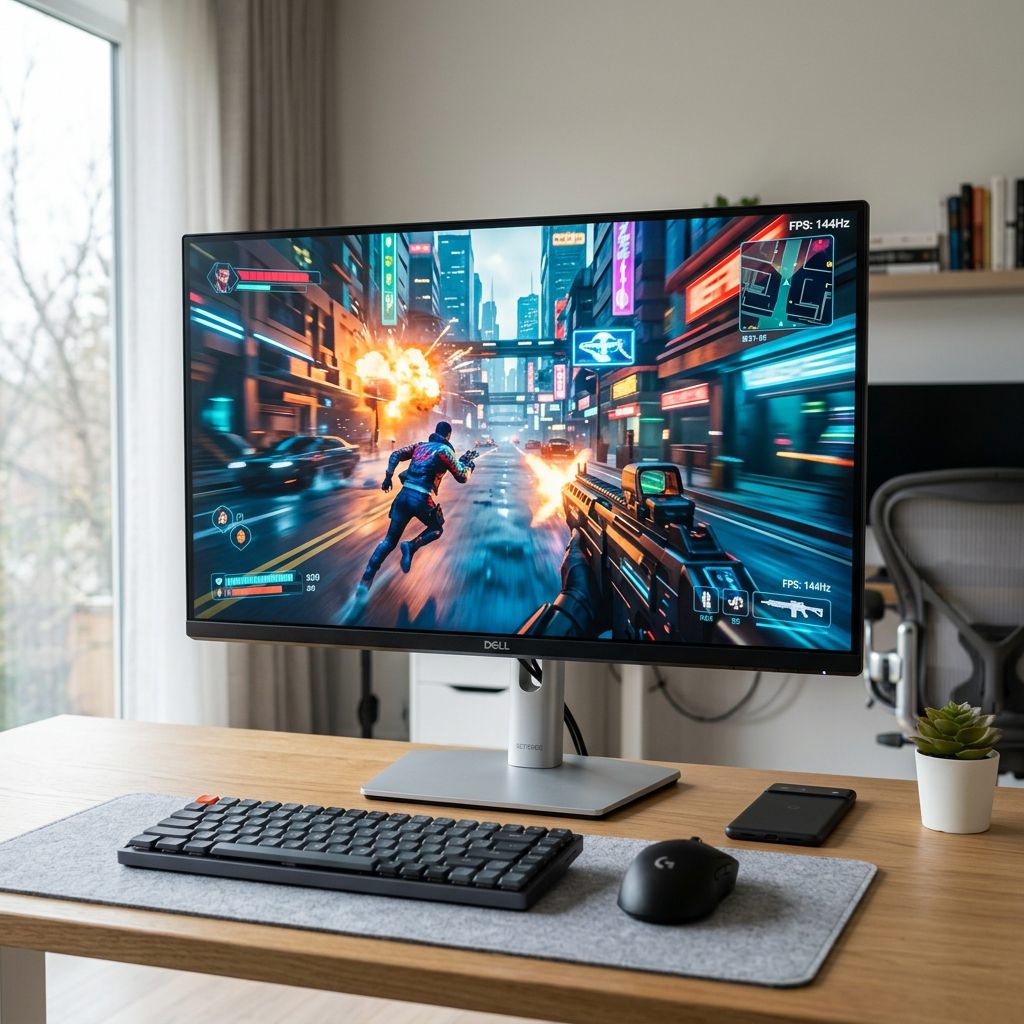
For most console gamers, the Dell S2725QS represents the absolute sweet spot of price, pixel density, and console versatility.
Featuring a 27-inch 3840x2160 Fast IPS panel, the S2725QS delivers an extraordinary 163.2 PPI. Checkerboard 4K games like God of War and Horizon Zero Dawn look razor-sharp, eliminating the jagged pixel edges found on lower-resolution screens.
Dell equipped the S2725QS with dual HDMI ports supporting HDCP 2.2, ensuring full compatibility with the PS4 Pro's 4K HDR gaming and streaming apps (Netflix, Prime Video, YouTube).
Crucially, the S2725QS natively refreshes up to 120Hz. While the PS4 Pro caps out at 60Hz, this 120Hz headroom means that if you eventually upgrade to a PlayStation 5, gaming PC, or Xbox Series X, the monitor is already fully prepared to push high-framerate 120 FPS modes.
2. Best Budget 4K Mini-LED HDR Monitor: INNOCN 27M2V / 32M2V
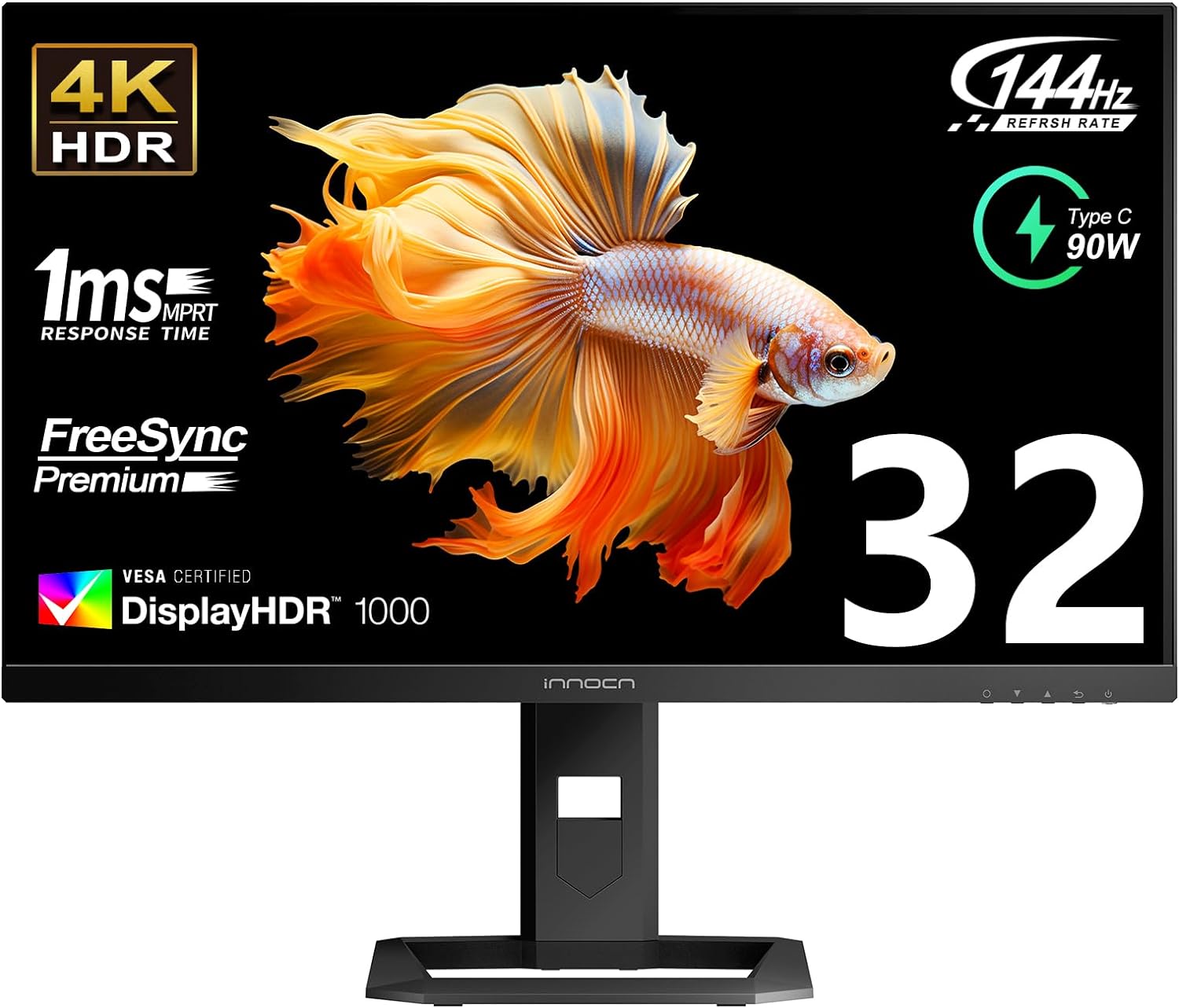
Most budget 4K monitors carry meaningless "HDR400" badges that merely accept an HDR signal without having the hardware backlight zones required to render true dynamic range. The INNOCN 27M2V shatters that compromise.
Equipped with a Full-Array Local Dimming (FALD) Mini-LED backlight sporting 1,152 independent zones, the INNOCN produces over 1,000 nits of peak HDR brightness with deep, controlled black levels.
In atmospheric PS4 Pro titles like The Last of Us Part II or Resident Evil 2 Remake, dark corridors remain pitch black while emergency flashlights and fire bursts pierce through with blinding intensity. With 99% DCI-P3 and 99% Adobe RGB color coverage, color saturation is reference-grade.
It also includes HDMI 2.1 connectivity, providing a future-proof bridge for next-gen consoles.
3. Best Work & Play 4K Display: Dell UltraSharp U3223QE
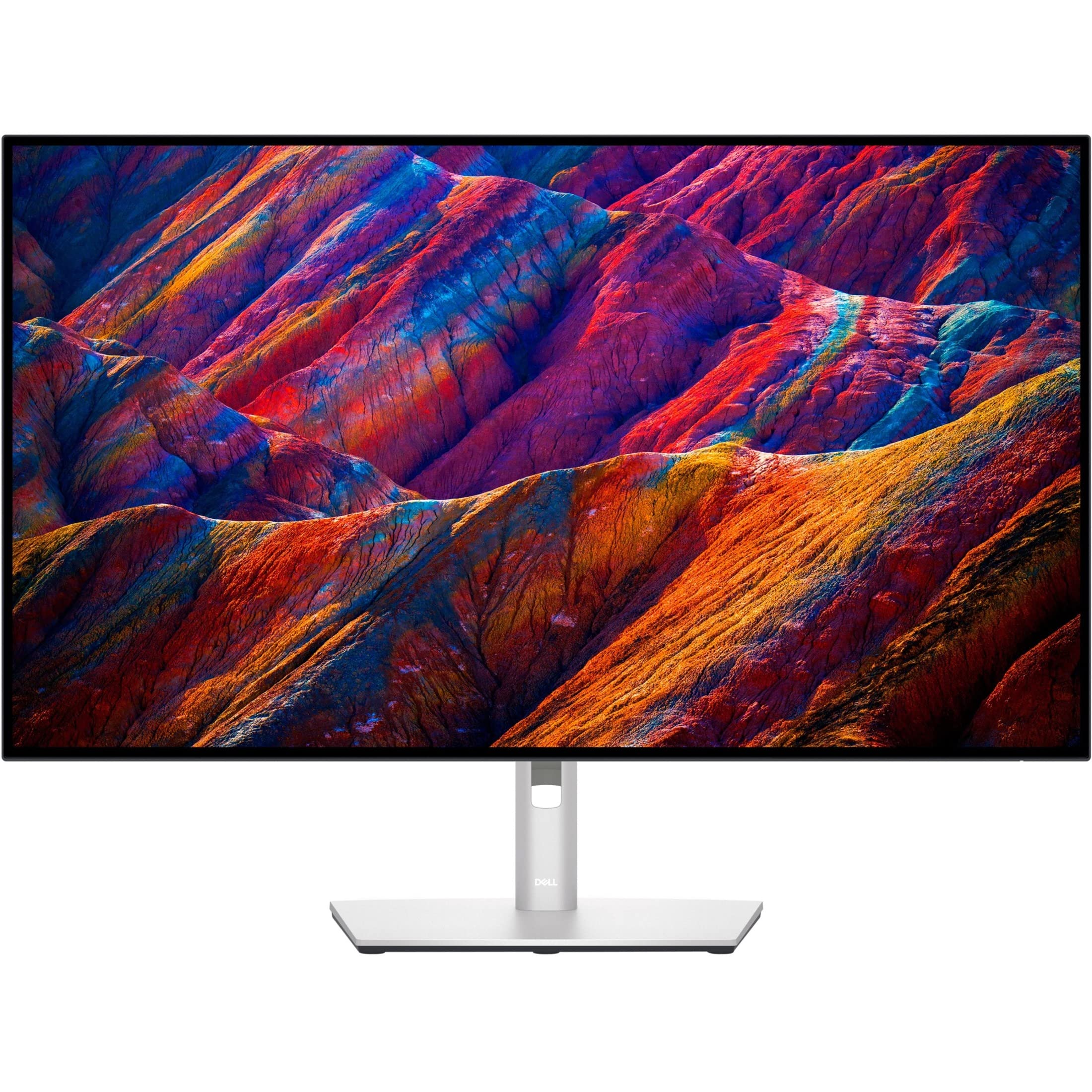
If your monitor needs to pull double duty as a high-end productivity hub for your Mac or PC by day, and an immersive PS4 Pro gaming screen by night, the Dell UltraSharp U3223QE is the undisputed reference choice.
The U3223QE features LG Display's IPS Black panel technology, doubling traditional IPS contrast up to 2,000:1. Shadowy scenes that usually look washed out or gray on standard IPS monitors exhibit rich, deep contrast with zero backlight bleed.
With a massive 31.5-inch 4K screen, expansive games like Ghost of Tsushima and Death Stranding envelop your vision. The monitor includes a comprehensive single-cable 90W USB-C docking hub, integrated KVM switch, and dual HDMI ports, allowing you to switch between work and PlayStation gaming with a single button press.
4. The Ultimate OLED Flagship: LG UltraGear 32GS95UE
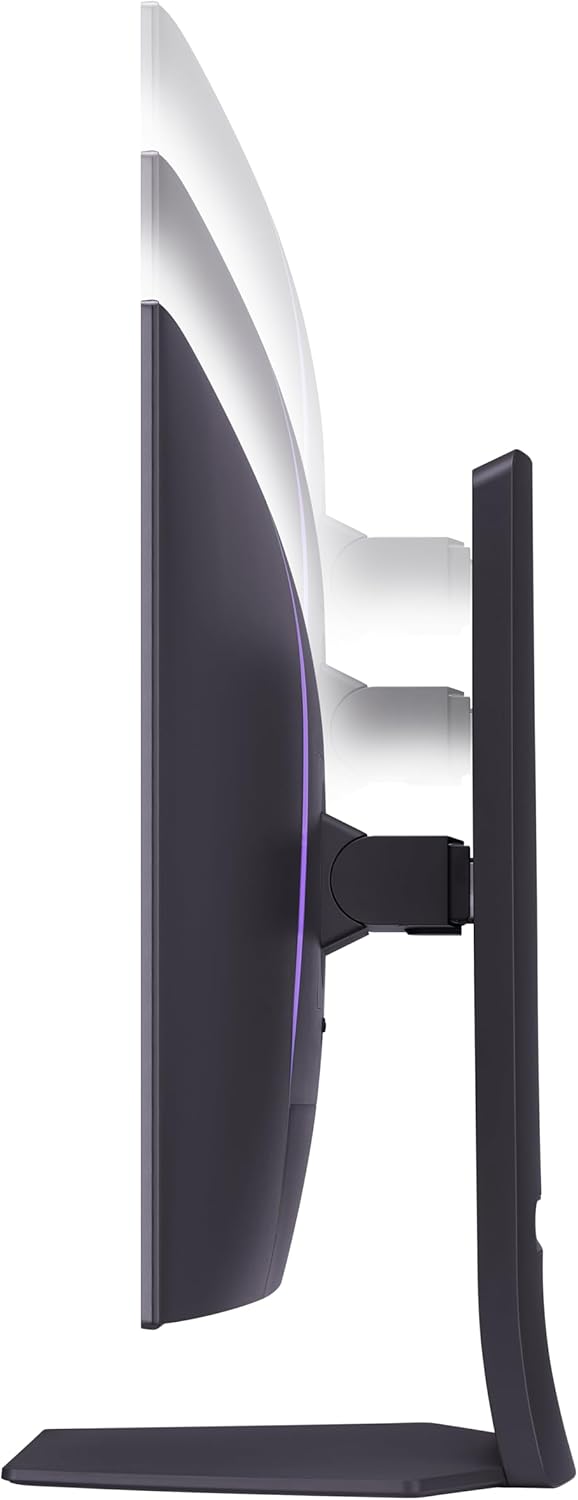
For enthusiasts seeking the pinnacle of visual perfection, the LG UltraGear 32GS95UE delivers a tier of contrast and responsiveness that no traditional LCD can touch.
Powered by LG Display's 4th-Gen WOLED with Micro Lens Array+ (MLA+) optical engineering, each of the 8.3 million pixels turns off completely to produce absolute 0.0000 cd/m² true blacks. Contrast is mathematically infinite.
In titles like Bloodborne, The Last of Us, and Demon’s Souls, the per-pixel illumination creates an image with zero haloing or blooming. With an instantaneous 0.03ms GtG response time, fast-moving action exhibits zero ghosting.
LG also integrated its innovative Pixel Sound technology directly into the panel face: internal sound exciters vibrate the screen itself to project stereo audio directly at your ears, delivering punchy console sound without needing external desktop speakers.
5. Best 4K Mini-LED Flagship with eARC: BenQ MOBIUZ EX321UX

If you want the massive HDR highlight punch of Mini-LED without the cumulative burn-in risks of OLED, the BenQ MOBIUZ EX321UX is an extraordinary engineering achievement.
Featuring 1,152 full-array local dimming zones on a 32-inch 4K Fast IPS panel, the EX321UX sustains over 1,000 nits of brightness across full-screen white windows. Unlike OLEDs that dim when the whole screen is bright, sunny vistas in Uncharted 4 and Horizon Forbidden West remain dazzlingly luminous.
For PlayStation owners with high-end audio setups, the EX321UX features HDMI 2.1 with eARC (Enhanced Audio Return Channel). You can plug your PS4 Pro into HDMI 1 and route lossless uncompressed audio directly out of the monitor into a Sonos soundbar or AV receiver with zero lip-sync lag.
4K Monitors for PS4 Pro: 2027 Comparison Matrix
| Monitor Model | Screen Size | Resolution | Panel Tech | Peak Luminance | Dimming Zones | PS5 Upgrade Ready? |
|---|---|---|---|---|---|---|
| Dell S2725QS | 27 Inches | 3840 x 2160 | Fast IPS | 350 nits | Global Edge-Lit | Yes (120Hz) |
| INNOCN 27M2V | 27 Inches | 3840 x 2160 | Fast IPS Mini-LED | 1,000+ nits | 1,152 Zones | Yes (HDMI 2.1 160Hz) |
| Dell UltraSharp U3223QE | 31.5 Inches | 3840 x 2160 | IPS Black | 400 nits | Global (2000:1) | Yes (4K 60Hz) |
| LG UltraGear 32GS95UE | 31.5 Inches | 3840 x 2160 | 4th-Gen WOLED | 1,300 nits | Per-Pixel (8.3M) | Yes (4K 240Hz / 480Hz) |
| BenQ MOBIUZ EX321UX | 31.5 Inches | 3840 x 2160 | Fast IPS Mini-LED | 1,000+ nits | 1,152 Zones | Yes (HDMI 2.1 eARC) |
| Alienware AW3225QF | 31.5 Inches | 3840 x 2160 | Gen 3 QD-OLED | 1,000 nits | Per-Pixel (8.3M) | Yes (4K 240Hz Curved) |
How to Set Up Your PS4 Pro for 4K HDR on a Monitor
To unlock full 4K UHD and HDR on your display, follow this 4-step configuration protocol:
PS4 Pro Display Settings Checklist:
- Enable HDMI Enhanced Format on Monitor: In your monitor’s on-screen display (OSD), confirm that the HDMI port is set to HDMI 2.0 / HDMI 2.1 Enhanced mode rather than Standard mode to unlock full 18Gbps+ bandwidth.
- Configure Video Output Settings: On your PS4 Pro, navigate to Settings > Sound and Screen > Video Output Settings.
- Set Resolution to 2160p - YUV420 or Automatic.
- Set RGB Range to Automatic.
- Set HDR to Automatic.
- Set Deep Color Output to Automatic.
- Verify Output Signal: Select Video Output Information in the same menu. Confirm that the display reports:
- Resolution: 3840 x 2160 - 60Hz
- Color Format: RGB (in SDR) or YUV420 (in HDR)
- HDCP: 2.2
- HDR: 2K/4K Supported
- Enable Boost Mode: Go to Settings > System > Boost Mode and ensure it is checked. Boost Mode unlocks the PS4 Pro's higher GPU clock speeds in games that were released before the Pro launched, stabilizing frame rates and reducing frame pacing stutters.
Decisive Verdict: Which 4K Monitor Should You Choose?
- The Best Value 4K Pick: The Dell S2725QS offers unbeatable 163.2 PPI sharpness, smooth 120Hz Fast IPS performance, and dual HDMI ports ready for both PS4 Pro and next-generation consoles.
- The Best Budget HDR Powerhouse: The INNOCN 27M2V brings 1,152 Mini-LED dimming zones and true DisplayHDR 1000 punch to your desk at an incredible price point.
- The Ultimate Contrast & Speed Reference: The LG UltraGear 32GS95UE delivers true 0.0000 cd/m² blacks, 0.03ms response times, and immersive Pixel Sound technology for the pinnacle of console gaming.
- The High-End Mini-LED Benchmark: The BenQ MOBIUZ EX321UX pairs 1,152 dimming zones with HDMI 2.1 eARC audio passthrough for the ultimate desk entertainment experience.
About the Author

Paolo Reva
Paolo is a gaming veteran since the golden days of Doom and Warcraft and has been building gaming systems for family, friends, and colleagues since his junior high years. High-performance monitors are one of his fixations and he believes that it’s every citizen’s right to enjoy one. He has gone through several pieces of hardware in pursuit of every bit of performance gain, much to the dismay of his wallet. He now works with Monitornerds to scrutinize the latest gear to create reviews which accentuate the seldom explained aspects of a PC monitor.